
Semantic video search
Search for moments using natural language instead of manually scrubbing the timeline, which is useful when you know what happened but not the exact timestamp.

JumprAI is a Chrome extension that lets you search inside YouTube videos with AI-powered semantic search. It helps you jump to the relevant timestamp by typing what you want to find in natural language.
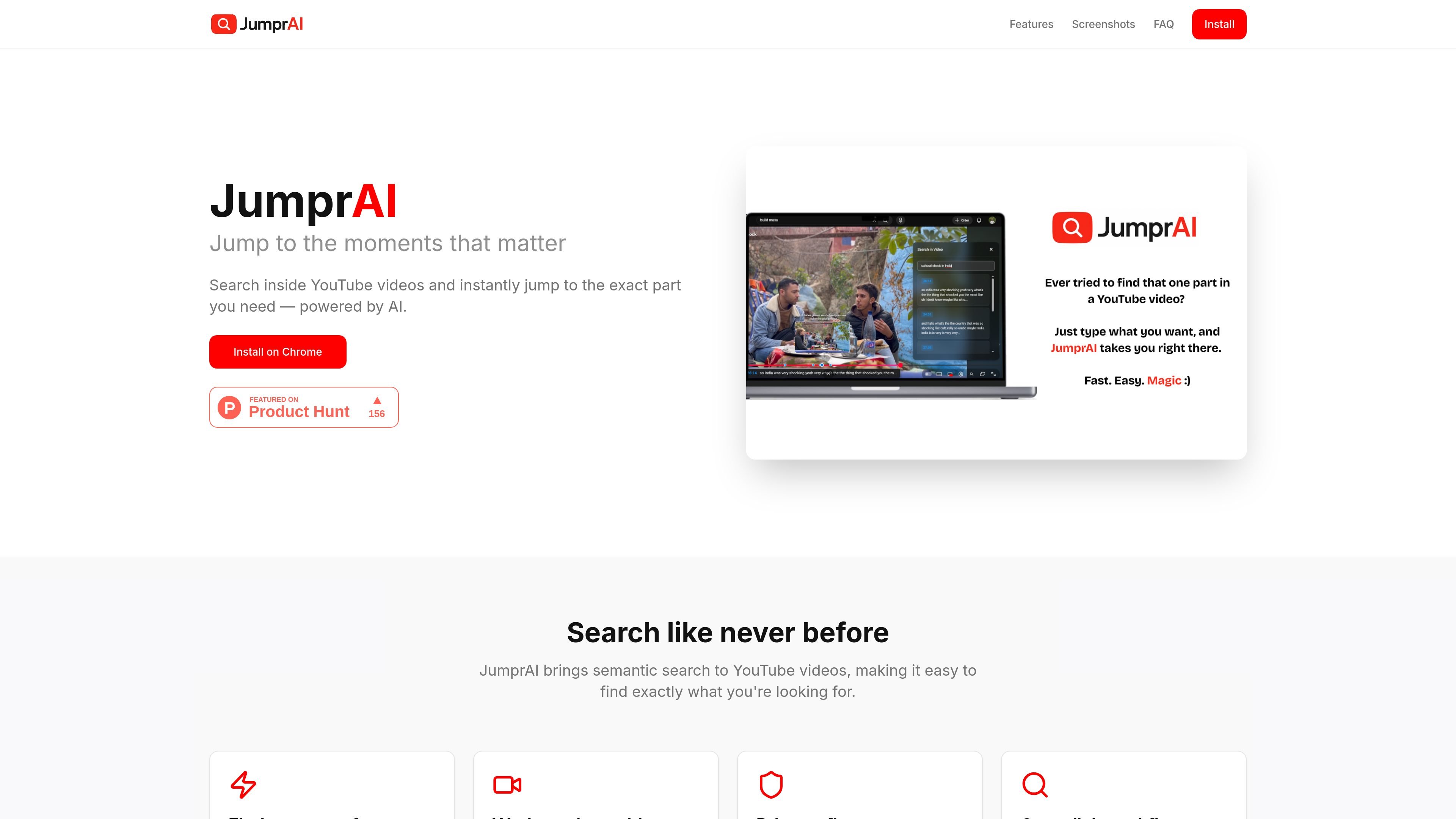
JumprAI is a Chrome extension that adds AI-powered semantic search to YouTube videos. It is built to help people find the exact moment in a video by typing what they are looking for in natural language rather than scrubbing through the timeline manually.
According to the site, JumprAI works inside the YouTube player, where a search button lets you open a query, review matching moments, and jump directly to a timestamp. The product is positioned around fast video navigation, transcript-based search, and minimal data collection.
Search for moments using natural language instead of manually scrubbing the timeline, which is useful when you know what happened but not the exact timestamp.
Click the embedded search button in the YouTube player to start a search without leaving the page or switching tools.
The extension automatically handles transcripts and is described as working with videos of any length, from short clips to long lectures.
The privacy policy says the extension only sends the search query and video ID to its backend, with no tracking cookies or browsing-history collection.
Search results are meant to take you directly to the relevant timestamp so you can move from query to moment with fewer steps.
Use JumprAI when you remember a topic, quote, or scene from a YouTube video but do not know the exact time it appears.
Search inside long-form content such as lectures, interviews, or tutorials when manual scrubbing would take too long.
Look for a particular answer, explanation, or mention inside a video by describing it in plain language instead of guessing keywords.
Move from a search result to the relevant timestamp quickly when you need to review or cite a section of a video.
JumprAI is designed as a Chrome extension for YouTube. The source materials do not document support for other browsers or platforms.
The extension adds a search button directly in the YouTube player. You open a video, click the JumprAI button, type a natural-language query, and select a result to jump to the matching timestamp.
Its functionality depends on captions being available on the video. The terms state that search may not work for all videos because caption availability is determined by the creator and YouTube’s auto-caption system.
The privacy policy says JumprAI only processes the video ID and the search query needed to return timestamps. It says it does not collect browsing history, personal information, tracking cookies, or data from other websites or tabs.
The support page provides an email contact for help: [email protected].

Hype is a web tool for finding trending YouTube topics by category, time range, and scoring mode. It helps creators spot emerging ideas, inspect source videos, and decide what to cover next.

Tavus is an AI video platform for building real-time, face-to-face agents, digital twins, and AI companions. It combines APIs, custom replicas, and multilingual conversational workflows for developers and teams.

ClayHog — платформа для AI-поиска, которая помогает отслеживать видимость бренда в ChatGPT, Gemini, Perplexity, Claude и Google AI Overviews из одной панели.

HiringPartner.ai is an autonomous AI recruiting platform for sourcing, screening, and interviewing candidates 24/7. It supports ATS-connected workflows, bulk resume uploads, and reviewable interview outputs for hiring teams.

Grok — это бесплатный ИИ-помощник, разработанный xAI, который ставит во главу угла правдивость и объективность, предлагая расширенные возможности, такие как доступ к информации в реальном времени и генерация изображений.

VForms lets you place questionnaires directly inside YouTube videos so viewers answer in context instead of switching to a separate form. It is aimed at collecting feedback and insights through timestamped, embeddable video forms.