
OG Image creation
Build custom link-preview cards in a 1200x630 canvas with live preview, typography controls, gradients, layout options, and brand asset uploads.

Kanini is a browser-based suite of local-first productivity and creative tools for students, researchers, and creators. It emphasizes private, no-upload workflows for tasks like OG image design, research filtering, and photo redaction.
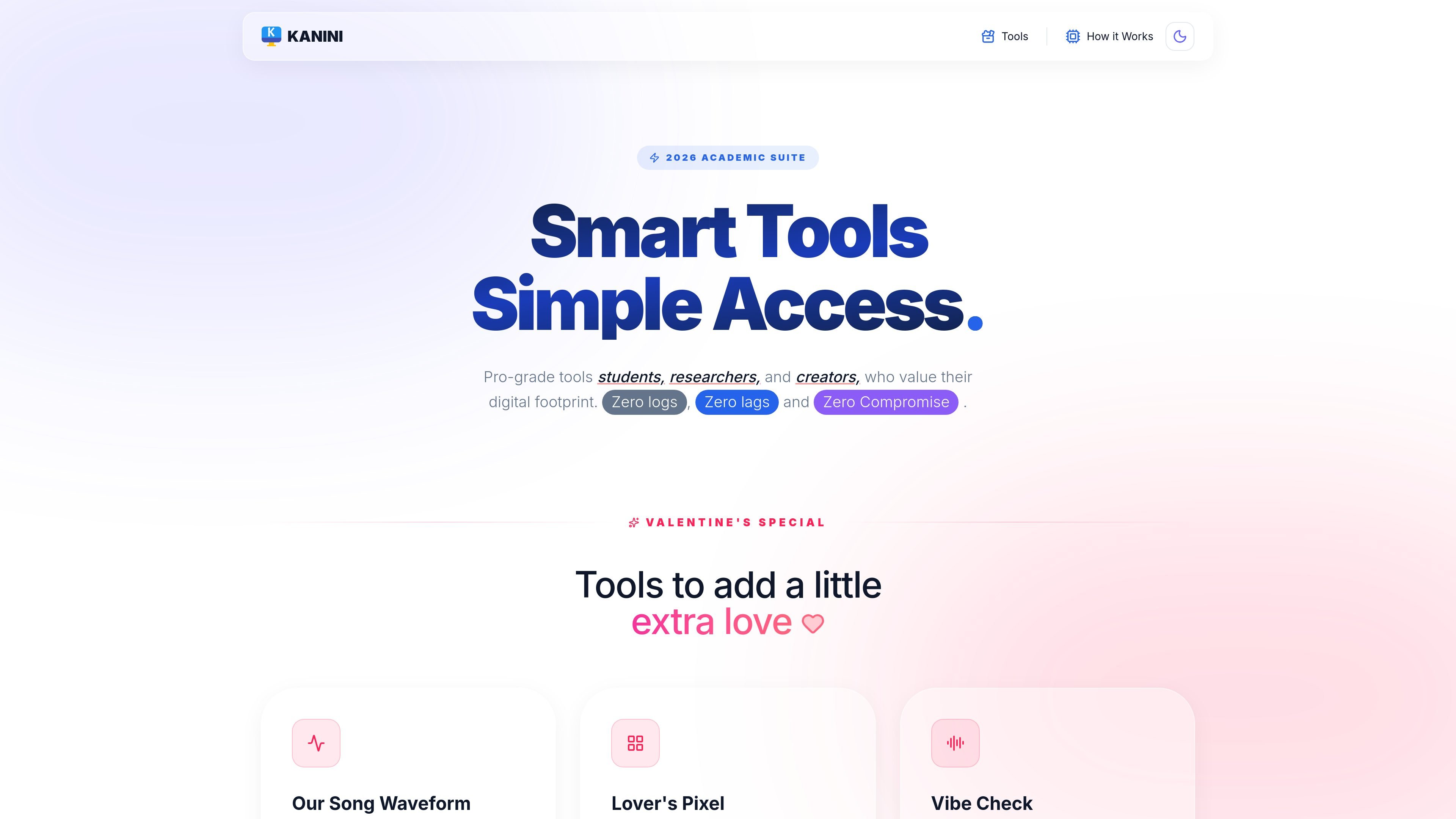
Kanini is a collection of browser-based productivity and creative tools for students, researchers, and creators. The site positions the suite around local processing, privacy, and a low-friction workflow: no sign-up, no credit card, and no data uploaded to a server.
The product includes a mix of practical utilities and creative generators, such as OG Image Studio for link previews, Deep Research for source filtering, and Redaction Studio for local image editing. Several tools are described as running entirely in the browser, with some available offline after the page is loaded.
Build custom link-preview cards in a 1200x630 canvas with live preview, typography controls, gradients, layout options, and brand asset uploads.
Filter search queries for academic, government, PDF, and organization sources to reduce SEO spam and AI-generated results.
Blur or black out sensitive parts of images locally with brush size and softness controls, then download a flattened, watermark-free file.
Convert text to Unicode fonts, create stylized study-room timers, scale recipes, split Instagram grids, and other browser-based utilities.
Keep processing in the browser with zero-storage positioning, no account requirement, and offline operation for some tools after initial load.
Design branded social and marketing link previews without opening a desktop design tool. OG Image Studio provides a 1200x630 canvas, real-time preview, and export options for common sharing platforms.
Search for credible sources while avoiding low-quality results. Deep Research adds filters for academic, government, PDF, and organization domains, then lets you copy the query into supported search engines.
Redact personal data from documents or photos before sharing them. Redaction Studio lets you brush over sensitive areas locally and download a flattened image that removes the original data underneath.
Format study or creator workflows in the browser. The suite includes tools like Recipe Scaler, Social Threader, Bio Stylist, and Lo-Fi Study Room for everyday content and productivity tasks.
Kanini’s tools run in the browser and the site says there is no sign-up or credit card required. The home page also says the product follows a zero-storage approach, and the Essay Humanizer FAQ says processing happens in browser memory and is wiped on refresh.
The site says some tools work 100% offline after the page is loaded because the logic lives in the browser. It also says you need an internet connection only to load the page initially.
Yes. The Deep Research tool says you can copy the generated search query and use it with search engines that support advanced search operators, including Bing and DuckDuckGo.
The Redaction Studio FAQ says downloaded images are flattened so the original data is physically removed, and the result is watermark-free. The OG Image Studio lets you upload transparent PNGs or SVGs for custom branding.

Goldfish is an AI memory app for macOS that helps you reply, write, summarize, and continue using the context already on your Mac. It stores memory locally and writes in your tone.

Topple.lol is a public pay-to-rank leaderboard where listings start at $1 and their bid balance decays over time and with clicks. It helps makers and marketers buy short-term visibility for product sites or X profiles while tracking live board stats.

ProWritingAid is a writing assistant for storytellers that offers grammar checking, style editing, paraphrasing, and story analysis inside popular writing apps. It includes a free plan, paid tiers, and tools for chapter critique, manuscript review, and collaborative editing.

SpeakoFlow is a free, open-source desktop voice-to-text app for Windows, macOS, and Linux. It supports dictation into any app, voice-driven writing with Flow, cleanup, translation, and a screen-aware assistant.

Paperpal 是一款面向学术写作的 AI 工具,提供文献阅读、语言润色、引用、查重、AI 检测和投稿前检查。它适合需要在英文论文和学术材料上进行写作、修改与合规自检的学生、研究人员和教师。

Sanota is an app that turns spoken memories, reflections, and interviews into clear written stories. It supports personal storytelling, family history, and shared memories, with guided prompts and subscription pricing.