
Conversational agent builder
Describe the agent goal in natural language, then refine stages, rules, prompts, and decision points in a guided builder.

Latenode’s AI Agent Builder helps teams create workflow-based AI agents that connect data, apply rules, and act across apps. It includes a free tier, runtime-based pricing, and deployment options for webhooks, APIs, schedules, and internal automations.
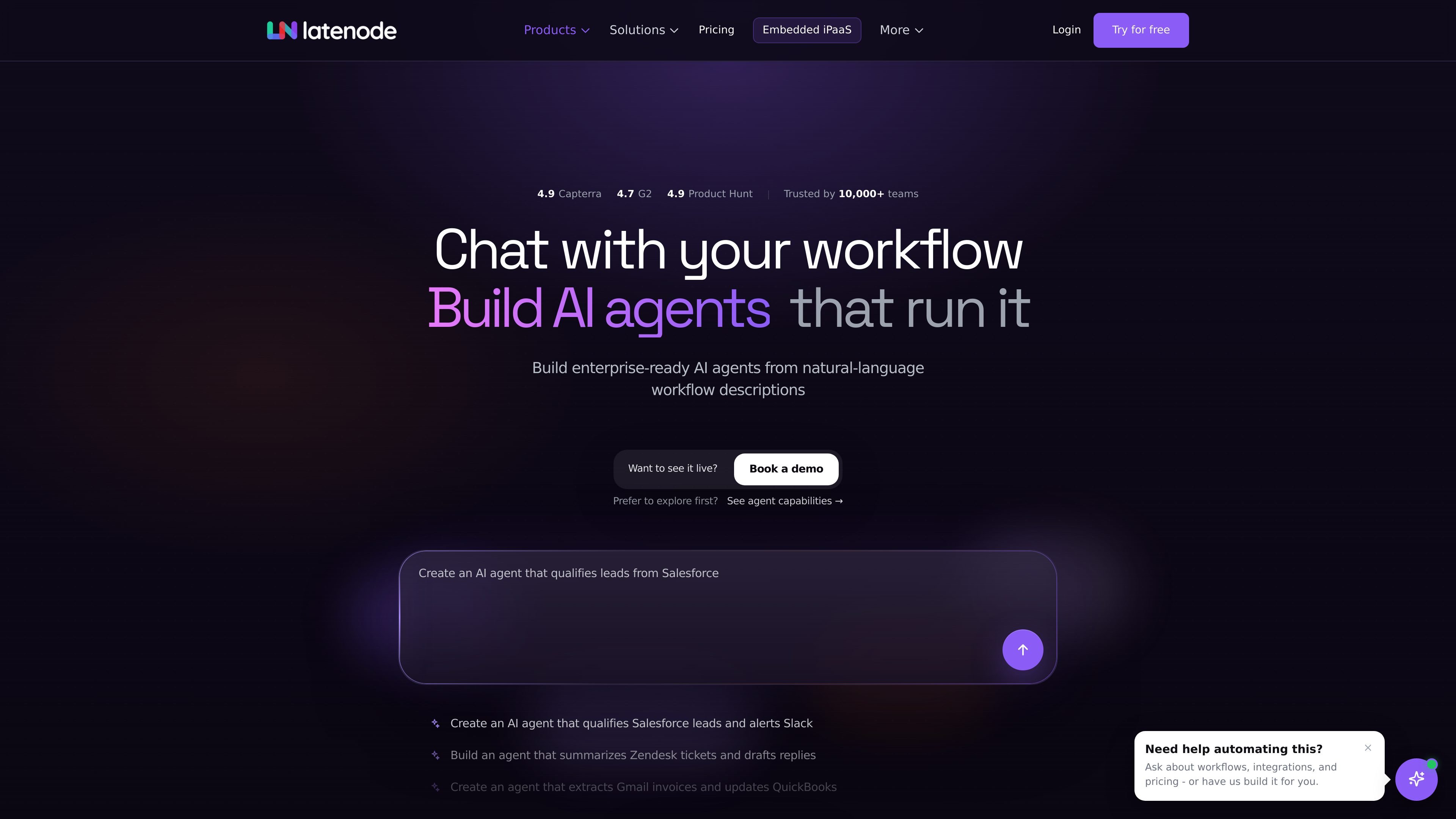
Latenode’s AI Agent Builder is a workflow automation product for creating agents that can reason, use connected tools, and take action across apps. The page frames it as a way to turn manual handoffs into agentic automation that handles requests, checks context, applies rules, and sends updates.
The builder is aimed at business workflows that need more than a single prompt. Users can describe the goal in natural language, connect data sources and tools, add decision logic and approvals, and deploy the result as an automation that runs through webhook, API, scheduled, chatbot, or internal workflow triggers.
Describe the agent goal in natural language, then refine stages, rules, prompts, and decision points in a guided builder.
Connect documents, knowledge bases, apps, APIs, databases, and models so the agent can act using business context.
Add conditions, approvals, prompts, stages, and JavaScript where a workflow needs tighter control over decisions.
Deploy agents as webhook triggers, API endpoints, scheduled jobs, chatbot workflows, or internal automations.
Test, debug, and release changes with version control, traceable history, monitored releases, and governed access.
Run workflows on processing time instead of per-operation billing, with a free monthly allowance and spend controls on paid usage.
Qualify incoming leads, update CRM records, score deals, and alert sales reps with the next action to take.
Triage support tickets, pull in account context, draft replies, and route urgent issues to the right person.
Intake invoices or other finance documents, flag exceptions, support approvals, and keep stakeholders updated on status.
Move assets between systems, generate drafts, coordinate campaign work, and keep reporting and execution flowing.
Handle repeatable employee requests, onboarding tasks, document processing, and internal routing in HR.
Latenode describes an AI agent builder as a platform for creating, connecting, and managing agents that can reason, use tools, and take action across apps. The page also shows that you can build agents from natural-language workflow descriptions and deploy them into workflows.
The source shows a guided builder where you define the agent goal, connect data and tools, refine logic and decision control, and then deploy it as a webhook, API endpoint, scheduled job, chatbot workflow, or internal automation.
Yes. The pricing page says the platform includes a free plan with 10,000 CPU seconds per month, along with the core builder, AI agents, RAG, browser automation, and app access. Paid usage starts only when you scale beyond the free allowance.
The product pages position the builder for business workflows that need context, rules, approvals, and actions across connected systems. It is not presented as a simple chat-only tool; the source emphasizes workflow automation, app connections, and production controls.
The source highlights version control, safe testing, monitored releases, traceable history, and data safeguards, but it does not provide a full technical limits list on the page. Complex implementations may still require workflow design, rule setup, and connecting the right tools and data sources.

Codex Plugins bundle reusable skills, app integrations, and MCP servers into workflows you can install in the Codex app or use from Codex CLI. They help extend Codex with connected-service tasks, reusable instructions, and shared team workflows.

Awish is an AI-powered no-code automation platform that turns natural-language requests into automated workflows across connected apps. It serves individuals and teams that want to automate repetitive tasks, chat-based assistants, and workflow updates without manual configuration.

CreateOS Sandbox is an isolated compute environment for running code and agent workloads inside Firecracker micro-VMs. It is designed for workflows that need machine-level isolation, private networking between sandboxes, and programmatic control through SDK, CLI, or MCP.

Struere is an AI-native platform for turning spreadsheet data into structured operational software with dashboards, alerts, and automations. It is aimed at teams that want to replace manual spreadsheet workflows without building custom tools from scratch.

Wallie is an open-source AI streamer that watches your screen, hears chat, and generates live commentary in a configurable persona. It runs locally on your machine with your own keys and is aimed at faceless content, autonomous streams, and real-time reactions.

Make Real is a Next.js app that turns hand-drawn wireframes into working HTML prototypes using the tldraw SDK and AI models. It helps users sketch on a canvas, generate code, and review the result in an embedded preview.