
Prompt-based installation
Copy a single prompt into Lovable and the agent builds the supporting pieces it needs, including database tables, edge functions, a dashboard, and a cron schedule.

Lazy Unicorn provides single-prompt AI agents for Lovable projects, covering tasks like content, commerce, media, development, and operations. It supports self-hosted use inside a Lovable project and a coming managed Lazy Cloud option.
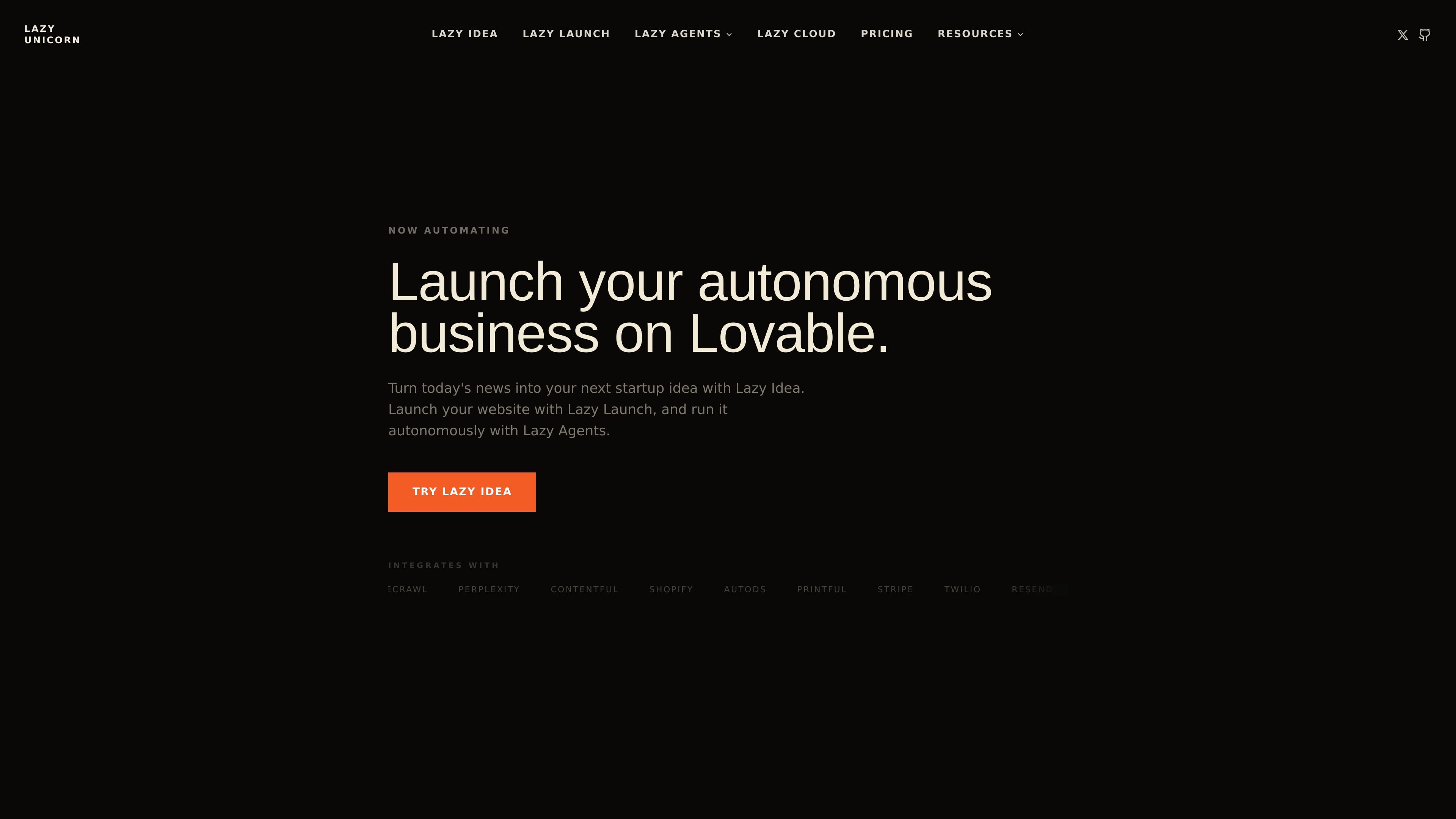
Lazy Unicorn is a library of AI agents for Lovable projects. Each agent is delivered as a single prompt that you paste into a Lovable app, where it can create the database tables, edge functions, UI, and cron schedule it needs to run.
The product is meant to help Lovable sites and apps keep operating after launch. Its agents cover tasks across content, commerce, media, development, and operations, and can run either self-hosted inside your project or through Lazy Cloud for a managed experience.
Copy a single prompt into Lovable and the agent builds the supporting pieces it needs, including database tables, edge functions, a dashboard, and a cron schedule.
Agents are designed to keep working after setup, publishing content, monitoring activity, processing orders, and reporting back without manual operation.
The catalog covers content, commerce, media, developer, and operations workflows, so users can choose agents for tasks such as blog posts, payments, podcasts, changelogs, and alerts.
The site offers self-hosted running for free and a managed Lazy Cloud path with automatic prompt updates, volume API keys, 24/7 monitoring, and daily backups.
Lazy Cloud is described as handling breaking changes and scaling concerns, while self-hosted users manage API keys, updates, and monitoring themselves.
The site lists integrations with services such as Firecrawl, Perplexity, Contentful, Shopify, Stripe, Twilio, Resend, ElevenLabs, Twitch, YouTube, GitHub, GitLab, Linear, Slack, Telegram, Supabase, and Aikido.
Use Lazy Launch to generate a Lovable prompt for a new site, then add supporting agents for blog content, SEO, payments, and related business functions.
Use content agents to research topics, publish blog posts, generate SEO and GEO content, and keep articles grounded in live web data or citations.
Use commerce agents to handle storefronts, one-time payments, subscriptions, email follow-ups, SMS reminders, and abandoned-checkout recovery.
Use media agents to turn written or live content into podcasts, audio narration, stream recaps, video content, and published summaries.
Use dev and ops agents to publish changelogs, summarize commits, monitor errors, open issues or pull requests, and keep the stack observable.
Lazy Unicorn is set up by pasting a single agent prompt into a Lovable project. The docs describe a quick start that can get you running in about 2 minutes, after which the agent creates the needed tables, edge functions, dashboard, and cron schedule.
It is built for Lovable projects. The source describes it as an autonomous layer for Lovable and a library of AI agents that install inside a Lovable project.
Each agent is a self-contained prompt that can install its own database tables, edge functions, UI, and scheduled tasks. Examples on the site include content, commerce, media, developer, and operations agents.
Yes. The site says agents can be run self-hosted for free, where you manage your own API keys, updates, and monitoring. Lazy Cloud is the managed option for hosted execution and monitoring.
The source says all agents are self-hosted in your own Lovable project on the free path. Lazy Cloud is the managed layer and is described as coming soon for hosted, zero-config operation.

Struere is an AI-native platform for turning spreadsheet data into structured operational software with dashboards, alerts, and automations. It is aimed at teams that want to replace manual spreadsheet workflows without building custom tools from scratch.

Goldfish is an AI memory app for macOS that helps you reply, write, summarize, and continue using the context already on your Mac. It stores memory locally and writes in your tone.

Lasso is an ecommerce product data platform for enriching catalog records, processing supplier files, generating product content, and monitoring competitors. It combines a web app with a REST API, SDK, and MCP server for teams and developers.

ArtDeck is a visual reference board app for iPhone, iPad, and Mac that lets artists collect mixed reference material on one canvas and study it with ToolBox lenses. It works offline, supports optional iCloud sync, and is sold as a one-time purchase with no account required.

Codex Plugins bundle reusable skills, app integrations, and MCP servers into workflows you can install in the Codex app or use from Codex CLI. They help extend Codex with connected-service tasks, reusable instructions, and shared team workflows.

garden-md is an open-source Node.js CLI that turns meeting transcripts into a local company wiki. It links entities across transcripts, keeps the original text intact, and renders the result as a browsable wiki.