
Connects to existing business tools
Connects to a customer’s existing tools, learns from the connected data, and turns company knowledge into AI-ready context without requiring migrations.

LemonLime is a business AI knowledge layer that connects to your existing tools, indexes company content, and powers search, answers, and agent actions. It is aimed at teams that want AI workflows grounded in their own business context without technical setup.
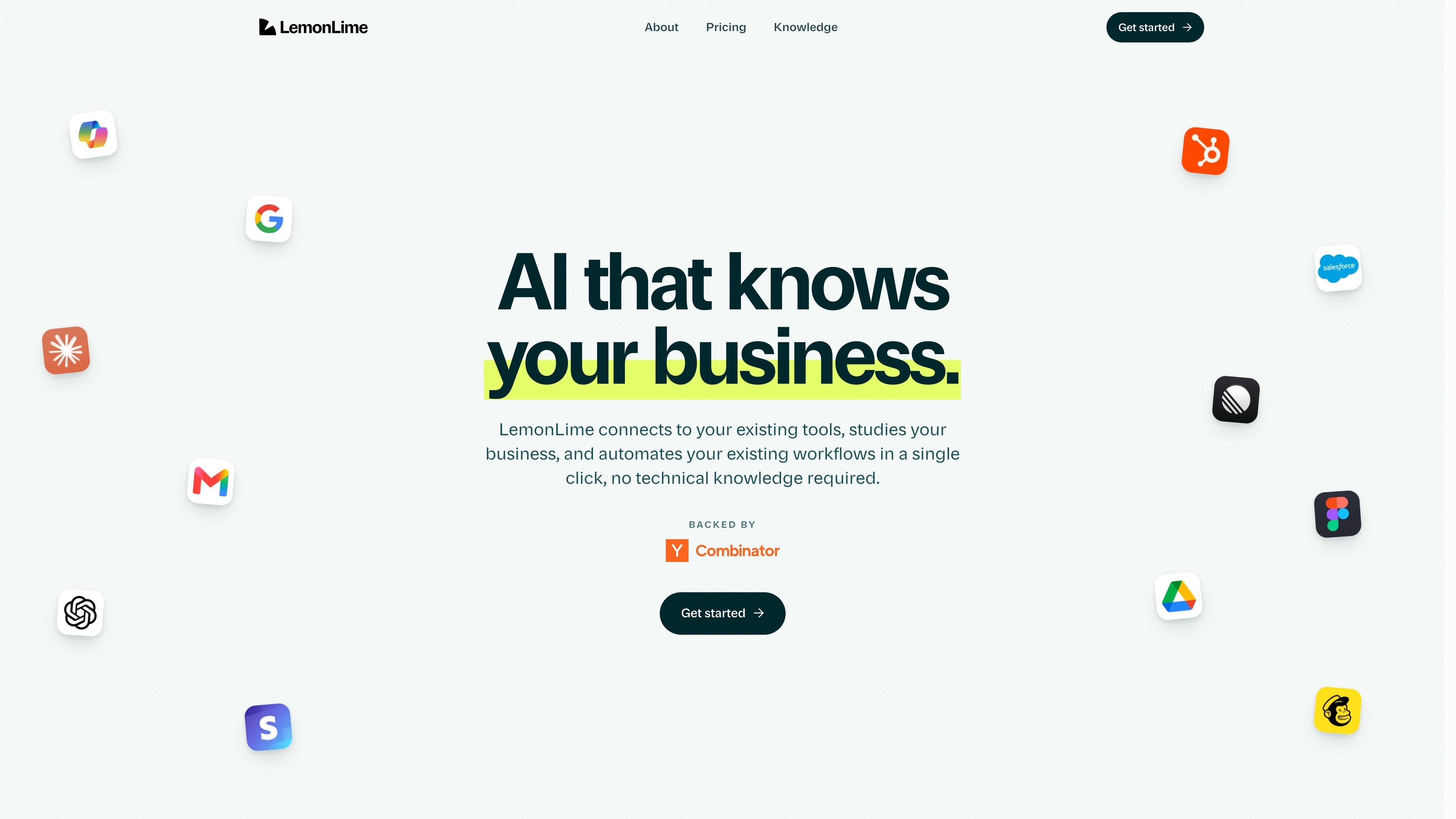
LemonLime is a business AI knowledge layer that connects to a company’s existing tools, indexes authorized content, and uses that foundation to power search, answers, and agent actions. The product is positioned as infrastructure for turning general-purpose models into systems that can work with company-specific data and processes.
The product pages emphasize fast deployment with no technical setup for the core workflow: connect the tools you already use, let LemonLime learn automatically, and then deploy agents and automations in minutes. The result is aimed at teams that want AI outputs grounded in their own business context rather than a generic chat experience.
Connects to a customer’s existing tools, learns from the connected data, and turns company knowledge into AI-ready context without requiring migrations.
Creates agents and automations automatically after the initial connection, with the product describing the process as self-creating workflows based on what the team needs.
Uses indexed customer content to power search and AI answers, so users can ask questions across emails, files, chats, and other connected sources.
Supports workflow examples across marketing, sales, operations, support, and finance, with the UI copy showing draft generation, lead scoring, contract summaries, ticket analysis, and burn-rate reviews.
Requests read access for indexing and only enables write or action permissions when a customer turns on an agent capability, with actions performed on an authorized user’s behalf and audit logged.
Offers Starter, Team, and Enterprise plans, with Team adding permission controls and activity history and Enterprise adding SSO/SAML, custom data location choices, and a dedicated account team.
A marketing team can ask for a campaign brief and have LemonLime pull from brand materials, past launches, and performance data to produce a more context-aware draft.
A sales team can surface high-conversion leads by comparing pipeline activity with historical closed-won patterns, then use the output to draft initial outreach.
An operations team can identify contracts due for renewal, summarize spend and deadlines, and assemble a shareable summary document.
A support team can investigate ticket spikes, connect the issue to a likely root cause, and draft updated help content for review.
A finance team can summarize burn-rate trends and flag unusual cost increases using connected financial data and supporting documents.
LemonLime describes itself as a business knowledge layer that connects to authorized tools, indexes a customer’s content, and powers search, answers, and agent actions inside those tools.
The source pages say you connect the platforms your team already uses and learning happens automatically, with no migrations required and no technical setup for the core workflow.
LemonLime says its agents can create drafts, summaries, support articles, lead lists, and other workflow outputs by pulling from connected resources and committing changes to memory.
Pricing is organized into Starter, Team, and Enterprise plans. Starter and Team are monthly plans with a base price shown on the pricing page, while Enterprise is sold through sales contact for custom solutions.
The security page says LemonLime uses read access to index content and only requests write or action scopes for agent capabilities the customer enables. It also says customer data is isolated and deleted when an integration is disconnected or an account is closed.

Falconer is an AI-powered company brain that keeps internal documentation accurate, searchable, and up to date by syncing with tools like GitHub, Slack, and Linear. It helps engineering and cross-functional teams centralize knowledge and answer questions from a shared source of truth.

qbrin is an enterprise AI search and governed agent platform that turns company knowledge into cited answers and can abstain when evidence is missing. It is built for teams that need source-backed responses, policy controls, and traceable AI actions.

Goldfish is an AI memory app for macOS that helps you reply, write, summarize, and continue using the context already on your Mac. It stores memory locally and writes in your tone.

Lasso is an ecommerce product data platform for enriching catalog records, processing supplier files, generating product content, and monitoring competitors. It combines a web app with a REST API, SDK, and MCP server for teams and developers.

CreateOS Sandbox is an isolated compute environment for running code and agent workloads inside Firecracker micro-VMs. It is designed for workflows that need machine-level isolation, private networking between sandboxes, and programmatic control through SDK, CLI, or MCP.

Codex Plugins bundle reusable skills, app integrations, and MCP servers into workflows you can install in the Codex app or use from Codex CLI. They help extend Codex with connected-service tasks, reusable instructions, and shared team workflows.