
Everyday check-ins
Receive prompts for meals, water, movement, breathing, bedtime, mornings, focus breaks, low battery, and calling home.

Maaa is a desktop reminder app that delivers personalized check-ins for meals, hydration, breaks, routines, and staying connected. It supports macOS 14+ and 64-bit Windows 10/11, with a free tier and an optional Pro upgrade for expanded reminders and customization.
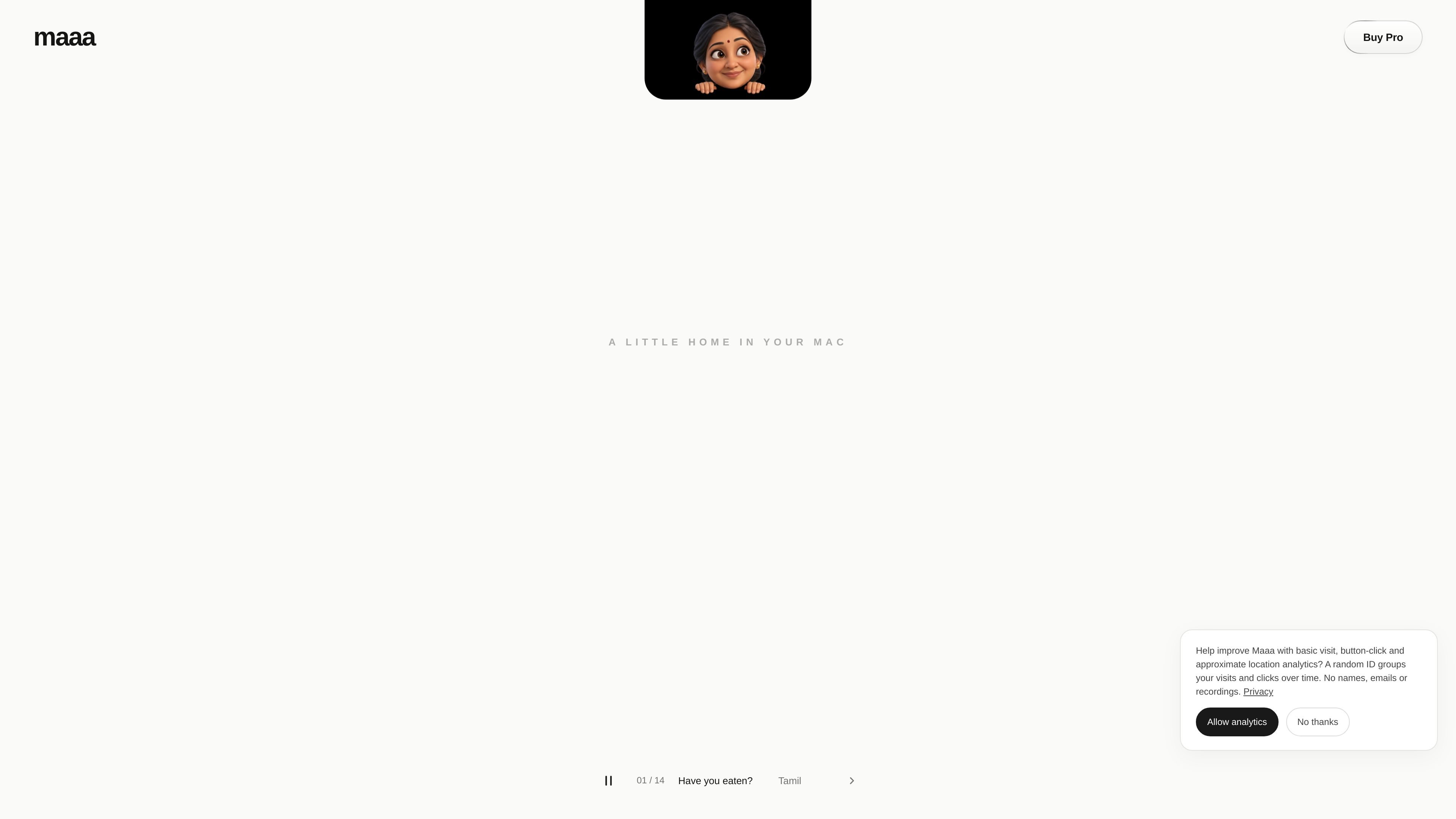
Maaa is a desktop reminder app built around gentle personal check-ins. It prompts users about everyday needs such as eating, drinking water, taking a break, moving, calling home, and maintaining morning or bedtime routines. On Mac, the app is presented as a small presence in the notch.
Users choose a language, tone, appearance, reminder types, and timing to create a routine that fits their day. The free experience includes everyday reminders, all 12 listed languages, and three tones; Pro expands the available appearances and adds several reminder categories and custom messages. Maaa supports macOS 14 or later and 64-bit Windows 10 or 11.
Receive prompts for meals, water, movement, breathing, bedtime, mornings, focus breaks, low battery, and calling home.
Choose from 12 languages, three tones, and nine appearances; the site says every language and tone is free, while additional appearances come with Pro.
Set quiet hours, space out check-ins, and snooze a prompt when you need a break from reminders.
Start with everyday reminders, then use Pro for custom messages, calendar reminders, app-time reminders, birthdays and festivals, and Flying Chappal.
Maaa is designed to live in the Mac notch and is also offered for 64-bit Windows 10 and 11.
No account is required; reminders and preferences are stored locally, and optional usage analytics can be disabled.
Set meal-time and water prompts to interrupt long work sessions before basic needs get overlooked.
Use movement, breathing, and focus-break check-ins to add pauses to a concentrated desktop routine.
Schedule morning hellos, bedtime nudges, and quiet hours to support a more deliberate daily rhythm.
Use a call-home reminder when you want a prompt to contact someone familiar without relying on memory alone.
Create custom messages or use calendar, app-time, birthday, and festival reminders through Pro for more personal or event-based prompts.
Maaa provides reminders and check-ins for meals, hydration, movement, breaks, bedtime, mornings, focus periods, low battery, and calling home. The site does not document the full setup flow or configuration limits.
You can choose a language, tone, appearance, check-ins, and timing. Quiet hours, spaced-out check-ins, and snoozing are also supported.
The site lists Mac support for macOS 14 or later and Windows support for 64-bit Windows 10 or 11. It does not specify whether every feature is identical across both platforms.
Maaa can be started for free with everyday reminders, all listed languages, and three tones. The site says Pro adds custom reminders, calendar and app-time reminders, birthdays and festivals, Flying Chappal, and additional appearances; it also displays a one-time $2.99 price for two computers, plus applicable taxes.
No account is required. Reminders and preferences are stored locally, and the site says Maaa does not use a microphone or screen recording. Optional usage analytics can be turned off; Pro activation and verification require an internet connection.

Malyatko is a baby tracker for logging feeding, sleep, growth, teething, and milestones in one app. It works on iPhone, Apple Watch, and widgets, with no sign-up, offline use, and family sharing through iCloud.

Gemma AI is a phone call reminder app that calls you with scheduled reminders instead of push notifications. It helps people who want a more direct way to stay on schedule, with Google Calendar sync and conversational call interactions.

Spotit — macOS‑приложение: читает ваш экран в другой программе и подсвечивает, куда кликать. Попросите голосом и следуйте подсказкам.

Yattayo: Slider To-Do Board is a productivity app that turns tasks into a physical-style slider board with sticky notes, widgets, reminders, and iCloud sync. It helps people who want a more tactile way to manage to-dos and, in Premium, recurring habits.

ConscioussAI is an AI assistant for macOS, Windows, iOS, and Android that helps execute tasks across apps, files, the browser, and messages. It is aimed at people who want permission-based help on both desktop and mobile.
MealTime — это ваш личный помощник по рецептам, работающий в первую очередь в автономном режиме, который поможет вам сохранять, упорядочивать, планировать блюда и генерировать умные списки покупок, сохраняя при этом конфиденциальность ваших данных.