
AI creation entry points
The homepage and gallery surface AI creation entry points, indicating the product is centered on generating creative output rather than general browsing or editing.

摩笔马良 is an AI image creation product from mthreads.com with visible text-to-image and portrait creation entry points. The public site directs users to a mobile mini-program for service access and gallery browsing.
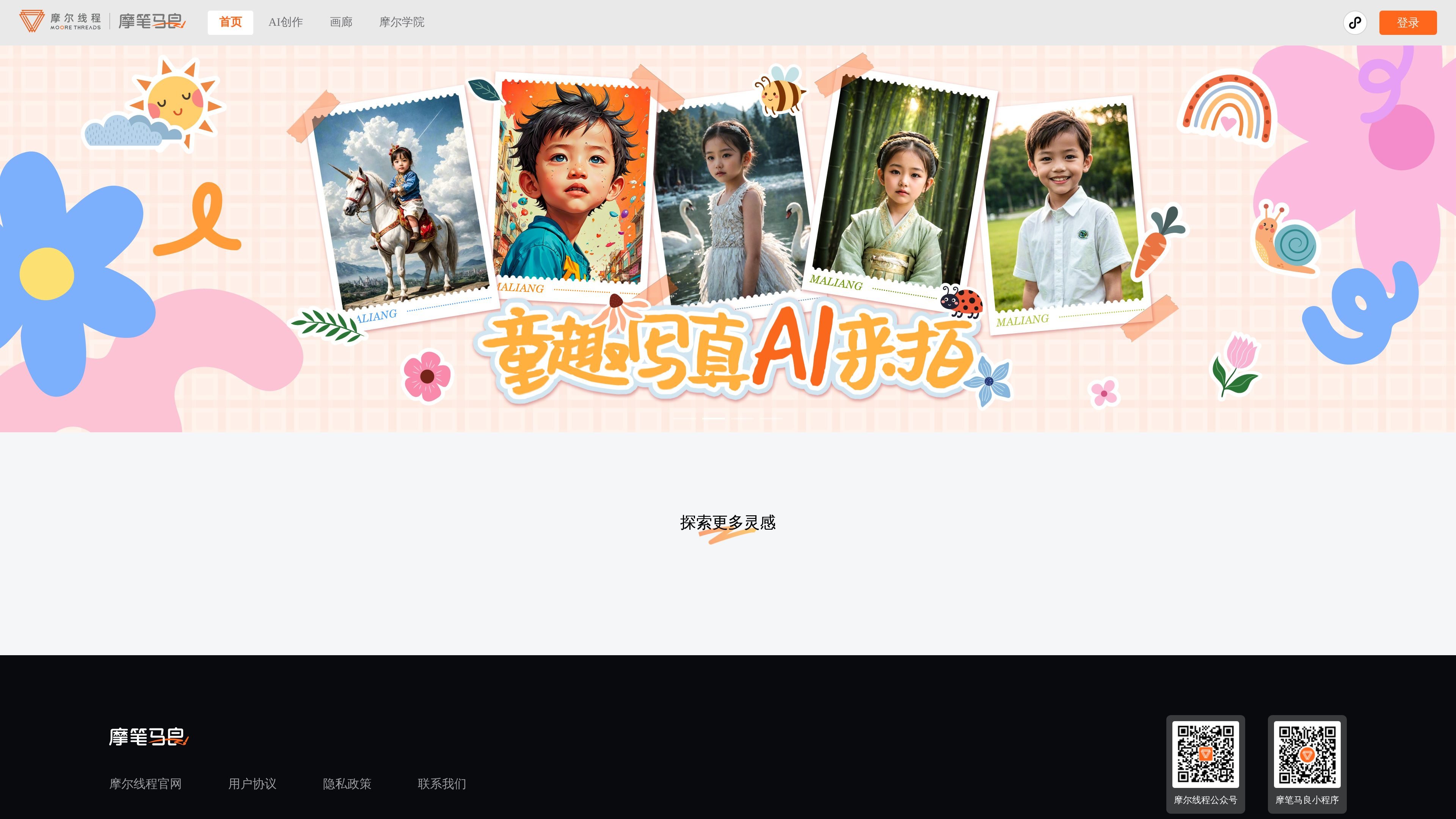
摩笔马良 is an AI creation product from mthreads.com that focuses on generating and browsing image-based creative work. The public site surfaces creation, gallery, login, and learning entry points, with visible modes such as text-to-image and creative portrait.
The collected pages also show that the service is presented as a mobile experience through the 摩笔马良小程序. Public-facing pages do not expose detailed pricing or integration information, so the clearest documented use is AI image creation and gallery exploration through the mini-program flow.
The homepage and gallery surface AI creation entry points, indicating the product is centered on generating creative output rather than general browsing or editing.
The gallery exposes text-to-image and portrait creation as visible creation categories, showing at least two different image-generation workflows on the site.
Users can browse AI creation highlights and latest content in the gallery, which helps people review examples and recent creations before starting their own work.
The site includes login and personal center links, indicating account-based usage and a personal workspace for signed-in users.
The home page directs users to start creating immediately and also points to Moliang Academy, suggesting a workflow that combines creation with learning or guidance content.
Start from the homepage or gallery to generate AI images, using the visible text-to-image entry when you want to turn a text prompt into an image.
Use the creative portrait area when the goal is portrait-style creation rather than general image generation.
Browse AI creation highlights and latest work in the gallery to look at examples and recent output before starting a new image.
Sign in and use the personal center when you want to manage your own account-based access to the service.
Follow the site’s prompt to use the 摩笔马良小程序 when you want the documented mobile service path.
The site indicates that users should go to the 摩笔马良小程序 to use the mobile service. The public pages shown here do not describe a separate desktop workflow.
The gallery page shows AI creation with text-to-image and portrait creation as visible creation areas, but the public pages do not explain the full input or editing workflow in detail.
The pricing page shown in the source only displays a prompt to use the 摩笔马良小程序, so it does not expose price tiers, limits, or plan names in the collected text.
The collected pages include links to 摩尔学院, 画廊, 登录, 用户协议, 隐私政策, and 联系我们, but they do not document third-party integrations or API support.
The source suggests the product is intended for AI image creation and gallery browsing, but it does not provide separate team, enterprise, or account-management details in the collected text.

Petalica Paint is a web service for automatically coloring line art and tracing line drawings from photographed images. The home page says it can be used under the stated terms for commercial and noncommercial work, but it is scheduled to end on 2025-07-31 at 16:00 JST.

Генератор живописи AI - это онлайн-программное обеспечение, которое автоматически создает произведения искусства на основе текстовых описаний, предоставленных пользователями.

Make Real is a Next.js app that turns hand-drawn wireframes into working HTML prototypes using the tldraw SDK and AI models. It helps users sketch on a canvas, generate code, and review the result in an embedded preview.

PixelDrive is a bulk image generation API for creating many on-brand images from one template through a browser editor, REST API, CSV batch, or MCP. It suits teams that need repeatable image output with cacheable renders and usage-based pricing.

Cherry Blossom is a browser-based PCB editor that turns plain-English prompts into editable schematics, PCB layouts, and fabrication files. It is built for people who want AI-assisted board drafting with verification checks and open exports.

Napkin AI превращает текст в редактируемые визуалы для презентаций, документов и публикаций. Генерация из текста, совместная работа, экспорт в PPT, PNG, SVG или PDF.