
Browser-based task execution
The browser operator works inside your current browser session so Manus can navigate logged-in sites, use active tabs, and carry out multi-step actions without repeatedly switching context.

Manus is an AI agent platform that executes tasks, automates browser workflows, and builds full-stack web apps from plain-language prompts. It is aimed at individuals, teams, and businesses that need usable outputs rather than only chat responses.
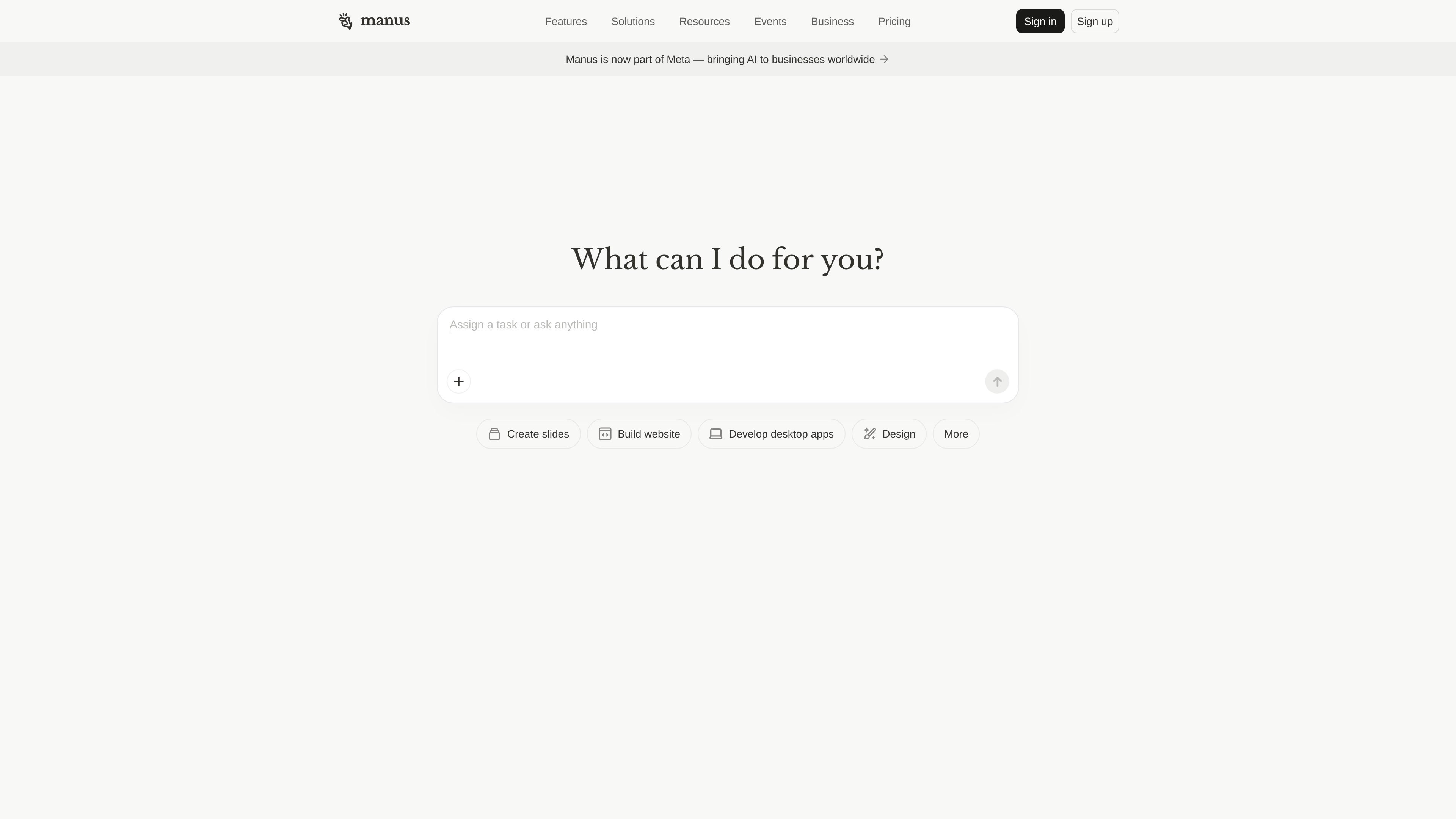
Manus is an AI agent platform that goes beyond answering questions to execute tasks, automate workflows, and produce usable outputs across research, browsing, and application building. The site positions it as “Hands On AI” and presents it as a tool for individuals, teams, and businesses.
Across the product site, Manus is framed around three main jobs: delegated browser automation through a browser operator, large-scale analysis through Wide Research, and full-stack web app creation from plain-language prompts. The result is a workflow-oriented product meant to handle multi-step work, not just generate isolated responses.
The browser operator works inside your current browser session so Manus can navigate logged-in sites, use active tabs, and carry out multi-step actions without repeatedly switching context.
Wide Research breaks large research jobs into many parallel sub-tasks, giving each item a fresh context so the system can analyze larger lists without the same context-window slowdown seen in single-agent chat.
The web app workflow turns plain-language requests into full-stack applications, including backend logic, database support, login, code generation, and deployment-oriented output.
The web app page says Manus supports built-in integrations such as LLMs, databases, image generation, maps, notifications, file storage, data APIs, Stripe, and voice-to-text.
The platform is presented as a production-oriented builder with code export, custom domain support, analytics, lead capture, and real-time notifications for apps and websites.
The pricing page shows plan tiers that include credits, refresh credits, concurrent tasks, scheduled tasks, and access to beta features, with higher tiers adding more usage and cloud-computer support.
Use Manus Browser Operator to handle repeat browser work such as checking messages, pulling information from logged-in services, filling forms, or posting content while staying in your existing session.
Use Wide Research when you need to compare or profile many items at once, such as companies, researchers, products, or markets, and want a structured result rather than a short summary.
Use the web app builder to turn a prompt into an internal tool, SaaS dashboard, landing page, or customer-facing app with backend logic, database support, and login.
Use Manus when you need presentation-ready or operational outputs such as slides, structured reports, datasets, or customer-facing pages that can be extended beyond the first draft.
Use the platform in teams or businesses that need automation and application delivery without starting from a blank engineering workflow, especially when code export and custom domains matter.
Manus is designed to execute tasks end to end rather than only generate text responses. The browser operator adds access to your active browser session so the agent can work within logged-in sites and authenticated workflows.
The browser operator is described as working in your current browser session after you connect it and grant access. The site also indicates Manus offers team, business, and enterprise options, but it does not spell out a full team setup flow on the pages provided.
Manus can produce slides, websites, web apps, reports, structured datasets, and browser-driven actions. The web app page also mentions full code export, so outputs are meant to be usable outside the product.
The source describes browser-based automation, wide research, and app building, but it does not provide a complete list of integrations or every platform it supports. The browser operator page says it works with your trusted local sessions and active tabs on sites you already use.
The pricing page shows individual plans plus separate team and business paths. It also mentions a free trial and a help center, but does not provide a complete public breakdown of every plan detail in the rendered text.

Ghost — терминальный AI-ассистент для чата, генерации кода и запуска задач в командной строке. Бесплатные модели, Linux, macOS, Windows, open source.

MakerLoft is a chat-first AI app builder for non-developers who want to create static sites or full-stack apps from a GitHub repository. It supports a free GitHub Pages path and a DigitalOcean-backed app path with sign-ins, payments, and an admin dashboard.

Rork is an AI mobile app builder that turns a text description into a production-ready app using AI and Expo (React Native). It focuses on chat-based creation, browser previews, and Apple-platform publishing workflows.

FigPrompt is an AI tool for creating production-ready Figma plugins from a written description. It helps Figma users move from idea to plugin logic without writing code.

Skayle is a content and AI search visibility platform that researches topics before writing, publishes structured content to a CMS, and tracks whether brands are cited in AI search. It is aimed at teams that want one system for publishing, schema-rich content, and visibility monitoring.

SlimSnap is a Mac app that turns screenshots into JSON for CLI coding agents such as Claude Code, Aider, and Codex CLI. It keeps capture and OCR local, and the site says the app is free with no registration required.