
Chat-based creation
Create videos by chatting instead of working through a traditional timeline. The homepage positions text prompts as the primary way to build a video.

Medeo is an AI video generator that lets users create and edit videos by chatting with the product. It supports multiple input types, built-in assets, AI voices, and exports for both horizontal and vertical formats.
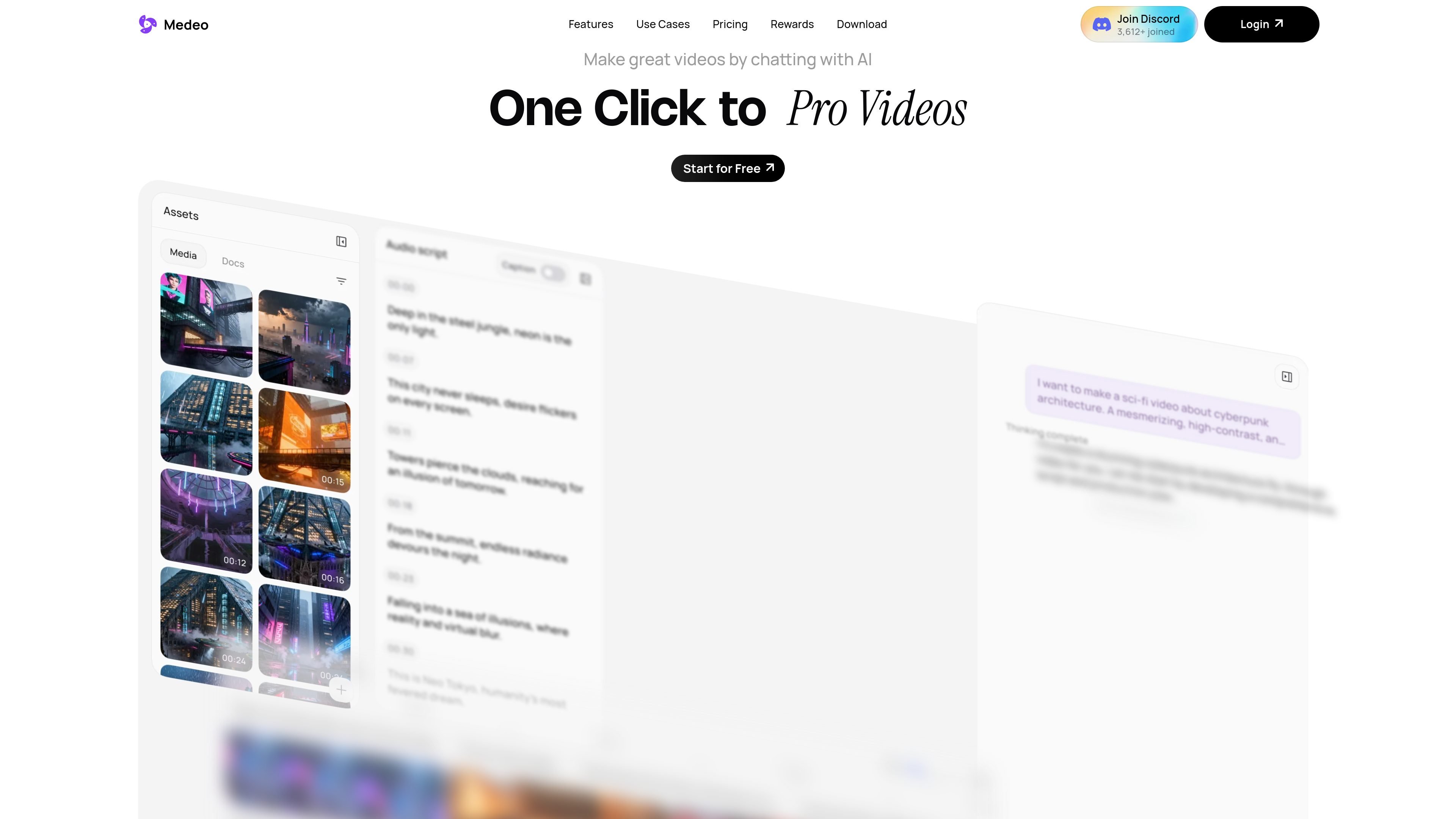
Medeo is an AI video generator that centers the workflow on chat. The homepage describes it as a way to create videos by chatting with AI, and the pricing page shows plans that combine chat-based creation, AI generative features, and a video editor.
The product accepts multiple input types, including text, audio, images, videos, and links. It also supports chat-based editing, character consistency, built-in stock assets, AI voices, and exports in both 16:9 and 9:16 aspect ratios.
Create videos by chatting instead of working through a traditional timeline. The homepage positions text prompts as the primary way to build a video.
Ask for changes in plain language, such as making a section faster or changing the music, and the video updates through chat-based editing.
Keep a character visually consistent across scenes, locations, actions, and emotions while generating new shots.
Work with a shared visual track that keeps sound, subtitles, and assets aligned with the script for easier editing.
Use built-in stock images, stock video, and AI voice options, or upload your own files, text, and URLs in one place.
Export projects in both 16:9 and 9:16 formats so the same video can be published for different placements.
Draft promotional videos from a text prompt, then refine the pacing, music, or scene order through chat instead of rebuilding the project manually.
Create educational explainers where the script, subtitles, and assets stay aligned in a single track for easier iteration.
Produce character-led scenes that need the same visual identity across multiple shots, locations, or emotions.
Turn existing media into new video drafts by starting from audio, images, videos, or a source link rather than only a blank prompt.
Publish the same project in different aspect ratios for placement on landscape and vertical channels.
Medeo is presented as a chat-based AI video generator. The homepage says you can create videos by chatting with AI, and the pricing page shows plans that include chat-based creation, AI generative features, and a video editor.
The site shows a workflow centered on chatting with the product to create or edit videos. You can start from text, audio, images, videos, or links, then refine the result with chat-based edits such as changing pacing or music.
The homepage says Medeo can generate videos from text, audio, images, videos, or links. The pricing page also lists access to premium models and collaborative video editing tools.
The homepage says videos can be exported in both 16:9 and 9:16 aspect ratios. The pricing page also indicates storage and collaborative editing are included in the product experience, with higher tiers adding unlimited storage.
The source does not describe detailed editing timelines, export formats beyond aspect ratio, or third-party integrations. It does show support for chat-based editing, stock assets, uploads, URLs, and premium model access on paid plans.

ngram is an AI video generator and editor for teams and individual creators. It turns prompts, uploaded files, or screen recordings into editable videos for demos, training, onboarding, sales enablement, explainers, and launches.

艺映AI is a free AI video creation tool for generating video from text, images, or existing footage. It is positioned for short-form social content, promotional clips, and stylized AI video projects.

VIDEOAI.ME is an AI video generator for making spokesperson-style videos, ads, explainers, and social content from a script. It is aimed at founders, marketers, agencies, and creators who want to produce videos without filming.

Video Effects SDK adds real-time webcam effects such as background blur, background replacement or removal, denoising, framing, beautification, and color grading. It is built for teams shipping live video experiences on web, desktop, and mobile platforms.

Official HeyGen API documentation for building AI avatar videos, translations, lipsync, and interactive video-agent sessions. It supports direct API use plus MCP and CLI-style workflows for developers and AI agents.

DeepMotion is a web-based AI motion capture and 3D animation platform with Animate 3D for video-to-animation and SayMotion for text-to-animation. It helps creators and teams generate motion in a browser and export results in common production formats.