
Prompt-based asset generation
Generate icons and illustrations from a simple prompt, with the homepage positioning Morphia as a tool for instant asset creation.

Morphia is an AI asset generator for designers that creates icons, illustrations, portraits, and PNG design assets from prompts. It uses one-time credit packs, includes PNG export, and offers standard and HD generation options.
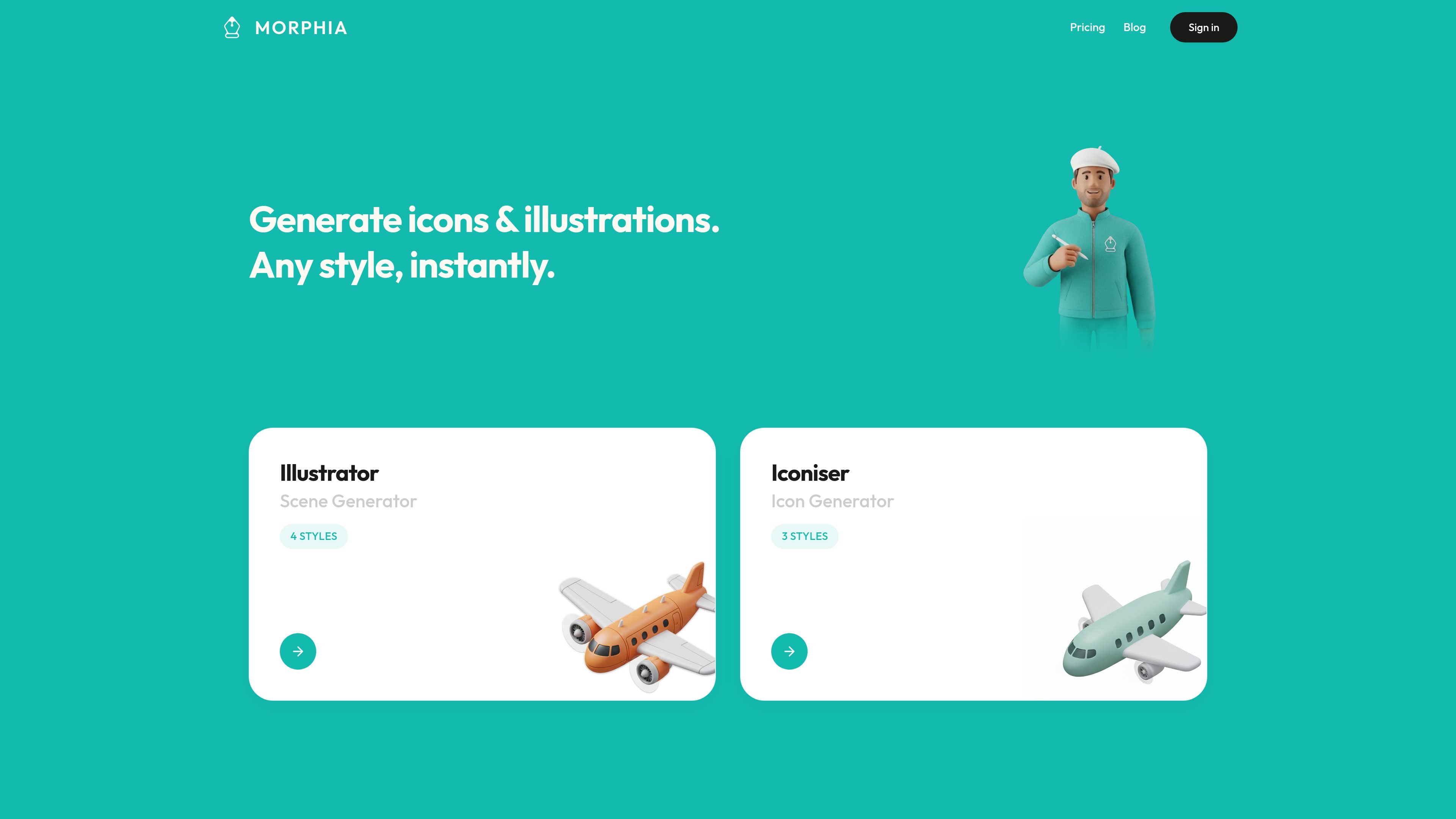
Morphia is an AI asset generator for designers that focuses on icons, illustrations, portraits, and PNG design assets. The site positions it as a prompt-driven tool for creating visual assets quickly, rather than as a general-purpose image editor.
The product page presents separate creation modes for illustration and icon workflows, along with named style presets and two generation tiers: Core (Standard) for faster iteration and Pro (HD) for higher-detail output. Its pricing is based on one-time credit packs that never expire, with no subscription requirement stated on the pricing page.
Generate icons and illustrations from a simple prompt, with the homepage positioning Morphia as a tool for instant asset creation.
Choose between product modes shown on the site, including Illustrator, Scene Generator, and Iconiser, depending on the asset type you need.
Select from styles exposed on the product pages, including Vector Art, Isometric, Kawaii, Polymer, Skeuomorphic, Duotone, and Outline.
Use Core (Standard) for faster iteration or Pro (HD) for higher-detail output, with separate credit costs shown on the pricing page.
Export generated work as PNG files, which the pricing page lists as part of the included output.
Buy credit packs once and use them later, with credits that never expire according to the pricing page.
Create icons or illustrations from a short prompt when you need a fast starting point for a concept, mockup, or visual exploration.
Pick a style preset such as Vector Art, Isometric, Kawaii, or Duotone when you need the output to match a specific visual direction.
Use Core (Standard) generation for quicker iteration while testing ideas or refining prompts before committing to a final asset.
Switch to Pro (HD) when you need sharper, higher-detail output for a final asset intended for a product, deck, or presentation.
Use the icon-specific or illustration-specific mode when you want a more focused workflow than a general image generator.
Morphia is built for generating design assets from prompts. The source pages describe it as an AI asset generator for icons, illustrations, portraits, and PNG design assets.
The pricing page describes one-time credit packs rather than subscriptions. Credits never expire, and the packs can be used across all styles.
The source pages show separate generation modes such as Illustrator, Scene Generator, and Iconiser, with style choices presented for icon and illustration workflows.
The pricing page says the product exports PNGs, and the credit system distinguishes between Core (Standard) and Pro (HD) generation.
The source does not list detailed integrations, file handoff options, or workflow plugins on the pages provided.

PixelDrive is a bulk image generation API for creating many on-brand images from one template through a browser editor, REST API, CSV batch, or MCP. It suits teams that need repeatable image output with cacheable renders and usage-based pricing.

GPTIMG2 AI is a web-based image generator built around OpenAI’s GPT Image 2 model. It supports prompt-driven generation, reference-based edits, readable text, and higher-resolution outputs for product visuals, posters, UI mockups, ads, and similar production assets.

TapNow is a web-based AI visual creation platform for businesses, creators, and teams. It supports image and video generation along with editing, planning, and collaboration tools.

Rekreate is an AI product photography platform for e-commerce teams that generates studio-style product creatives from uploads or marketplace URLs. It supports marketplace-ready sizing, brand-guideline reuse, and transliterated outputs in 11 languages.

Kittl is a browser-based AI design platform for creating branding, product visuals, and digital or print graphics. It includes AI generation, an editor, templates, mockups, and collaboration tools, with a free plan available.

Все-в-одном AI платформа, которая объединяет инструменты для изображения, видео, голоса, письма и чата для повышения креативности и сотрудничества.