
Agent-led video planning
Turn an idea, script, reference, or asset into a planned production with a proposed creative direction, script, scenes, and shots.

MOVO AI is a conversational AI video agent that turns ideas, scripts, references, and uploaded assets into planned and assembled videos. It is aimed at creators developing long-form stories, series, brand films, and other visual productions across web and mobile.
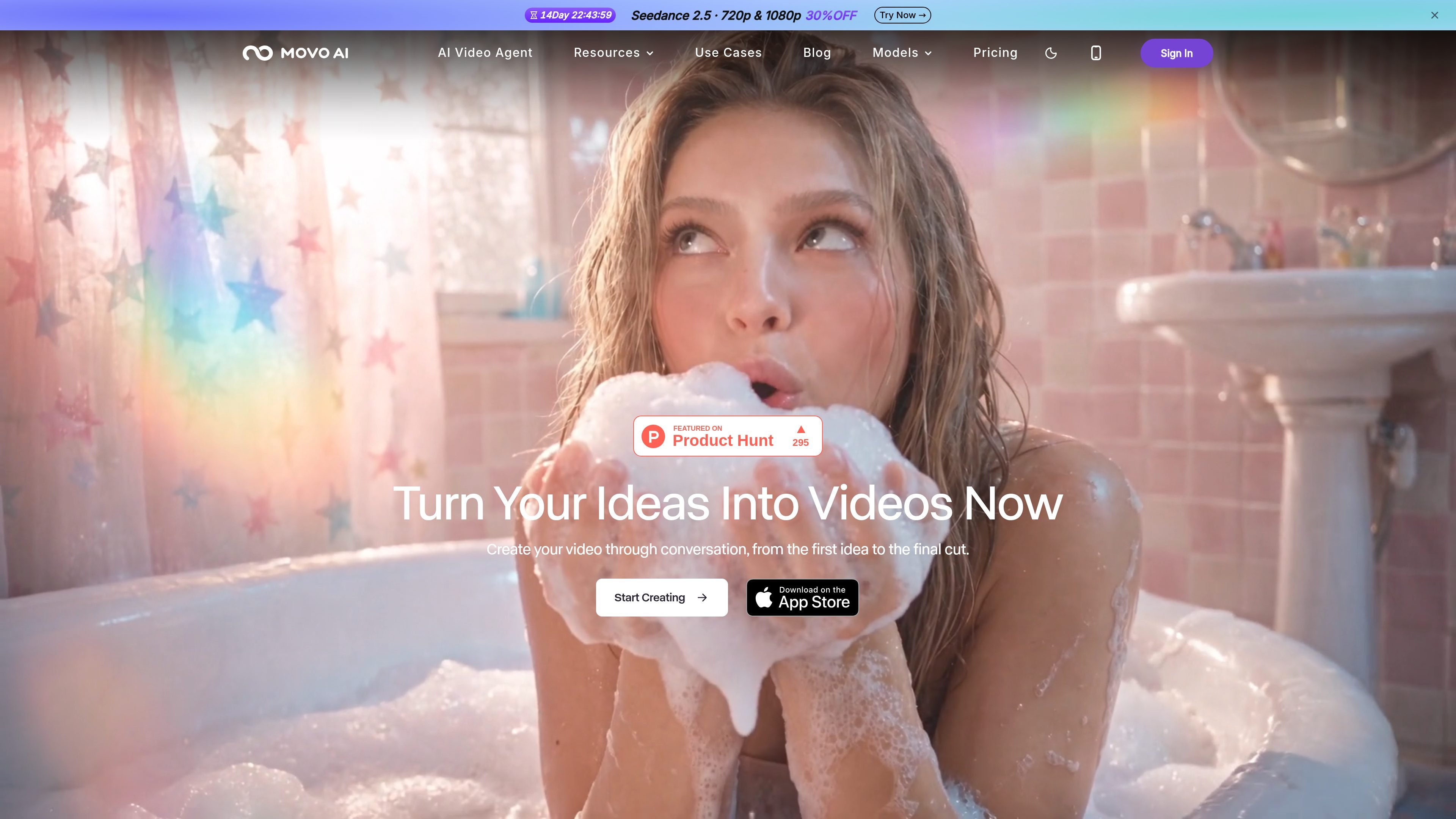
MOVO AI is an AI video agent for creating long-form videos from ideas, scripts, references, and uploaded assets. It combines creative planning, story development, scene and shot generation, review, refinement, and final assembly in a conversational workflow.
The product is designed to reduce the need to coordinate separate prompt, storyboard, and generation tools. Users can work on the web or through the mobile app, review proposed direction and scripts before generation, and continue projects or series as the agent retains project context. Credits govern generation across supported video, image, language, and audio features, with usage depending on the selected model and output settings.
Turn an idea, script, reference, or asset into a planned production with a proposed creative direction, script, scenes, and shots.
Generate complete long-form videos in a single conversational workflow, including narratives described by the site as 120 seconds or longer.
Use project memory to retain context about characters, products, assets, scenes, and visual styles within a project, supporting continuity across shots and episodes.
Upload images, videos, and other references so the agent can analyze style, structure, and storytelling cues when developing an original video.
Review generated assets, approve credit-consuming tasks, track shot rendering, and refine results through conversational editing rather than restarting the project.
Choose among supported models and available generation settings, with documented options including Seedance, Minimax H3, Nano Banana, and ChatGPT Image models. Available models and settings may change.
Develop a concept into a scripted sequence with proposed scenes, shots, pacing, and visual direction, then review the plan before approving generation.
Use uploaded brand references, product assets, and visual direction to create campaign concepts while maintaining product and style continuity within a project.
Build a repeatable series workflow by carrying characters, settings, and style context into follow-up projects or sequels instead of rebuilding the direction from scratch.
Create and refine visual material from a phone when away from a desktop, using the mobile app to continue, review, and guide projects.
Compare supported models and output settings for different shots, then monitor credit use and rendering status as the production develops.
MOVO AI is an AI video agent for long-form creation. You can start with an idea, script, reference, or asset; the agent helps plan the story, generate scenes and shots, review results, and assemble a complete video.
You can describe your concept conversationally instead of writing complex prompts. The workflow can include uploading references, reviewing the proposed creative direction and script, approving credit-consuming tasks, tracking shot rendering, and refining the result through conversation.
Yes. MOVO AI supports uploaded images, videos, creative assets, and references. You are responsible for having the necessary rights and permissions for anything you upload.
MOVO AI offers 100 free credits to new users. Paid plans use credits across supported video, image, language, and audio features; credit usage varies by model, output type, duration, resolution, and generation complexity.
Generated content may be used commercially, subject to applicable laws and third-party rights. MOVO AI does not claim ownership of generated outputs, but users remain responsible for rights to uploaded or incorporated materials.