
Context-aware AI chat
Chat with Claude, OpenAI, or local models directly from the sidebar so you can ask questions without switching away from your current task.
My Drawer is a macOS sidebar app that combines AI chat, clipboard history, focus tasks, and a built-in web workspace. It is designed to stay out of the way while keeping context and research tools close at hand.
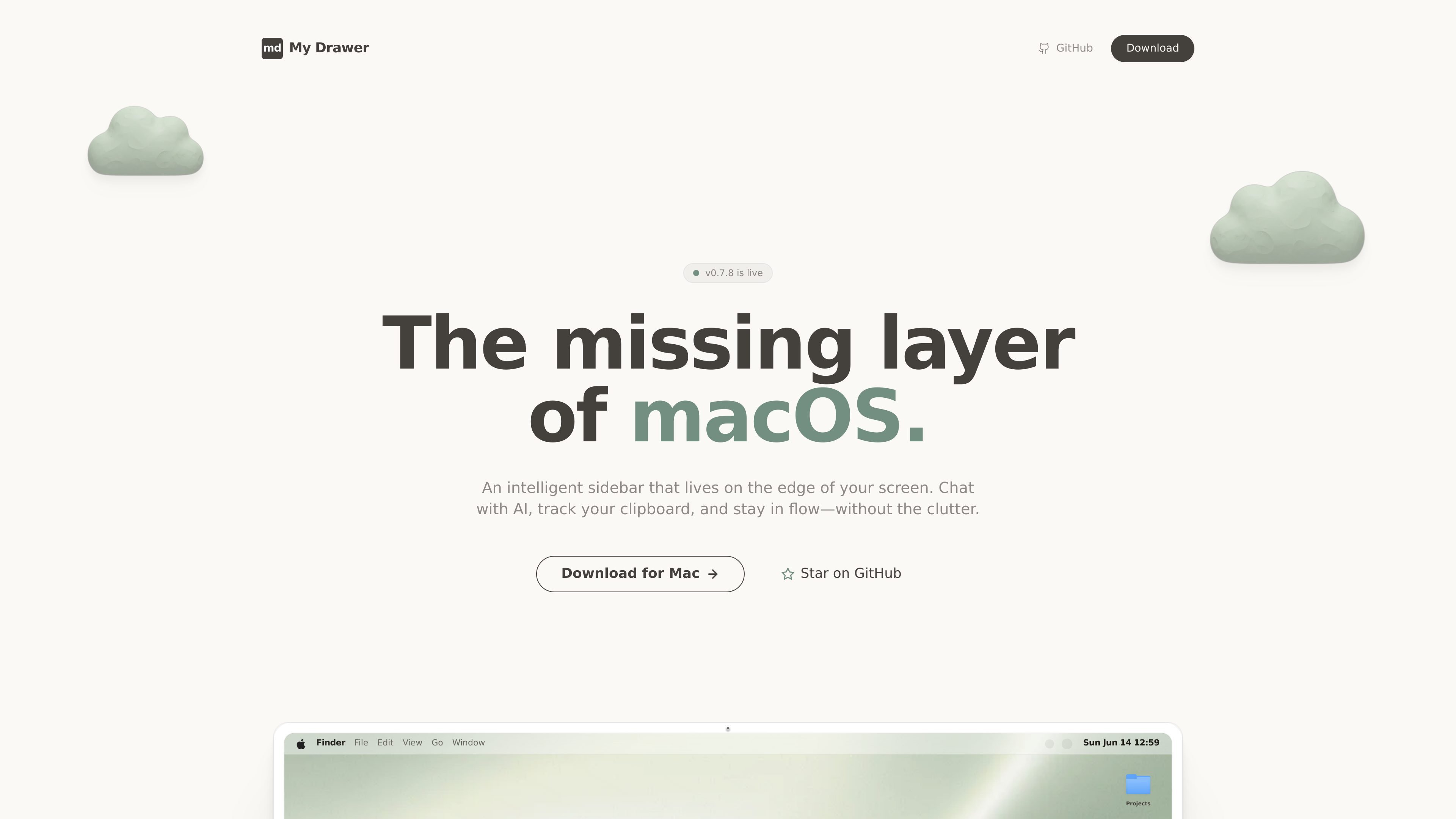
My Drawer is a macOS sidebar application that adds an always-available but unobtrusive layer to the edge of the screen. It combines AI chat, clipboard history, task scratchpads, and a native web workspace in one drawer that appears when you need it and stays out of the way when you do not.
The product’s stated purpose is to help users stay in flow while keeping context close at hand. It supports Claude, OpenAI, and local models, and it emphasizes local-first privacy with the claim that your keys and data stay under your control.
Chat with Claude, OpenAI, or local models directly from the sidebar so you can ask questions without switching away from your current task.
Drag and drop files into the sidebar to give the model immediate context for analysis or follow-up questions.
Keep a searchable, persistent clipboard history that supports images and rich text, making it easier to recover snippets, links, and copied content.
Use minimalist checklists and scratchpads that auto-clear to support short-lived task capture without leaving extra clutter behind.
Open a native browser inside the drawer, switch between mobile and desktop views, manage favorites with Speed Dial, and scrape content for AI analysis.
Set My Drawer to open from a chosen screen edge or corner so it stays hidden until you move the mouse there.
Ask questions, draft text, or inspect content from the same sidebar while keeping the current app in view, reducing context switching.
Store copied links, snippets, and images in a searchable history so you can retrieve something you copied earlier without hunting through recent items.
Use short checklists or scratchpads for temporary to-dos, then let them clear out automatically when the task is done.
Research a topic in the drawer’s built-in browser, switch views when needed, and scrape page content for AI analysis in one place.
Drop a file into the sidebar when you want an AI response that reflects the document you are already working with.
My Drawer is a macOS sidebar that combines AI chat, clipboard history, focus tools, and a built-in web/research workspace. It is designed to stay hidden until you need it and to keep context close to the edge of the screen.
The source text points to a download for Mac and describes the product as a macOS layer, so it is aimed at Mac users rather than cross-platform desktop use.
Yes. The page states that My Drawer is completely free and open source.
The page mentions chat with Claude, OpenAI, or local models, but it does not provide a formal integrations list beyond those model options and the built-in browser-like features.
The page does not show plan tiers, prices, or billing details on the pricing page content provided.

Malyatko is a baby tracker for logging feeding, sleep, growth, teething, and milestones in one app. It works on iPhone, Apple Watch, and widgets, with no sign-up, offline use, and family sharing through iCloud.

Claude Overlay is a Windows desktop overlay for Claude Code that reads your screen so you can ask questions, inspect content, and request edits without leaving the current app. It runs on your existing Claude subscription through the Claude CLI, so no separate API key is required.

Yattayo: Slider To-Do Board is a productivity app that turns tasks into a physical-style slider board with sticky notes, widgets, reminders, and iCloud sync. It helps people who want a more tactile way to manage to-dos and, in Premium, recurring habits.

Goldfish is an AI memory app for macOS that helps you reply, write, summarize, and continue using the context already on your Mac. It stores memory locally and writes in your tone.

ArtDeck is a visual reference board app for iPhone, iPad, and Mac that lets artists collect mixed reference material on one canvas and study it with ToolBox lenses. It works offline, supports optional iCloud sync, and is sold as a one-time purchase with no account required.

Biji - это универсальная платформа, разработанная для повышения продуктивности с помощью инновационных инструментов и функций.