
One-click online upscaling
Upscale and enlarge low-resolution photos with a single upload flow, then download the enhanced result without leaving the browser.

Nero AI Image Upscaler is a web-based tool for enlarging and enhancing low-resolution images. It supports common formats like JPG, PNG, JPEG, WEBP, and BMP, and Nero’s pricing pages indicate credit-based usage across web and Windows desktop apps.
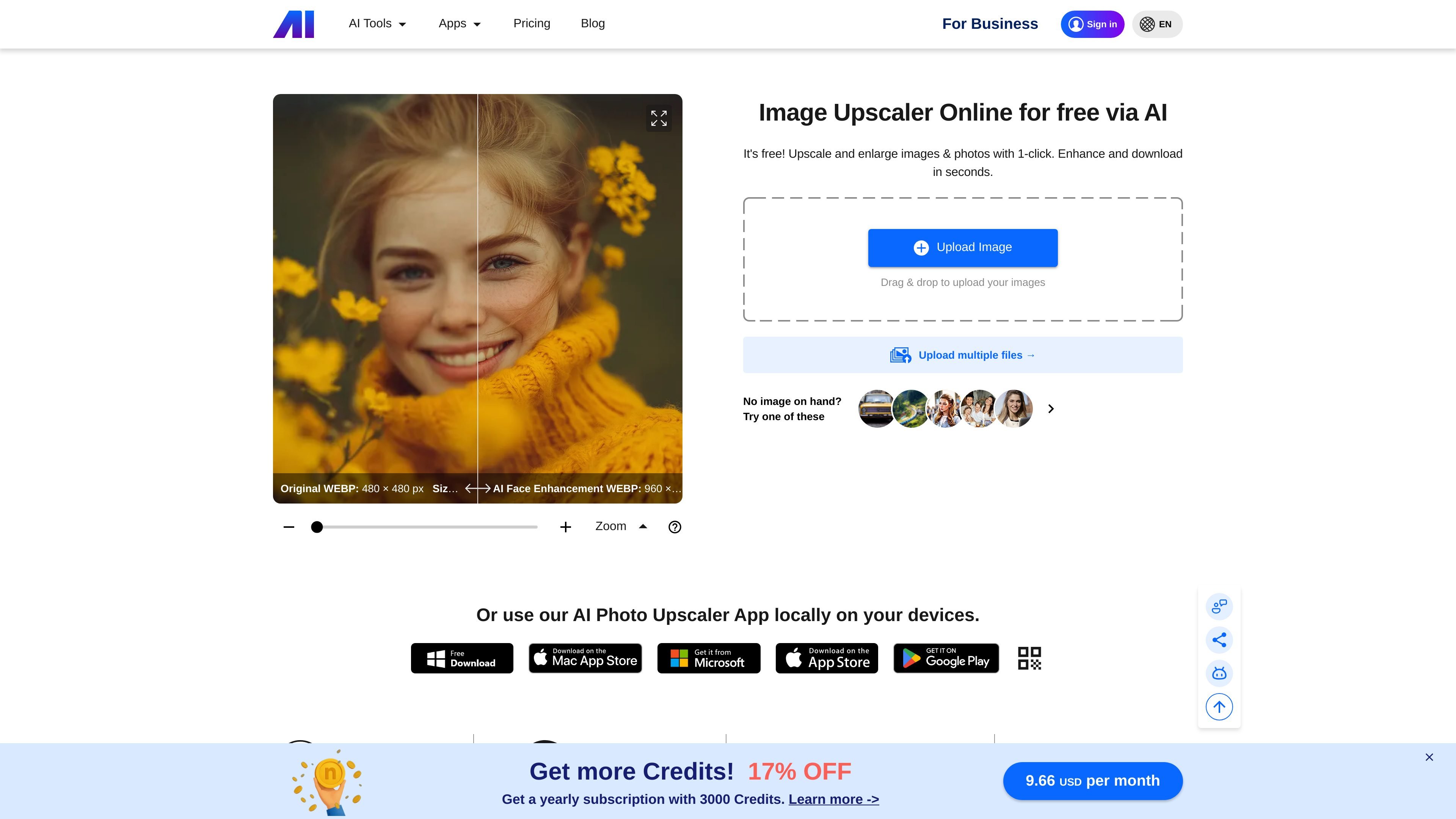
Nero AI Image Upscaler is an online tool for enlarging and enhancing photos and other images. The product page presents it as a free web-based upscaler that can take low-resolution files and process them in seconds.
The site positions the tool for straightforward image enlargement: upload an image, upscale it with one click, and download the result. The pricing pages show that Nero AI uses credits across its web apps and Windows desktop apps, with the upscaler available through credit-based plans and related product options.
Upscale and enlarge low-resolution photos with a single upload flow, then download the enhanced result without leaving the browser.
Process different image types with the image upscaler, including Photo, Anime, Standard, Iris, and Reconstruct models listed on the pricing page.
Choose stronger enlargement levels based on credits, with the pricing page showing x2, x4, and x8 upscaling options depending on model and plan.
Upload more than one file at a time, which is useful when you need to enhance a set of images instead of working one by one.
Use the service directly in the browser on the web app, with pricing pages also noting Windows desktop availability for Nero AI features and local processing on PC for some offerings.
Work with common raster formats such as JPG, PNG, JPEG, WEBP, and BMP, as listed on the image upscaler page.
Improve older or low-resolution photos when you need a larger file for viewing, sharing, or simple reuse without manual editing.
Process anime-style or other image types through the model options listed on the pricing page when a different upscaling path is needed.
Enhance several images in one session using multi-upload instead of repeating the same workflow file by file.
Use the browser-based tool when you want a quick enhancement flow without installing separate editing software.
Choose a paid credit flow when you need higher enlargement levels or model-based processing that consumes Nero Credits.
Yes. The pricing pages say Nero AI credits can be used across Nero web apps, and that the product is also available as Windows desktop software for certain plans. The image upscaler itself is presented as an online tool on the product page.
The site says credits are used for AI-powered features and that image upscaling typically consumes Nero Credits based on the selected model and zoom level. The pricing pages list different credit costs for the Photo, Anime, Standard, Iris, and Reconstruct models.
The product page says you can upload images and upscale them with one click, then download the result in seconds. The page also indicates support for multiple image files.
The home page lists JPG, PNG, JPEG, WEBP, and BMP as supported formats.
The pricing FAQ says subscriptions can be canceled by turning off auto-renewal in account settings. It also says credits and related benefits end when the billing period ends, and refunds are not allowed once a subscription is activated and credits are used.

Upscale.media is an AI image upscaling and enhancement tool from Pixelbin that enlarges low-resolution or pixelated images and improves clarity in the browser. It offers free individual image use, paid credit plans, and team-oriented workflows such as bulk processing and API integration.

Let's Enhance is an online AI image app for enhancing, upscaling, and restoring photos. It helps users clean up images, increase resolution, and process files through free credits, subscriptions, or pay-as-you-go bundles.

ImgUpscaler is a browser-based AI image upscaler that enlarges images by 2x or 4x and improves detail for photos, anime, product images, portraits, and old pictures. It offers free and paid plans for users who need batch processing, more credits, and commercial-ready output.

Pixelcut is an AI photo editor for creating and editing product images, social content, and video assets. It offers free and paid plans, plus mobile app and browser access for individual users and teams.

Snapmark is a VS Code extension that lets you annotate clipboard screenshots before pasting them into AI chats. It supports blur redaction, numbered callouts, and automatic resizing for large images.

Arduino VENTUNO Q is an edge AI computer for AI and robotics applications. It combines AI inference and deterministic control on a single board and is designed to work with Arduino App Lab.