
Instant browser access
Opens directly in the browser with no setup or downloads, so you can start writing immediately.

Notepad Online is a free browser-based plain text editor for quick notes, drafting, and sharing without signup or downloads. It autosaves in the browser and can generate a shareable link when you need to send text to someone.
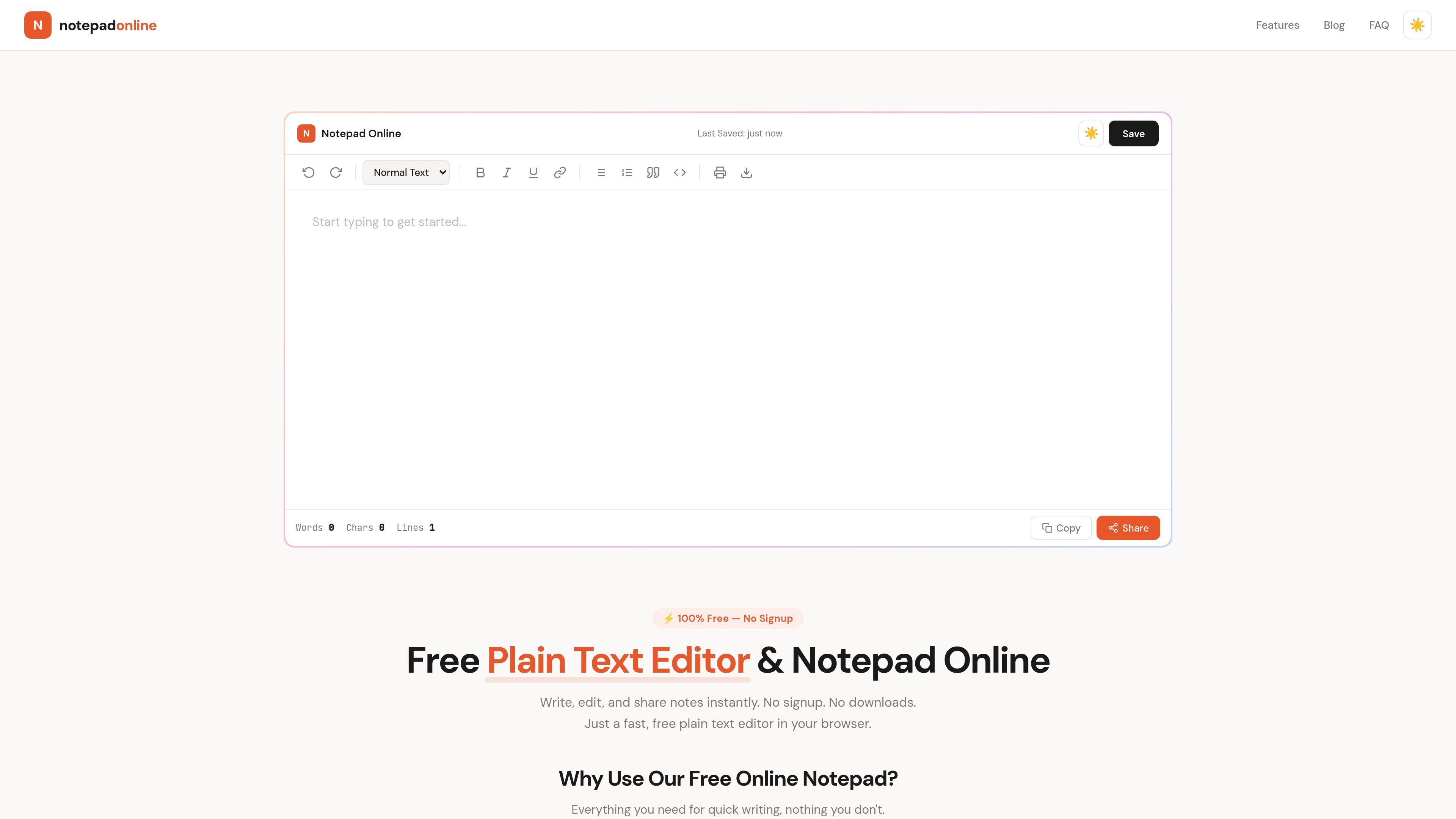
Notepad Online is a free plain text editor that runs in the browser and is designed for quick note taking, drafting, and sharing. The site emphasizes speed, privacy, and simplicity: there is no signup, no download, and no setup before you start typing.
It keeps notes in the browser by default, autosaves changes as you write, and provides a Share button for generating a link when you want to send a note to someone else. The editor also includes live counts, dark mode, and basic formatting tools for common writing tasks.
Opens directly in the browser with no setup or downloads, so you can start writing immediately.
Saves notes automatically as you type in browser storage, so you can return to the same note later on the same device.
Creates a unique share link from the Share button, letting you send a note without requiring an account.
Shows live word, character, and line counts while you write, which is useful for length-constrained drafts.
Includes light and dark themes so the editor is easier to use in different lighting conditions.
Supports toolbar formatting such as bold, headings, lists, quotes, and code blocks for structured notes.
Use it to capture ideas, reminders, or short notes without opening a separate app or creating an account.
Draft plain text messages, emails, lists, or short documents in a simple editor with live counts and basic formatting.
Create a note and send it through a unique share link when you need to pass text to someone quickly.
Keep a lightweight place for code snippets or meeting notes that can be reopened later in the same browser.
Open the editor on a phone or tablet when you need a responsive text pad on another device.
Yes. The site states that Notepad Online is 100% free, with no signup, subscriptions, or hidden fees.
Your notes are saved automatically in your browser’s local storage as you type. The site also says you can download your text as a .txt file or generate a shareable link with the Share button.
Yes. The page says the notepad is fully responsive and works on phones, tablets, laptops, and desktops in modern browsers such as Chrome, Safari, Firefox, and Edge.
The site says your notes stay in your browser by default and are not sent to a server. It also says text leaves your device only when you explicitly use the Share button.
For quick text editing and sharing, yes. The site positions it as a plain text editor with basics like rich text formatting, instant sharing, word count, and instant downloads, but it does not claim the advanced features of desktop editors like Notepad++.

Flunkey is a voice-first productivity layer for Windows that converts speech into text, AI-assisted outputs, and remembered context. It is built for users who want to capture ideas and actions without leaving the app they are working in.

Contextbergは、画面・入力・ブラウザ・AIエージェントの利用履歴をローカルで記録し、MCP経由でClaude CodeやCursorなどに作業コンテキストを渡すデスクトップアプリです。中断した作業の再開、過去ログの検索、日次レビューに利用できます。

Yattayo: Slider To-Do Board is a productivity app that turns tasks into a physical-style slider board with sticky notes, widgets, reminders, and iCloud sync. It helps people who want a more tactile way to manage to-dos and, in Premium, recurring habits.

recall is an AI flashcard app that turns reading and notes into study cards through Claude, ChatGPT, or another MCP client. It uses one-time lifetime access pricing and spaced repetition review.

at8pm is an iPhone journaling app that locks each day’s entry after a chosen time so it can’t be edited later. It supports text, voice, photos, locations, and quick video notes, with private iCloud syncing and optional Face ID lock.

Notewarp is an AI note-taking tool that turns voice notes, uploads, or pasted text into cleaner notes, transcripts, summaries, and action items. It helps people capture rough ideas quickly and then edit, export, or share the result.