
Save articles to a personal library
Add a link with the plus button and Oakamo saves the readable version for later, removing surrounding clutter where possible.

Oakamo is a calm reading space for saving articles, reading without distractions, listening to articles as audio, and returning to a synced personal library across devices.
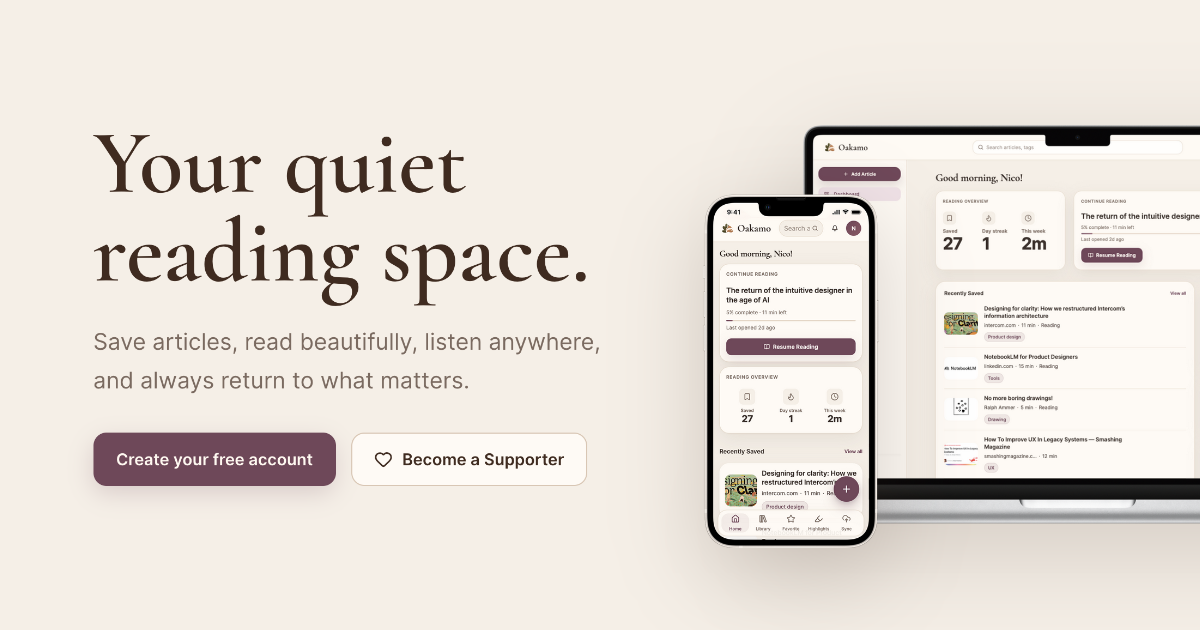
Oakamo is a reading app built around a simple job: save articles, read them in a cleaner layout, listen when text is inconvenient, and return to your place later from another device. The product is positioned as a quiet alternative to feeds and scrolling, with an emphasis on reading the full article rather than processing a stream of updates.
It supports a personal library workflow for people who collect articles to read later. The source pages describe article saving, distraction-free reading, highlights and notes, audio listening, progress sync across devices, and Google Drive backup/export as the core experience.
Add a link with the plus button and Oakamo saves the readable version for later, removing surrounding clutter where possible.
Articles open in a clean layout designed for long-form reading, with controls for font, theme, and spacing.
Oakamo remembers where you stopped and keeps bookmarks and progress available across devices.
You can mark passages, add notes in your own words, and revisit them as a library of ideas attached to the original article.
Articles can be turned into natural-sounding audio for times when reading on screen is inconvenient.
Oakamo backs up to Google Drive, supports syncing, and says you can export your library anytime.
Use Oakamo when you want to collect pieces from the web into one library instead of leaving them in browser tabs or bookmarks.
Open saved articles in the reader when you want a calmer layout for extended reading sessions.
Start on a laptop, then continue on a phone or tablet without losing your place.
Highlight useful passages and add notes when you are researching, studying, or collecting ideas over time.
Switch to audio for commuting, walking, cooking, or other situations where screen reading is less practical.
Yes. The site says the full reading experience is free, including saving articles, the distraction-free reader, audio listening, highlights, categories, and Google Drive sync. Supporter and Pro are optional paid plans.
Oakamo says it works in any modern browser and on iPhone and iPad.
Yes. Oakamo says your library is backed up to your own Google Drive and that you can export your content whenever you want.
Not yet. The FAQ says this is coming soon.
No. The FAQ says Oakamo does not sell personal data.

Goldfish is an AI memory app for macOS that helps you reply, write, summarize, and continue using the context already on your Mac. It stores memory locally and writes in your tone.

ArtDeck is a visual reference board app for iPhone, iPad, and Mac that lets artists collect mixed reference material on one canvas and study it with ToolBox lenses. It works offline, supports optional iCloud sync, and is sold as a one-time purchase with no account required.

Dcyde is a decision log for product teams that captures what was decided, the reasoning behind it, and the source in one shared place. It supports pinning decisions from Slack, Figma, or inside Dcyde and keeps the record searchable over time.

Contextbergは、画面・入力・ブラウザ・AIエージェントの利用履歴をローカルで記録し、MCP経由でClaude CodeやCursorなどに作業コンテキストを渡すデスクトップアプリです。中断した作業の再開、過去ログの検索、日次レビューに利用できます。

Lasso is an ecommerce product data platform for enriching catalog records, processing supplier files, generating product content, and monitoring competitors. It combines a web app with a REST API, SDK, and MCP server for teams and developers.

Biji - это универсальная платформа, разработанная для повышения продуктивности с помощью инновационных инструментов и функций.