
Humanize AI content
Rewrites AI-generated text so it reads more naturally while keeping the original structure intact, including headings, bullets, and links.

OneClickHuman is a web-based AI text humanizer that rewrites generated copy into more natural-sounding writing while preserving formatting. It targets content creators, marketers, and teams that need multilingual support, faster cleanup, or tiered usage limits.
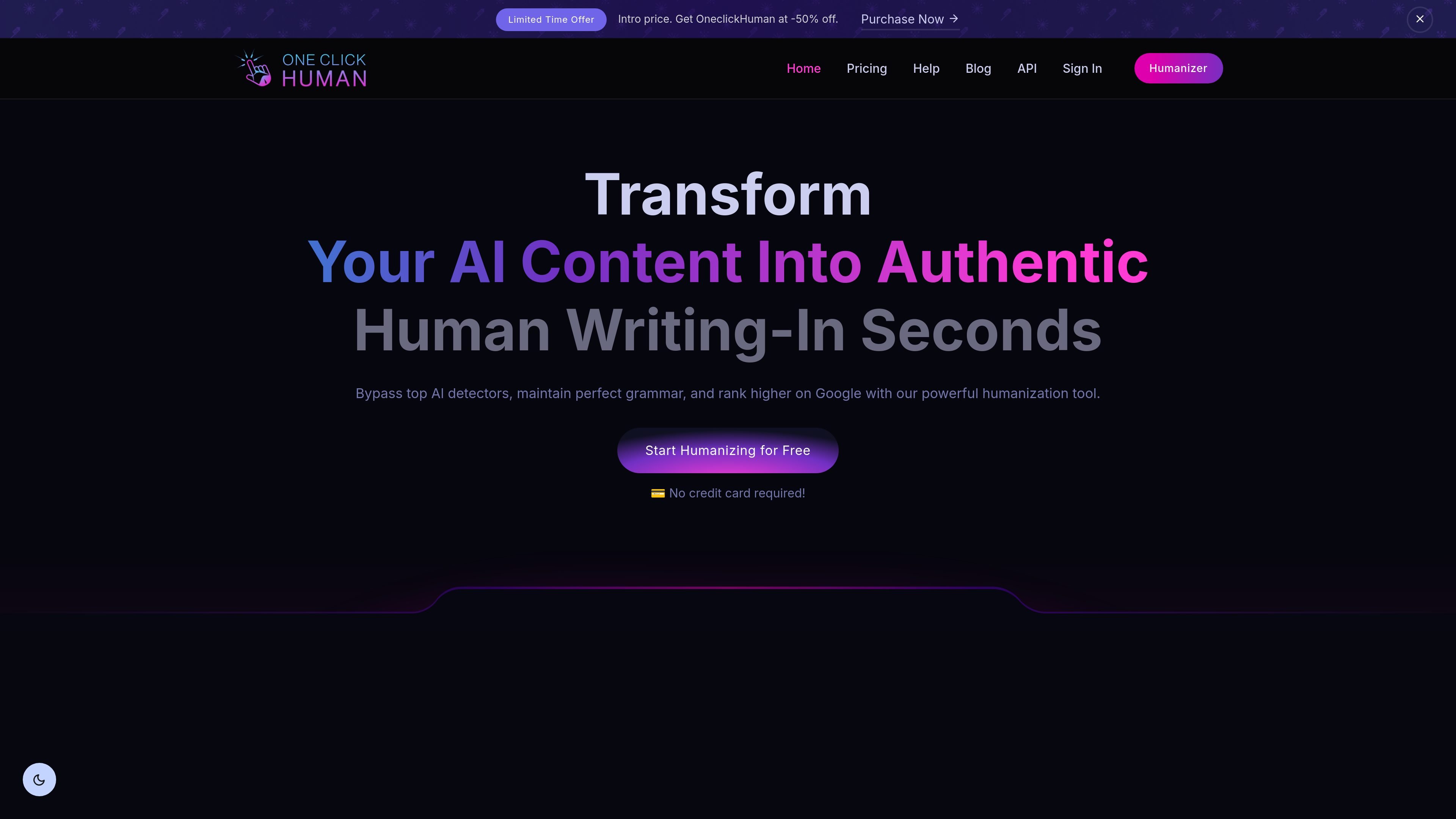
OneClickHuman is an AI-to-human text conversion tool that rewrites generated content into text that is meant to read like it was written by a person. The homepage describes it as a way to transform AI content into authentic human writing in seconds while keeping grammar and formatting intact.
The product is aimed at people who want to refine AI drafts for publishing or review, including users working on SEO-oriented content, multilingual copy, or high-volume writing tasks. The site also says it can bypass several AI detectors and offers tiered pricing for individual users, teams, and larger organizations.
Rewrites AI-generated text so it reads more naturally while keeping the original structure intact, including headings, bullets, and links.
Positions the output for use with detection tools, and the homepage names ZeroGPT, Originality, GPTZero, and similar detectors as supported targets.
Supports more than 10 languages for producing humanized content in multilingual workflows.
Offers a Lightning mode for faster turnaround on high-volume writing tasks.
Includes a Basic trial with a 7-day free period, 10,500 words during the trial, and a 325-word-per-article limit on that tier.
Provides an API on the pricing page for higher tiers, with access listed for Enterprise.
Useful for writers who start with AI drafts and need copy that keeps headings, bullet lists, and links intact before publishing.
Helps SEO teams shape AI-assisted drafts into more natural-sounding pages that are intended to read better for users and search engines.
Supports teams producing copy in multiple languages by humanizing text while keeping the writing consistent across languages.
Fits higher-volume writing jobs where users want faster turnaround and can use the Lightning mode for quicker output.
Applies to larger organizations that need higher limits, priority or dedicated support, and API access on eligible plans.
OneClickHuman converts AI-generated text into human-like copy while preserving formatting and grammar. The homepage says it can also help content bypass detection tools such as ZeroGPT and GPTZero.
The homepage says the tool supports more than 10 languages, so it can be used for multilingual content workflows.
Yes. The homepage says it preserves formatting such as headings, bullet points, and hyperlinks.
Support is available by email or live chat, and the pricing page says Business, Advanced, and Enterprise plans include priority or dedicated support depending on the tier.
The site says user content is encrypted, stored only for the time needed to process and humanize it, and then purged from temporary servers. It also states that the service complies with GDPR and can provide a DPA on request.

Goldfish is an AI memory app for macOS that helps you reply, write, summarize, and continue using the context already on your Mac. It stores memory locally and writes in your tone.

ProWritingAid is a writing assistant for storytellers that offers grammar checking, style editing, paraphrasing, and story analysis inside popular writing apps. It includes a free plan, paid tiers, and tools for chapter critique, manuscript review, and collaborative editing.

SpeakoFlow is a free, open-source desktop voice-to-text app for Windows, macOS, and Linux. It supports dictation into any app, voice-driven writing with Flow, cleanup, translation, and a screen-aware assistant.

Paperpal 是一款面向学术写作的 AI 工具,提供文献阅读、语言润色、引用、查重、AI 检测和投稿前检查。它适合需要在英文论文和学术材料上进行写作、修改与合规自检的学生、研究人员和教师。

Sanota is an app that turns spoken memories, reflections, and interviews into clear written stories. It supports personal storytelling, family history, and shared memories, with guided prompts and subscription pricing.

Dirac is an AI email assistant that prepares a morning brief, prioritizes important threads, and drafts replies in your voice. It is positioned for founders and other busy professionals who use Gmail and want to reduce morning inbox triage.