
AI-assisted release note writing
Draft release notes from pull requests and completed tasks, or refine messy notes into customer-ready copy with AI assistance.

Onset is a release-notes and changelog tool for product teams that need to draft, publish, and notify customers about product updates. It supports AI-assisted writing, branded changelogs, scheduled releases, and notifications through Slack, Discord, or email.
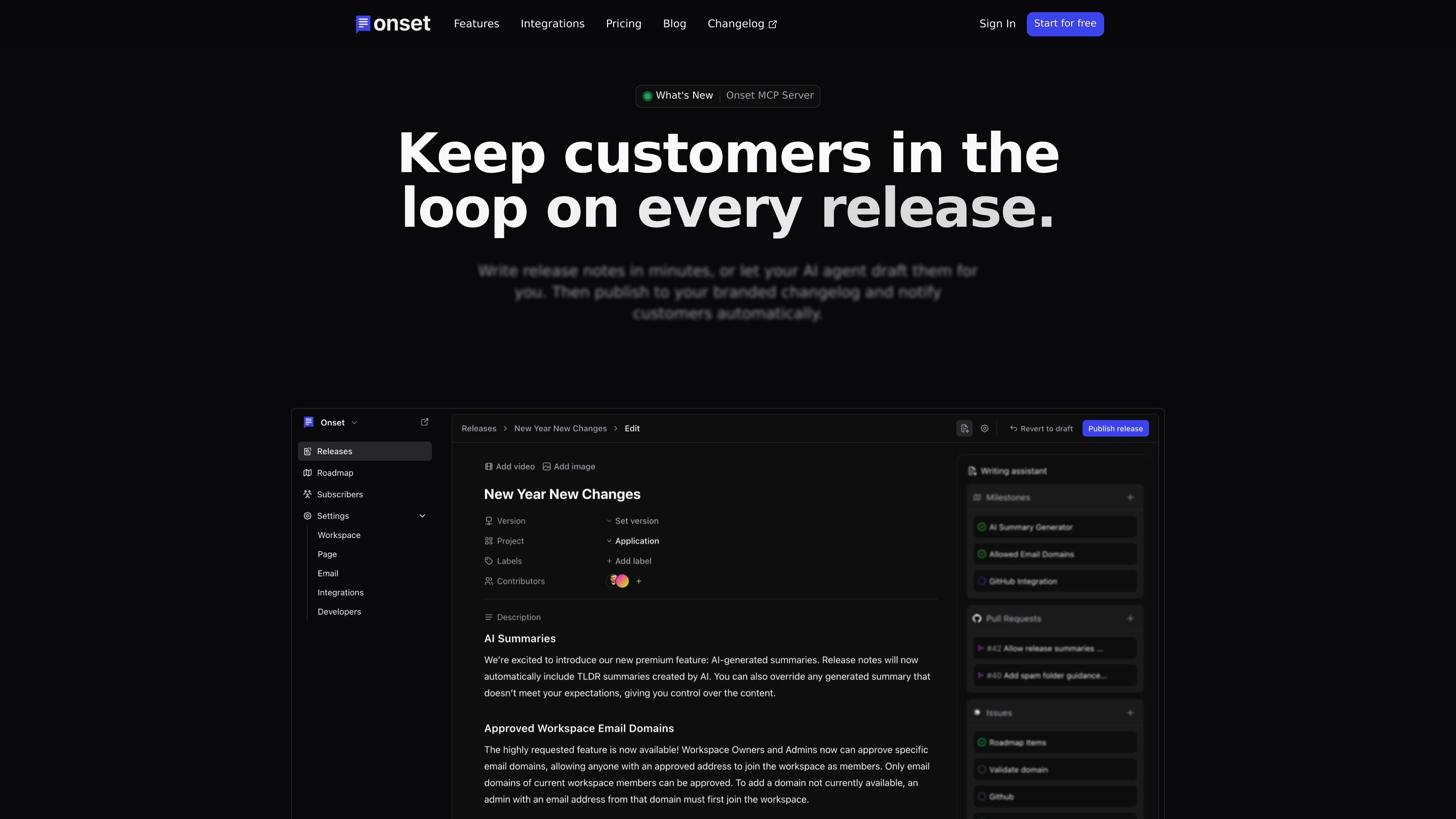
Onset is a release notes and changelog tool for product teams that need a simple way to turn shipping activity into customer-facing updates. It supports both manual drafting and AI-assisted writing, then publishes those updates to a branded public changelog.
The product also includes internal release notes, scheduling, notifications to Slack, Discord, or email, and an embeddable widget for in-app updates. The overall workflow is aimed at making releases easier to communicate without moving between multiple tools.
Draft release notes from pull requests and completed tasks, or refine messy notes into customer-ready copy with AI assistance.
Publish updates to a branded public changelog, and also keep internal release notes for your team.
Schedule, preview, and choose when updates go live, which helps coordinate launches across teams and time zones.
Send release alerts to Slack, Discord, or email from the same workflow instead of switching between separate tools.
Connect Onset to Claude, Cursor, or another MCP client to draft and publish directly from the editor you already use.
Embed release notes directly into your app with the widget so users can see updates without leaving the product.
Turn pull requests and completed tasks into release notes, then polish the draft before publishing it to the changelog.
Publish customer-facing updates on a branded changelog so users can follow what changed after each release.
Keep teammates informed with internal release notes that provide context around what shipped and why.
Schedule announcements for a chosen time and pair them with Slack, Discord, or email notifications.
Embed release notes inside your product so users can see updates without leaving the app.
Yes. The pricing page says Onset offers a free plan and a 30-day free trial of paid plans.
Onset’s home page says you can write release notes yourself or use AI-assisted drafting, then publish to a branded changelog and send notifications automatically.
The pricing page lists unlimited release notes and projects on all plans, with differences in subscriber limits, teammates, and advanced publishing or branding options.
The home page says Onset can send release alerts to Slack, Discord, or email, and the privacy policy also mentions integrations you authorize such as GitHub, GitLab, Linear, and Slack.
The pricing page says data is stored in the US by default, with EU data residency options planned for customers with compliance needs.

PaperBetterAI - это интеллектуальный инструмент для написания, который генерирует академические работы и различные письменные материалы на китайском и английском языках с использованием передовых технологий ИИ.

心流AI助手是一款面向知识获取与内容处理的 AI 助手,可用于实时问答、长文总结和写作辅助。公开页面显示它覆盖日常百科、生活信息和学术论文相关场景,并提供 App 体验入口。

Goldfish is an AI memory app for macOS that helps you reply, write, summarize, and continue using the context already on your Mac. It stores memory locally and writes in your tone.

Topple.lol is a public pay-to-rank leaderboard where listings start at $1 and their bid balance decays over time and with clicks. It helps makers and marketers buy short-term visibility for product sites or X profiles while tracking live board stats.

Все-в-одном AI платформа, которая объединяет инструменты для изображения, видео, голоса, письма и чата для повышения креативности и сотрудничества.

Slidesgo is a presentation template platform for Google Slides, PowerPoint, and selected Canva workflows. It offers free and Premium templates, plus AI-assisted presentation creation and team-friendly access options.