
Screen and window recording
Capture a complete display or an application window through native platform capture APIs. Recording controls include a countdown, pause and resume, system audio, microphone, and webcam options.

OpenScreen is a free, open-source screen recorder and video editor for Windows, macOS, and Linux. It captures displays or windows with optional audio, webcam, and editable cursor data, then provides local editing, captions, and watermark-free MP4 or GIF export.
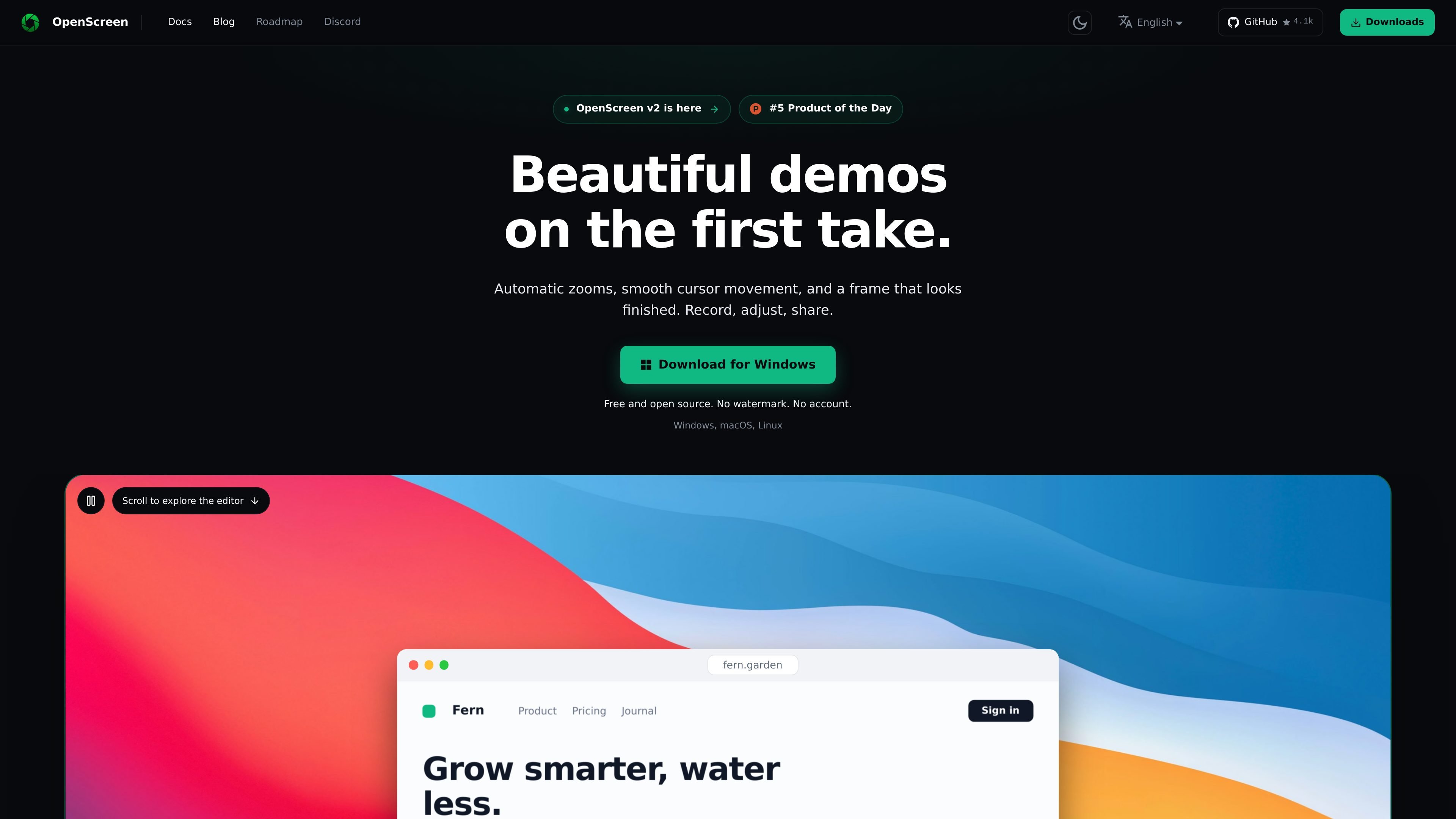
OpenScreen is a free, open-source screen recorder and video editor for Windows, macOS, and Linux. It records a full display or application window, with optional system audio, microphone, webcam, and an editable cursor mode, then opens the take for timeline-based editing.
The product is designed for turning raw screen captures into demos and other shareable recordings without sending the video to a hosted service. Editing tools cover cursor presentation, automatic click-based zooms, transcript-driven cuts, backgrounds, device frames, layouts, cropping, captions, and local MP4 or GIF export. It is released under the MIT license, has no account or watermark, and performs recording, transcription, and rendering on the user's computer.
Capture a complete display or an application window through native platform capture APIs. Recording controls include a countdown, pause and resume, system audio, microphone, and webcam options.
Record the pointer as separate movement data instead of burning it into the screen pixels, then change its size, smoothing, motion blur, click animation, and visual theme during editing.
Place zooms from cursor clicks, adjust speed ramps, trim clips, add comments, and make non-destructive edits on the timeline. A transcript can also be edited as text to remove words or silences.
Apply backgrounds, gradients, padding, shadows, rounded corners, motion blur, device frames, animated backgrounds, and several layout options. The editor supports 16:9, 9:16, 1:1, 4:3, 4:5, 16:10, and 10:16 framing.
Transcribe audio locally with whisper.cpp. After the model's first download, transcription works offline; caption styling includes typeface, size, color, and position before rendering.
Export locally to H.264 MP4 at 24, 30, or 60 fps from 720p through the source resolution, or to GIF, without a watermark.
Capture an application window or full display with system audio, then use click-based zooms, cursor styling, device frames, and backgrounds to create a focused product walkthrough.
Record a repeatable technical procedure with microphone narration and an optional webcam track. Trim the timeline, remove silences through transcript editing, and export the finished explanation locally.
Use the editable cursor, captions, aspect-ratio presets, and layout controls to prepare a recording for a documentation page, social post, or presentation format without recording the session again.
Create privacy-conscious internal walkthroughs by keeping recording, transcription, and rendering on the local computer, while cropping or masking selected regions during editing.
Record a window or display with optional webcam and audio, assemble multiple takes in the editor, and export a watermark-free MP4 or GIF for sharing with colleagues or clients.
Yes. OpenScreen is released under the MIT license and can be used, modified, distributed, and sold, provided the copyright and permission notice is retained with copies of the software.
No. MP4 and GIF exports do not include a watermark, and the app has no paid version that removes one.
OpenScreen records, transcribes, and renders on the local computer, and it has no upload feature. The first transcription downloads a roughly 264 MB Whisper model; after that, transcription works without a network connection. Some optional connections remain, including Google Fonts, update checks, and any AI provider or caption-translation service that the user explicitly configures.
OpenScreen can record a whole display or an application window, with system audio, microphone, webcam, and either an editable cursor overlay or the system cursor. It does not provide region capture during recording; footage can be cropped afterward in the editor.
Exports include MP4 using H.264 at 24, 30, or 60 fps, from 720p up to the source resolution, as well as GIF. Encoding runs on the local computer.

Zella is a screen recorder and on-device AI video editor for Mac and iPhone. It helps creators record screens or cameras, automatically clean up footage, add captions, reframe clips, and export videos without uploading the core project to the cloud.

Jupitrr Cut is a free iOS and Android teleprompter and recording app for scripted talking-head videos. It records scenes separately, lets users retake individual lines, trims pauses, and stitches the takes into a jump-cut video.

Tavus is an AI video platform for building real-time, face-to-face agents, digital twins, and AI companions. It combines APIs, custom replicas, and multilingual conversational workflows for developers and teams.

HiringPartner.ai is an autonomous AI recruiting platform for sourcing, screening, and interviewing candidates 24/7. It supports ATS-connected workflows, bulk resume uploads, and reviewable interview outputs for hiring teams.

CAKIE is a Mac app for recording your screen and voice for an AI agent. It adds a transcript and screenshot highlights, then lets you copy a prompt and paste or attach the context in another AI app.

Video Effects SDK adds real-time webcam effects such as background blur, background replacement or removal, denoising, framing, beautification, and color grading. It is built for teams shipping live video experiences on web, desktop, and mobile platforms.