
Local-first AI
Run open models on your Mac so conversations, code, and files stay on device instead of being sent to a server.

Osaurus is a native macOS AI agent platform for Apple Silicon that keeps models and data on your Mac. It can also connect to ChatGPT, Claude, or Gemini when a task needs a cloud model.
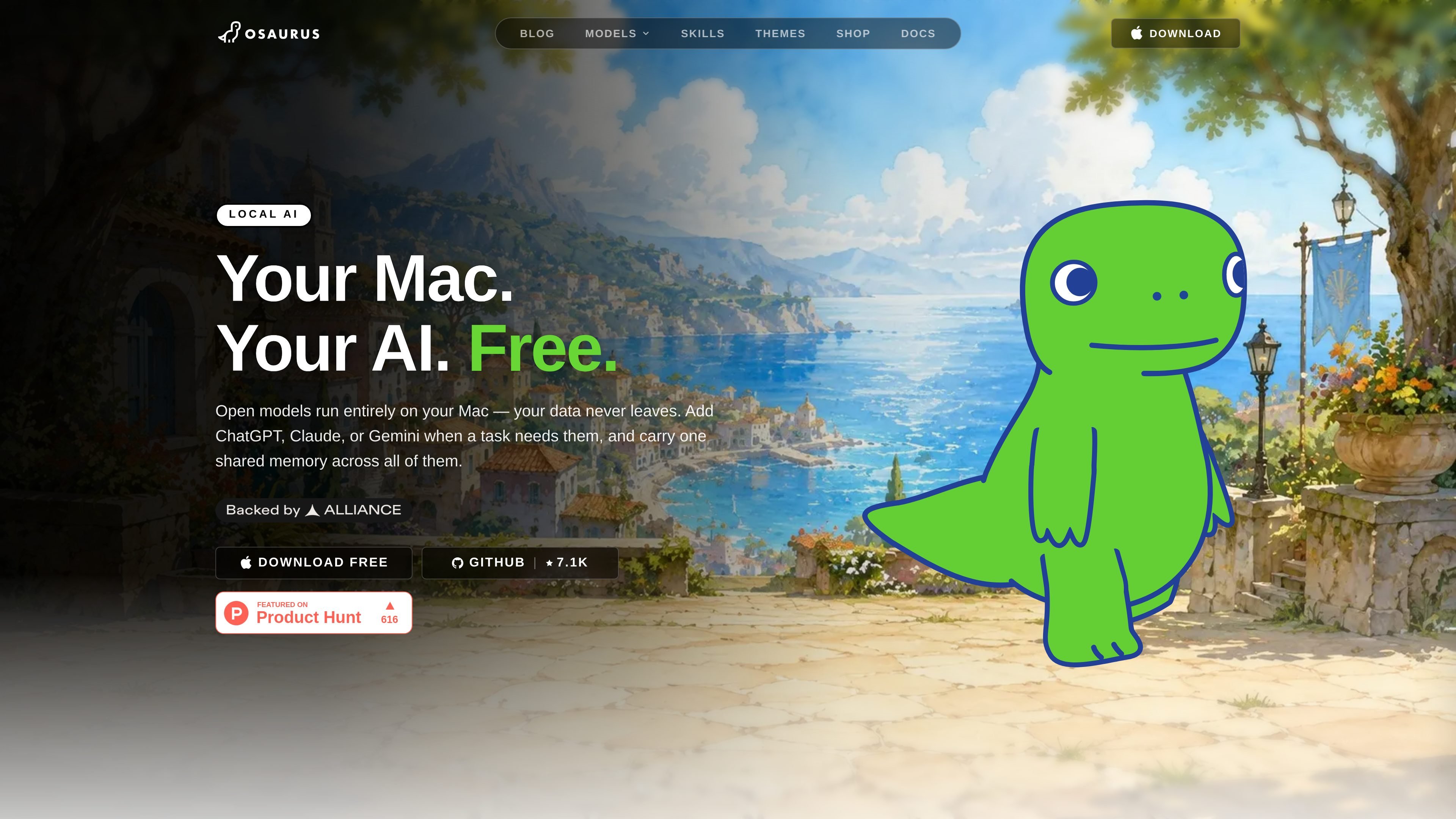
Osaurus is a native macOS app for Apple Silicon that acts as a home base for AI agents on your Mac. It is designed around local AI, with open models running on-device so your data stays on your machine.
The product combines model switching, file access, memory, and automation so you can build agents that work with your local environment. The site also says you can add cloud models such as ChatGPT, Claude, or Gemini when a task needs them, while keeping one shared memory across models.
Run open models on your Mac so conversations, code, and files stay on device instead of being sent to a server.
Connect Ollama, MLX, or LM Studio in one click, and add ChatGPT, Claude, or Gemini when a task calls for a cloud model.
Keep one shared memory across local and cloud models so context can carry between tasks and model changes.
Drop in files, assign tasks, and let agents read, write, and execute against your local environment.
Build autonomous agents with voice control, folder watchers, browser plugins, and parallel jobs.
Use the bundled skills library for Apple Music, Notes, Calendar, Contacts, Mail, Maps, Messages, Reminders, browser control, search, vision, spreadsheets, and more.
Use Osaurus as a local assistant that can read files, write outputs, and work inside your Mac environment without sending data off device.
Set up agents that watch folders, control the browser, and run jobs in parallel for background automation.
Connect cloud models only for specific tasks that benefit from them, while preserving shared context across model switches.
Use the skills library to interact with Apple apps such as Notes, Calendar, Mail, Messages, Reminders, Maps, and Apple Music.
Ground research and content tasks with built-in search, browser, and vision-related skills when a workflow needs web or image context.
Osaurus is a native macOS app for Apple Silicon and requires macOS 15.5 or later.
The homepage says you can download the app directly or install it with Homebrew using `brew install osaurus`. It also says the native Swift app opens from a .dmg and does not require an account.
Osaurus is built for local AI first: open models run on your Mac, and you can add ChatGPT, Claude, or Gemini when a task needs them.
The site says agents can drop in files, assign tasks, read and write, run tools, and work autonomously with features like voice control, folder watchers, browser plugins, and parallel jobs.
The site does not show a pricing page with plan details. One source page indicates the product is MIT licensed, free to use and modify, with no subscription or usage caps.

Goldfish is an AI memory app for macOS that helps you reply, write, summarize, and continue using the context already on your Mac. It stores memory locally and writes in your tone.

Codex Plugins bundle reusable skills, app integrations, and MCP servers into workflows you can install in the Codex app or use from Codex CLI. They help extend Codex with connected-service tasks, reusable instructions, and shared team workflows.

Dcyde is a decision log for product teams that captures what was decided, the reasoning behind it, and the source in one shared place. It supports pinning decisions from Slack, Figma, or inside Dcyde and keeps the record searchable over time.

Lasso is an ecommerce product data platform for enriching catalog records, processing supplier files, generating product content, and monitoring competitors. It combines a web app with a REST API, SDK, and MCP server for teams and developers.

Biji - это универсальная платформа, разработанная для повышения продуктивности с помощью инновационных инструментов и функций.

Struere is an AI-native platform for turning spreadsheet data into structured operational software with dashboards, alerts, and automations. It is aimed at teams that want to replace manual spreadsheet workflows without building custom tools from scratch.