
Conversational video planning
Describe a video in ordinary language and let Pexo interpret the intent, propose direction, write a script, and plan scenes and shots.

Pexo is an AI video agent that turns ideas and reference material into planned, edited videos through natural-language conversation. It is intended for creators, marketers, product teams, and other users who want finished video without handling every prompting and editing step manually.
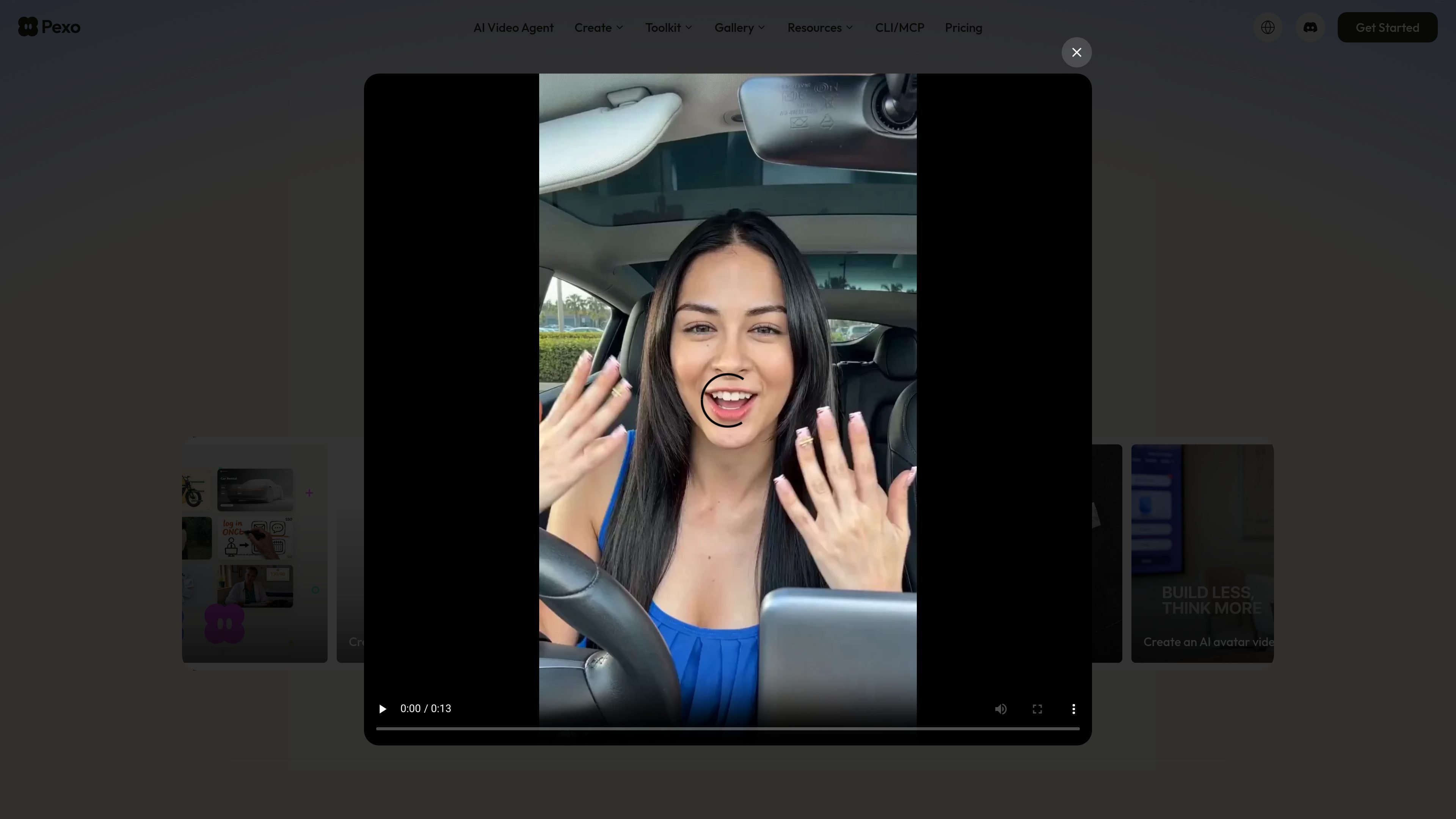
Pexo is an AI video agent that turns a natural-language idea and optional reference material into a completed video. Rather than functioning only as a prompt-to-clip generator or a manual editor, it interprets the brief, develops a creative direction, plans the script and shots, chooses suitable models, and assembles the result.
Users can begin with words, a URL, PDF, image, video, audio clip, written script, or other reference. Pexo is positioned for explainers, product and launch videos, advertisements, social content, short stories, demos, and other publish-ready clips. The workflow supports conversational review and revisions, so users can adjust the plan or result through chat.
Describe a video in ordinary language and let Pexo interpret the intent, propose direction, write a script, and plan scenes and shots.
Start from text, images, URLs, PDFs, videos, audio clips, written scripts, or other references, then turn that material into a video workflow.
Pexo routes different steps to suitable AI models, including Seedance and Kling, rather than requiring users to select an engine for every task.
The workflow can produce complete cuts with voiceover or narration, music, motion graphics, subtitles, transitions, and editing.
Review the plan, redirect individual elements, skip or reroll parts, and request changes conversationally instead of restarting from scratch.
The platform supports text-to-video, image-to-video, style transfer, auto-editing, AI avatars, image generation, and music generation, with outputs described as up to 4K and 5–120 seconds on the agent page.
Turn product information, screenshots, or a brief into a structured demonstration or feature-focused video with visuals, narration, and captions.
Create launch videos, product ads, UGC-style variations, and other campaign cuts from one product and marketing goal.
Generate short-form content for TikTok, Instagram, YouTube, X, and other social channels in platform-oriented formats such as 9:16, 1:1, and 16:9.
Feed a script, data, or a complex topic into the workflow to develop scenes, motion graphics, and an accessible visual explanation.
Develop storyboards, previsualize cinematic shots, and generate scenes with consistent characters across frames for short films or creative projects.
No. Describe the intended result in plain language; Pexo says prompt engineering and video-editing skills are not required.
You can start with an idea, URL, PDF, image, video, audio clip, written script, or other reference, depending on the workflow.
Pexo develops the script and production plan, structures scenes and shots, selects models, and assembles the result with elements such as narration, music, subtitles, and transitions.
Pexo automatically selects a suitable model across its available engines, including Seedance and Kling. The agent-selected page says it works across 10 or more engines, while the user can name a model if desired.
Pexo is available through its web app. Its installable skill can also connect it to Claude Code, Cursor, Codex, OpenClaw, Hermes, Manus, and other agents that support the skills standard; connected-agent usage uses the same credits as the web app.

艺映AI is a free AI video creation tool for generating video from text, images, or existing footage. It is positioned for short-form social content, promotional clips, and stylized AI video projects.

VIDEOAI.ME is an AI video generator for making spokesperson-style videos, ads, explainers, and social content from a script. It is aimed at founders, marketers, agencies, and creators who want to produce videos without filming.

Video Effects SDK adds real-time webcam effects such as background blur, background replacement or removal, denoising, framing, beautification, and color grading. It is built for teams shipping live video experiences on web, desktop, and mobile platforms.

Official HeyGen API documentation for building AI avatar videos, translations, lipsync, and interactive video-agent sessions. It supports direct API use plus MCP and CLI-style workflows for developers and AI agents.

DeepMotion is a web-based AI motion capture and 3D animation platform with Animate 3D for video-to-animation and SayMotion for text-to-animation. It helps creators and teams generate motion in a browser and export results in common production formats.

Zella is a screen recorder and on-device AI video editor for Mac and iPhone. It helps creators record screens or cameras, automatically clean up footage, add captions, reframe clips, and export videos without uploading the core project to the cloud.