
On-device Stable Diffusion generation
Choose a curated model pack, write a prompt, and generate images on the iPhone itself instead of sending jobs to a cloud service.

PhoneDiffusion is a local Stable Diffusion image generator for iPhone that creates images on-device and can work offline after setup. It is aimed at users who want private AI image generation without cloud uploads or per-image credits.
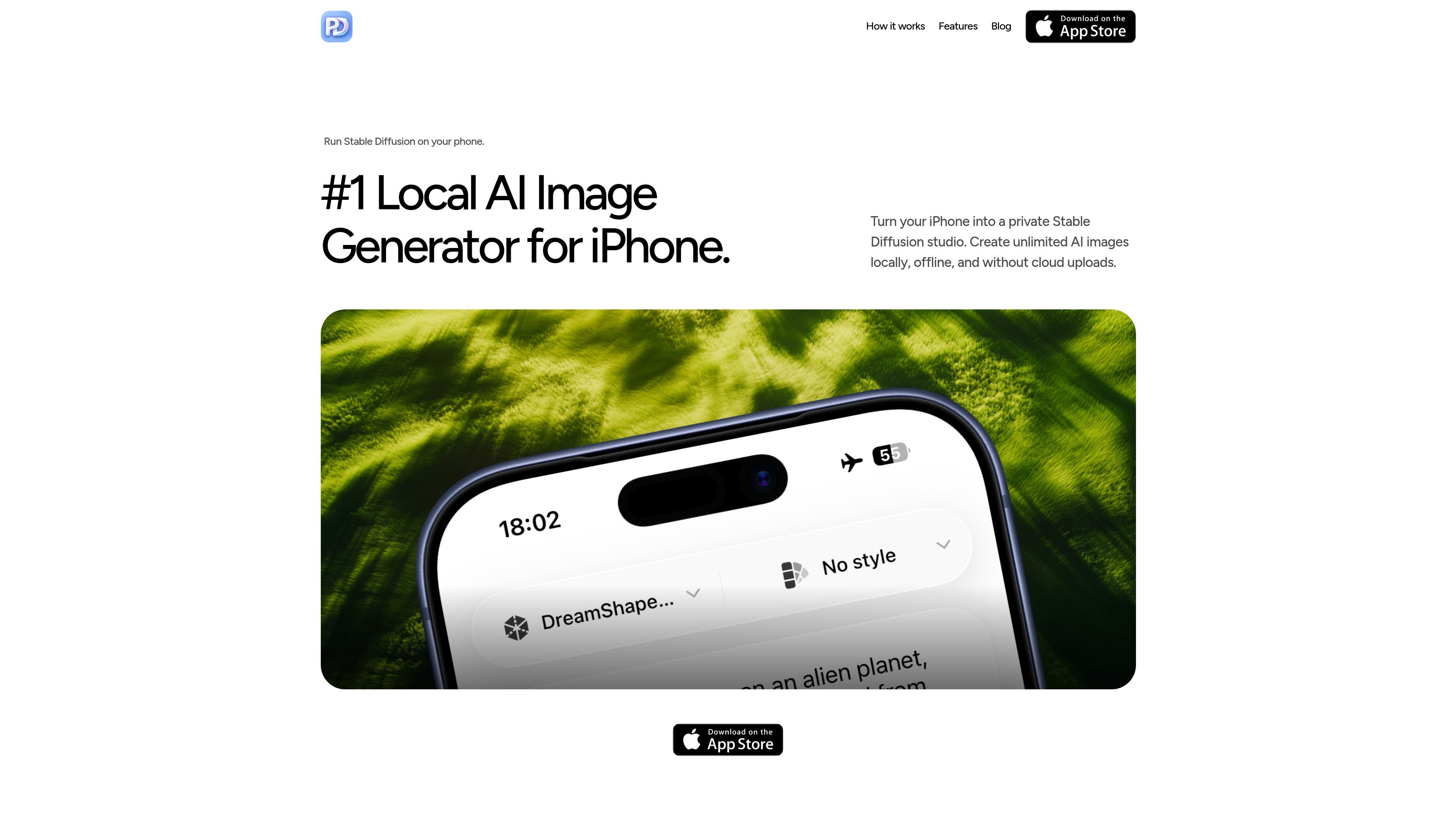
PhoneDiffusion is a local AI image generator for iPhone built around Stable Diffusion. It lets users create images on-device with curated model packs, rather than routing prompts and renders through a cloud queue.
The product is positioned around privacy and offline use: after the app and model are downloaded, generation can continue without internet access, and the site says prompts, generated images, and history stay on the iPhone. The homepage also notes support for curated Stable Diffusion 1.5 and SDXL model packs on supported devices.
Choose a curated model pack, write a prompt, and generate images on the iPhone itself instead of sending jobs to a cloud service.
The app is designed for use after the first model download, so image generation can continue without internet access.
PhoneDiffusion says prompts, generated images, and history stay on the device, which keeps the workflow private by default.
The homepage references curated model packs for SD 1.5 and SDXL, with the app selecting a launch model that fits the device.
The site says Photos permission is requested only at save time, so users can keep generation separate from their photo library until they export an image.
Use PhoneDiffusion when you want to generate AI images on a phone without sending prompts or outputs to a cloud service.
After downloading the app and model pack once, continue creating images in places where you do not have reliable internet access.
Pick a curated model pack and create with the device-aware setup that the site describes for supported iPhones.
Save only the images you want to keep in Photos, while leaving the rest of the generation history stored locally on the phone.
Use the app when you want a mobile Stable Diffusion workflow that does not rely on accounts or per-image credits.
Yes. PhoneDiffusion is described as a local Stable Diffusion image generator for iPhone that runs on-device after the app and model pack are downloaded.
After setup, generation can work without internet access because prompts and image generation stay on the device.
The site says prompts and generated images stay on your iPhone, and it requests Photos access only when you choose to save an image.
The homepage says PhoneDiffusion supports curated Stable Diffusion model packs including SD 1.5 and SDXL on supported devices.
The pricing page returns a 404, so the source does not provide a current plan breakdown. The homepage and FAQ emphasize local generation instead of a per-image credit model.

Skybox AI by Blockade Labs generates 360° skyboxes and environments for games, XR, film, education, architecture, and other production workflows. The site also shows integrations for tools like Unity, Blender, Godot, SketchUp, Figma, and Roblox.

Генератор живописи AI - это онлайн-программное обеспечение, которое автоматически создает произведения искусства на основе текстовых описаний, предоставленных пользователями.

The Genesis Art turns a meaningful date into a one-of-a-kind digital artwork backed by a registry and certificate system. It is aimed at people marking milestones such as a birth, wedding, or founding day.

Kling AI is an AI creative studio for generating and editing images and videos, with web, mobile, and API access for creators and developers. It supports a broad set of visual workflows, including video generation, image creation, editing, and native 4K output for the V3 series.

Все-в-одном AI платформа, которая объединяет инструменты для изображения, видео, голоса, письма и чата для повышения креативности и сотрудничества.

Petalica Paint is a web service for automatically coloring line art and tracing line drawings from photographed images. The home page says it can be used under the stated terms for commercial and noncommercial work, but it is scheduled to end on 2025-07-31 at 16:00 JST.