
Voice range calibration
PitchHighway maps your range with a quick voice calibration, then uses that range to shape the learning experience for songs and exercises.

PitchHighway helps singers learn songs with real-time pitch feedback, guided drills, and free browser tools for range testing, warm-ups, key finding, and note practice. It works in the browser and on iPhone and iPad.
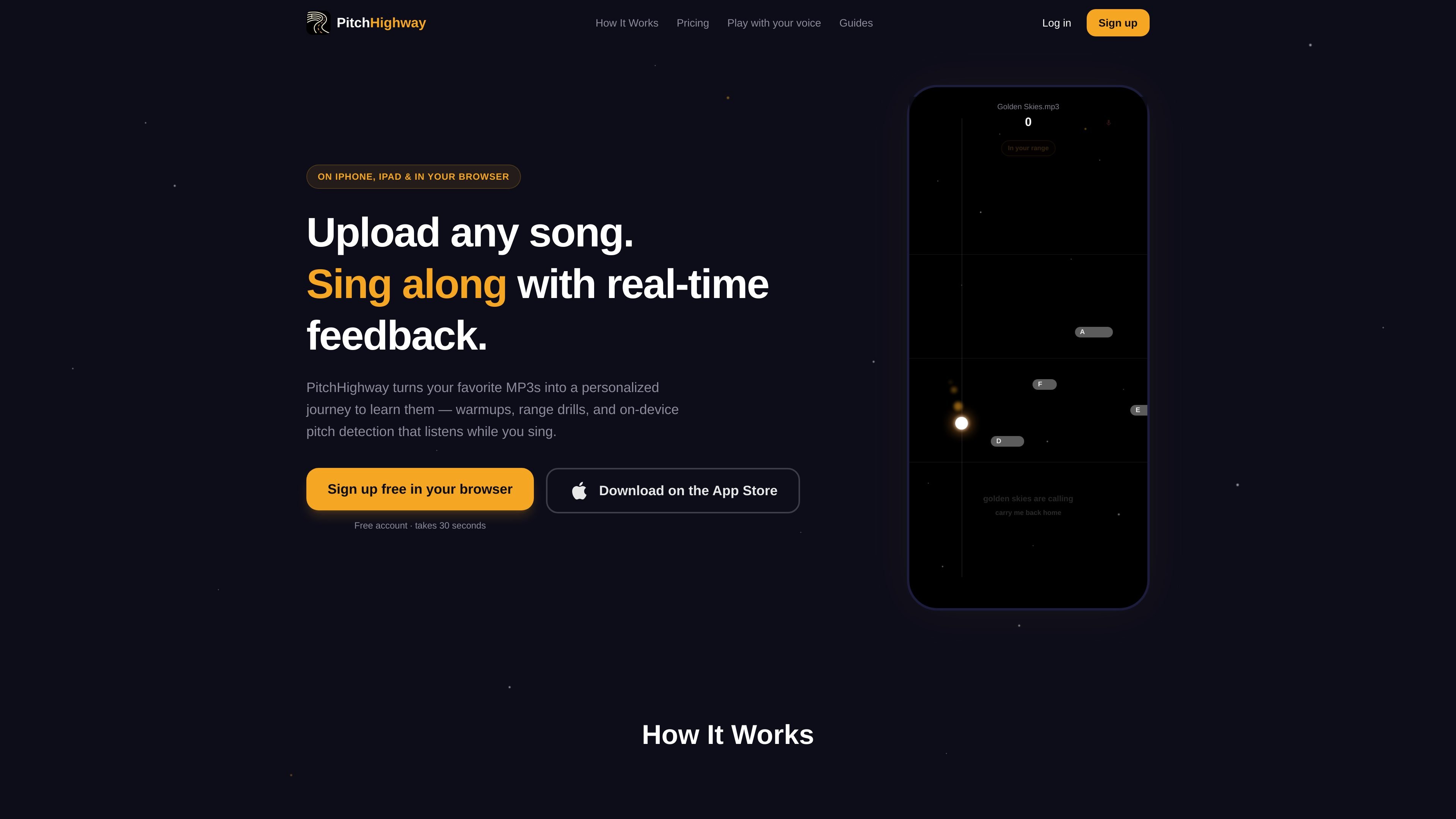
PitchHighway is a singing practice app and browser-based set of vocal tools for people who want to learn songs more accurately. Its main workflow starts with a quick voice calibration, then lets users upload a song and follow a personalized practice path built around that track.
The product focuses on real-time, on-device pitch feedback. According to the site, it can separate vocals, detect pitch note by note, transpose songs by whole octaves to fit your range, and guide you through warmups, range drills, phrase practice, and a final full-song run. Several starter tools are also available free in the browser, including vocal range testing, voice type testing, note practice, breathing, warm-ups, and a song key finder.
PitchHighway is available in the browser and on iPhone and iPad. The site also states that the first song is free, with a free account option and a paid Premium plan for users who want additional uploads and the full practice system.
PitchHighway maps your range with a quick voice calibration, then uses that range to shape the learning experience for songs and exercises.
Upload an MP3 and the app separates vocals, detects pitch note by note, and builds a step-by-step journey for that specific song.
Warmups, range stretches, and phrase-by-phrase drills are organized around the song you upload, so practice starts before the full run-through.
During full-song practice, the app shows real-time pitch feedback so you can see how closely you are matching the notes while you sing.
Full-song runs create your own cover over the original instrumental on your device, with playback and saving for later review.
The browser tools include range testing, note practice, vocal warm-up, breathing, pitch games, and a song key finder for setup and practice.
A singer can calibrate their voice, upload a favorite MP3, and follow the generated sequence of warmups, range stretches, phrase drills, and a full-song run to build the song step by step.
Before choosing a track, a user can run the free range test and key finder to see what sits comfortably in their voice and whether a song needs to be transposed by octaves.
Someone preparing for rehearsal, a lesson, or a performance can open the browser warm-up player, select a voice type, and use lip trills, humming, sirens, and scales to get ready quickly.
A singer who wants focused practice can use the browser tools for note practice or pitch games to work on accuracy and feedback without starting a full song journey.
A user reviewing progress can replay the on-device cover recording, compare scores and personal bests, and track improvement across repeated runs on the same song.
No. The vocal warm-up player is completely free, requires no signup, and runs directly in your browser on desktop or phone.
The warm-up player is built around a balanced five-minute routine. The site says five to ten minutes is enough for most singers, and you can run it twice on a heavier singing day.
No microphone is required to follow the exercises. If you enable pitch feedback, the tool uses your mic to show whether you are landing on the note, and the audio is processed in your browser.
The page says the voice type setting only chooses a comfortable starting key. Sopranos and tenors start higher, altos and basses start lower, and you can change it anytime.
Yes. The product includes free browser tools such as a vocal range test, voice type test, note practice, game-style singing exercises, breathing, vocal warm-up, vocal timbre, and a song key finder.

Teloframe is an AI-powered football coaching platform for building tactics, editing drills, planning sessions, and managing player development in one workspace. It includes a Free tier plus Pro and Club plans for coaches and analysts who need more collaboration and team features.

LeanUp is an AI calorie tracker and meal-planning app for logging meals, tracking macros, and getting personalized nutrition guidance. It supports barcode scanning, photo-based food recognition, manual search, and recipe reuse.

TrakMac is a voice-first macro tracking app for fitness-focused users on iOS. It estimates calories and macros from spoken meal descriptions, then helps users log food and stay aligned with their training goals.

Padel Chess is a web-based learning platform for improving padel tactical skills through puzzle-based practice. It helps players work on positioning, shot selection, and decision-making in realistic court scenarios.

Kilo is an AI-assisted fitness coach for consistent lifters and hybrid athletes. It delivers programs, workouts, logging, check-ins, and context-aware adjustments through iMessage, with a focused web link for structured workout entries.

what do i wear ✶ run suggests running outfits based on your location and the current weather. It factors in temperature, wind, humidity, UV, and rain, then updates recommendations hour by hour.