
Photo-to-sprite generation
Starts from a real portrait rather than a text prompt or generic filter, so the output is intended to resemble the person in the source photo.

PixelForge turns a single photo into a game-ready 2D character sprite pack, including a 4×4 sheet, transparent frames, direction strips, and looping walk GIFs. It is designed for engine-ready use in Godot, Unity, Phaser, GameMaker, and web games.
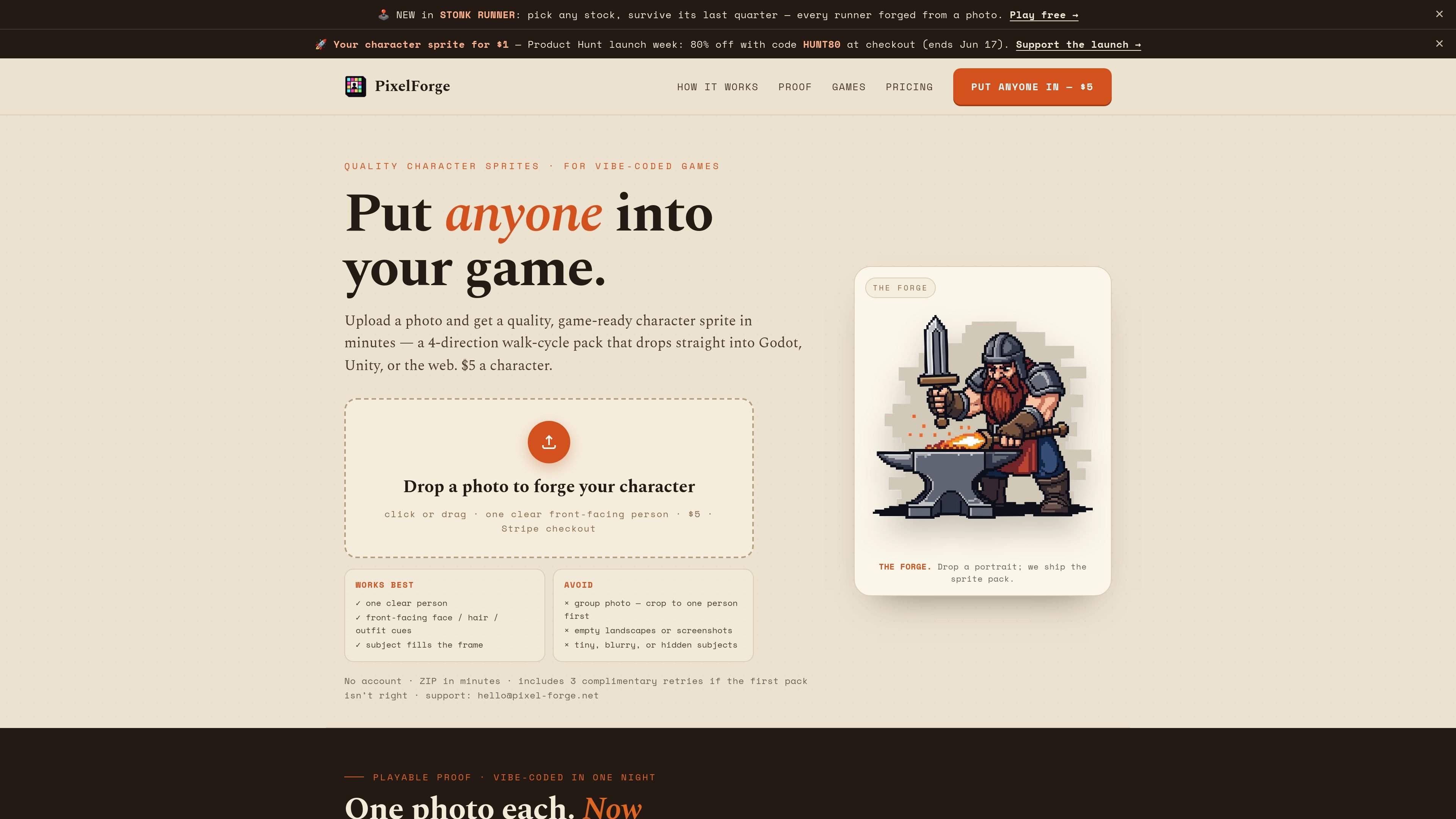
PixelForge is a photo-to-game-sprite tool that turns a single portrait into a playable 2D character pack. The site positions it as a way to put a real person into a game without hand-pixeling or prompt-based iteration.
The output is a 4-direction walk-cycle sprite pack built around a strict 4×4 sheet, transparent frames, sliced direction strips, and looping GIF previews. PixelForge says the pack is generated by AI and then finished with deterministic code for cleanup and alignment, and it is designed to drop into engines such as Godot, Unity, Phaser, GameMaker, and the web.
Starts from a real portrait rather than a text prompt or generic filter, so the output is intended to resemble the person in the source photo.
Produces a strict 4×4 character sheet with one facing per row and four frames per direction, designed for a 4-direction walk cycle.
Includes 16 individual transparent PNG frames, 4 horizontal direction strips, and 4 looping walk GIFs for previewing motion and importing assets.
Uses deterministic Python after AI generation to remove the key color, align feet across frames, and package clean transparent files.
Ships with QA notes and a drop-in README so the pack is easier to inspect and use in a game project.
Turn a portrait into a playable character for a solo project, game jam entry, or prototype where you need a person-shaped sprite quickly.
Follow the Godot-specific workflow to import the 4×4 sheet into AnimatedSprite2D and use the provided strips or frames in a CharacterBody2D setup.
Add a real-person sprite pack to an indie 2D title built in Unity, Phaser, GameMaker, or a web stack when you want a character that is ready to ship.
Create a recognizable avatar for a vibe-coded game by starting from a photo instead of relying on text prompts to invent the character.
Prepare a sprite pack that can be used in a commercial release, with the licensing page stating that shipping is allowed without royalties or attribution.
Yes. The site says a PixelForge pack is yours to use and ship in commercial and non-commercial 2D games, with no per-title fee, no royalties, and no attribution required. The commercial-use page also notes that Steam requires disclosure of shipped AI-generated content.
Upload one clear, front-facing portrait of a single person. The site recommends avoiding group photos, tiny distant subjects, and heavy blur, and says the checker rejects no-face and multi-face photos before payment on the photo-to-sprite page.
A finished pack includes a 4×4 sprite sheet, 16 transparent frames, 4 direction strips, 4 looping walk GIFs, QA notes, and a README.
No. The homepage and use-case pages say you can upload a photo, pay $5, and download the ZIP without creating an account.
The site says failed QA packs are handled manually during beta. If the result is close but not right, you can use up to 3 complimentary retries from your job page.

Mixels.ai is a browser-based AI pixel art generator for creating 8-bit characters, sprites, avatars, and photo-to-pixel conversions. It is designed for users who want grid-aligned retro artwork without installing software.

GameGrad turns PDF study material into quiz questions that appear inside arcade games, so users can practice active recall while they play. It offers a free tier with one PDF and a Pro plan with more uploads, more questions, and answer explanations.

DailyPlay.ai is a behavioral growth platform that uses AI site scanning and micro-games to help brands improve engagement and conversion. It supports web, mobile, and other digital touchpoints, with a one-line script setup and a free engagement scan.

Wallie is an open-source AI streamer that watches your screen, hears chat, and generates live commentary in a configurable persona. It runs locally on your machine with your own keys and is aimed at faceless content, autonomous streams, and real-time reactions.

ChessWoodie is a chess tactics training app based on the Woodpecker Method. It helps players build pattern recognition through repeated puzzle cycles, track speed and accuracy, and review missed tactics from their own games.

Loniva is a mobile puzzle app that offers a calm daily mix of games across memory, attention, language, speed, logic, and focus. It runs on iPhone, iPad, and Android, with a free 7-day trial and a free daily workout after the trial.