
Video and playlist input
Paste a public YouTube video or playlist URL and TubeKit uses the source content as the input for tool generation.

TubeKit turns public YouTube videos and playlists into AI-powered tools that creators can customize and share. It is free to try and requires no signup for the initial workflow.
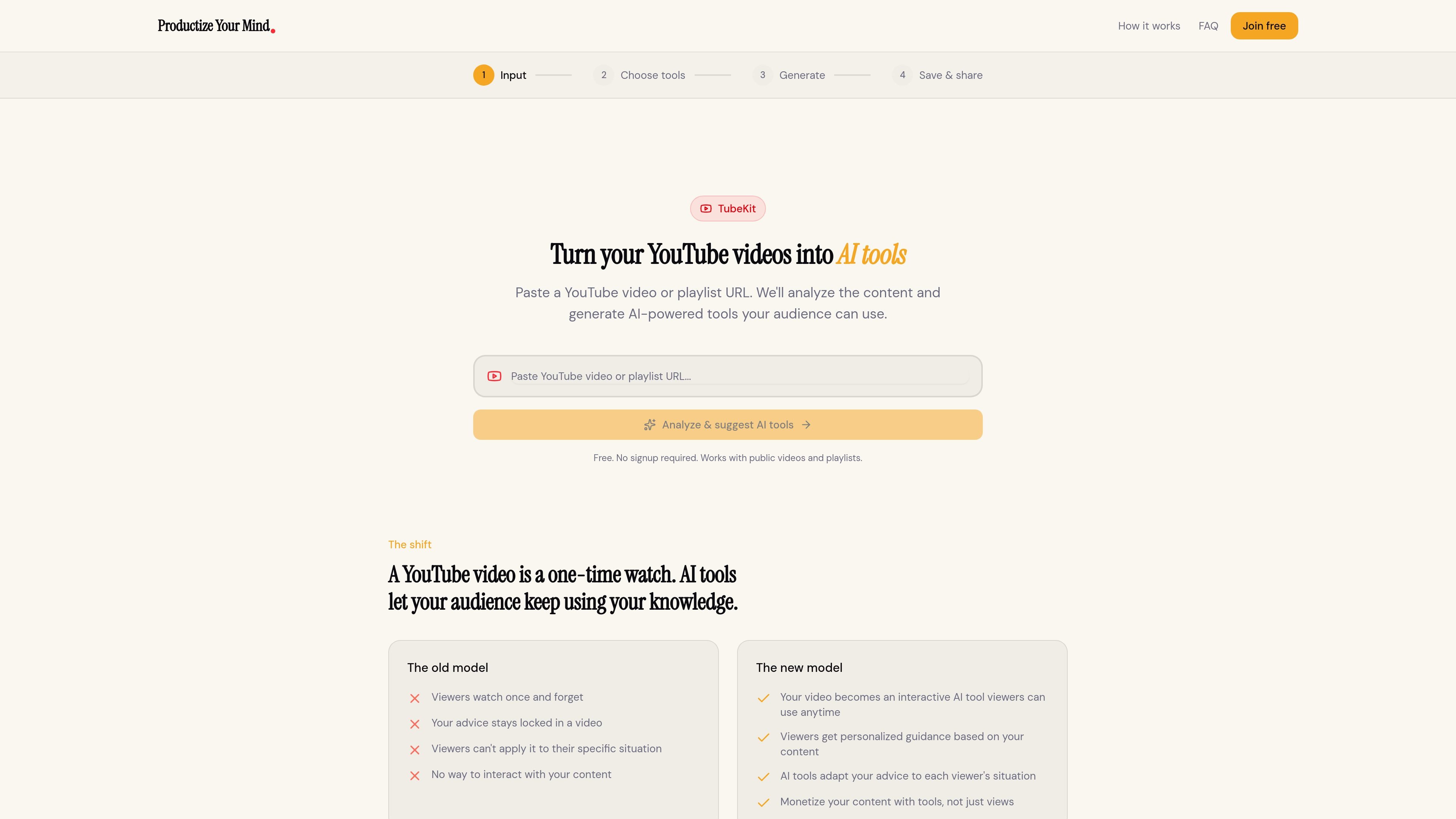
TubeKit turns public YouTube videos and playlists into AI-powered tools. Instead of asking viewers to watch a video once and leave, it analyzes the content and generates an interactive tool that people can keep using around the same topic.
The workflow is simple: paste a YouTube URL, let TubeKit analyze the content with Gemini AI, choose from suggested tool ideas, customize the one that fits your audience, and share it through a link, embed code, or community post. The product is positioned as a free-to-try way for creators to productize their expertise from existing video content.
Paste a public YouTube video or playlist URL and TubeKit uses the source content as the input for tool generation.
TubeKit uses Gemini AI to watch and understand the content instead of relying on transcript scraping.
After analysis, the product suggests three AI tools based on the video, giving you a few options to choose from.
You can pick the suggested tool that best fits your audience and customize it before generating the final version.
TubeKit provides a shareable link, embed code, or community-sharing option so the tool can be published beyond the original video.
The homepage states the product is free to try and does not require signup for the initial workflow.
Turn an educational video into a conversational tool that helps viewers apply the lesson to their own situation after they finish watching.
Convert a playlist into a more interactive audience experience when you want people to do more than passively watch episodes.
Create a tool around advice or expertise so followers can ask for guidance based on the ideas in your video content.
Package a video into an embeddable experience that can live on a website or inside a community space instead of only on YouTube.
Test a product idea quickly by starting from a public video and seeing which AI tool suggestion best fits your audience.
It analyzes a public YouTube video or playlist URL, then uses Gemini AI to understand the content and suggest tools based on that material.
Yes. The homepage says it works with public videos and playlists, and the workflow includes playlist URLs as an input.
TubeKit generates AI tools from your video content and then lets you customize the suggested tool before sharing it.
Yes. The homepage says you can customize the suggested tool before generating and sharing it.
The homepage says it is free to try and requires no signup. It does not provide paid pricing details on the pages provided.

AGINE Academy — игровая онлайн-академия для практического освоения Claude в работе, творческих задачах и автоматизации. Подходит тем, кто хочет начать с бесплатного урока и учиться на реальных миссиях без опыта в разработке.

Framework First Academy is an online learning platform focused on choosing and applying the right framework for the situation at hand. It offers 30 courses across Diagnose, Automate, Manage, and Deliver, plus a free decision map, individual course access, annual all-access, and team plans.

Hype is a web tool for finding trending YouTube topics by category, time range, and scoring mode. It helps creators spot emerging ideas, inspect source videos, and decide what to cover next.

Spotit — macOS‑приложение: читает ваш экран в другой программе и подсвечивает, куда кликать. Попросите голосом и следуйте подсказкам.

VForms lets you place questionnaires directly inside YouTube videos so viewers answer in context instead of switching to a separate form. It is aimed at collecting feedback and insights through timestamped, embeddable video forms.

BeFreed is a personalized audio learning app that turns books and other knowledge sources into narrated listening experiences. It helps people learn on demand through interactive audio, voice selection, and built-in learning tools.