
Upload files or create links from Claude
Upload HTML, Markdown, images, or PDFs, or send work from Claude so it can be turned into a shareable review link.

ProtoNote is a web app for sharing prototypes, AI-built artifacts, and documents for browser-based review. It supports HTML, Markdown, images, and PDFs, and works as a Claude connector for creating and updating review links from chat.
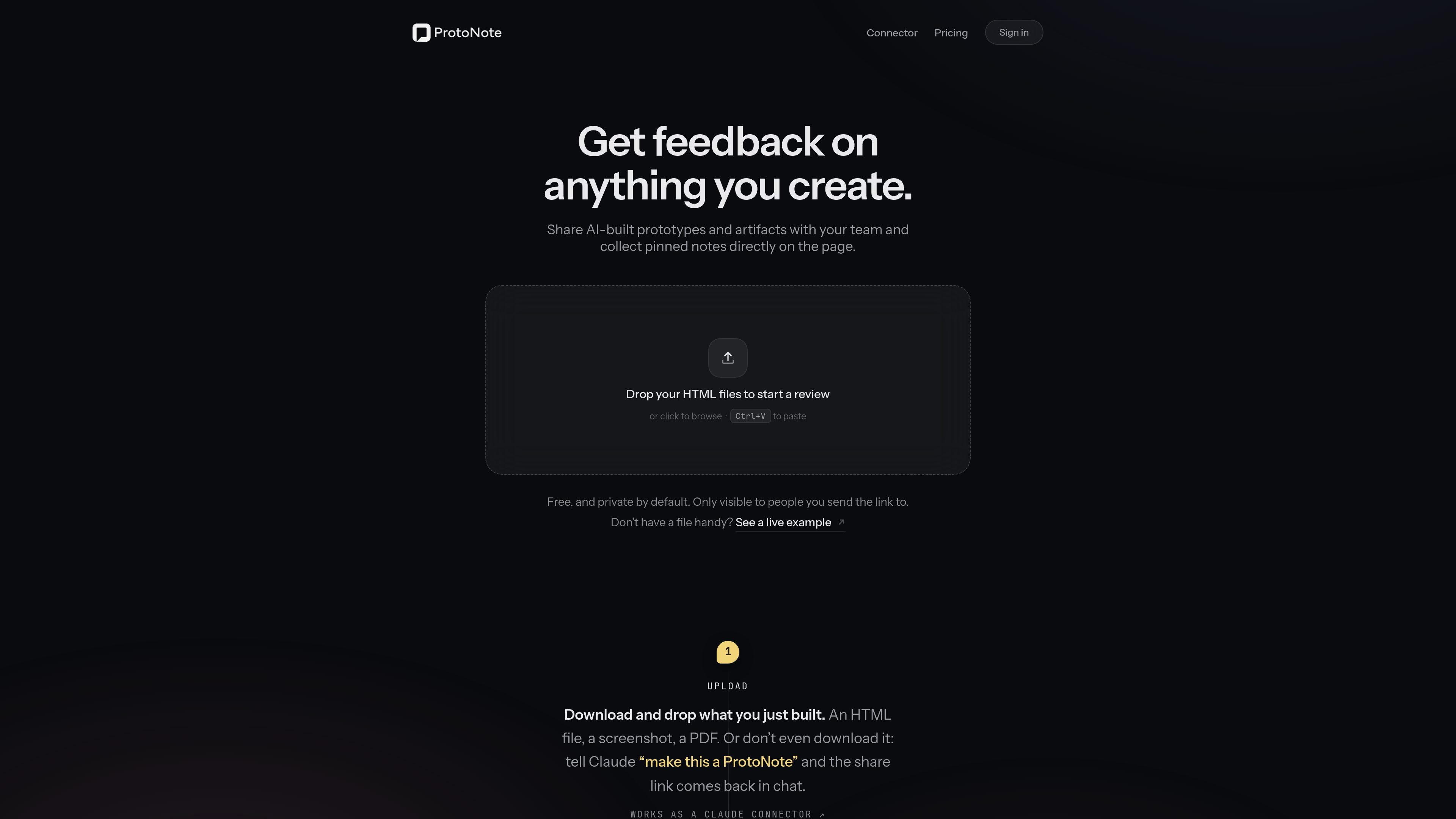
ProtoNote is a web app for sharing prototypes, AI-built artifacts, and documents so other people can review them in place. The product centers on a hosted link that turns a file or Claude-generated output into something teammates can open, inspect, and annotate directly in the browser.
The site says ProtoNote is free and private by default. It supports HTML, Markdown, images, and PDFs, and it also works as a Claude connector so you can create or update a review link without leaving chat. Notes are pinned to specific locations on specific versions, which makes it useful for iterative design, product, and content review.
Upload HTML, Markdown, images, or PDFs, or send work from Claude so it can be turned into a shareable review link.
Share one hosted link instead of an attachment. The page opens on any device and can show a real preview in Slack.
Invite feedback without forcing sign-up. Reviewers can open the link, type their name, and leave notes immediately.
Notes attach to the exact spot on the exact version, and earlier comments stay with earlier versions after you ship updates.
Folders help organize prototypes so they are not lost across many chats, and the Pro plan includes unlimited prototypes.
You can see who viewed a prototype, and when, and the dashboard updates as notes and replies come in.
Use ProtoNote to turn a prototype, mockup, or draft artifact into a link that teammates can open and annotate in the browser instead of handling attachments or downloads.
When you are iterating on a page or design, collect comments on the exact area and version so feedback remains tied to the change being discussed.
If you are working in Claude, ask it to make a ProtoNote, then share the generated link with others or pull open notes back into the chat to apply edits.
Share with managers, clients, or other reviewers who should not need an account. They can open the link, identify themselves, and leave notes right away.
Keep multiple files for the same project together as pages in one project, with folders and a persistent dashboard to reduce lost context across chats.
ProtoNote works as a Claude connector. The setup shown on the site takes about 30 seconds: add a custom connector in Claude, point it to ProtoNote’s MCP endpoint, and sign in when prompted.
Reviewers do not need an account. They open the shared link in their browser, enter their name, and leave notes directly on the prototype or artifact.
The free plan allows 3 active prototypes. The Pro plan is $10 per month or $10 per month billed annually, and it includes unlimited prototypes, folders, version history, and viewer tracking.
If you downgrade or cancel, nothing is deleted. Prototypes beyond the first three are archived, their links pause, and notes stay intact until you resubscribe.
ProtoNote is private by default. Only people with the link can open a prototype, and you can disable or regenerate the link at any time to cut off access.

PDFTools is a browser-based suite of free and premium PDF utilities for editing, conversion, and document handling. It helps users work on PDFs locally in the browser without uploading files to a server.

ArtDeck is a visual reference board app for iPhone, iPad, and Mac that lets artists collect mixed reference material on one canvas and study it with ToolBox lenses. It works offline, supports optional iCloud sync, and is sold as a one-time purchase with no account required.

Biji - это универсальная платформа, разработанная для повышения продуктивности с помощью инновационных инструментов и функций.

Codex Plugins bundle reusable skills, app integrations, and MCP servers into workflows you can install in the Codex app or use from Codex CLI. They help extend Codex with connected-service tasks, reusable instructions, and shared team workflows.

hob is an independent workspace for coding agents that keeps agent sessions, terminals, history, and follow-up work organized around the tools and providers you already use. It is aimed at developers who want local control over routing, history, and workspace structure rather than a bundled model stack.

Dcyde is a decision log for product teams that captures what was decided, the reasoning behind it, and the source in one shared place. It supports pinning decisions from Slack, Figma, or inside Dcyde and keeps the record searchable over time.