
In-Blender AI generation
Generate 2D images, 3D models, video, and upscales from within Blender instead of moving between separate web tools and imports.

QuickMaker is a Blender addon that brings AI image, 3D, video, and upscaling models into the Blender workflow. It helps artists generate and iterate on assets without leaving Blender, and no API keys are needed to start.
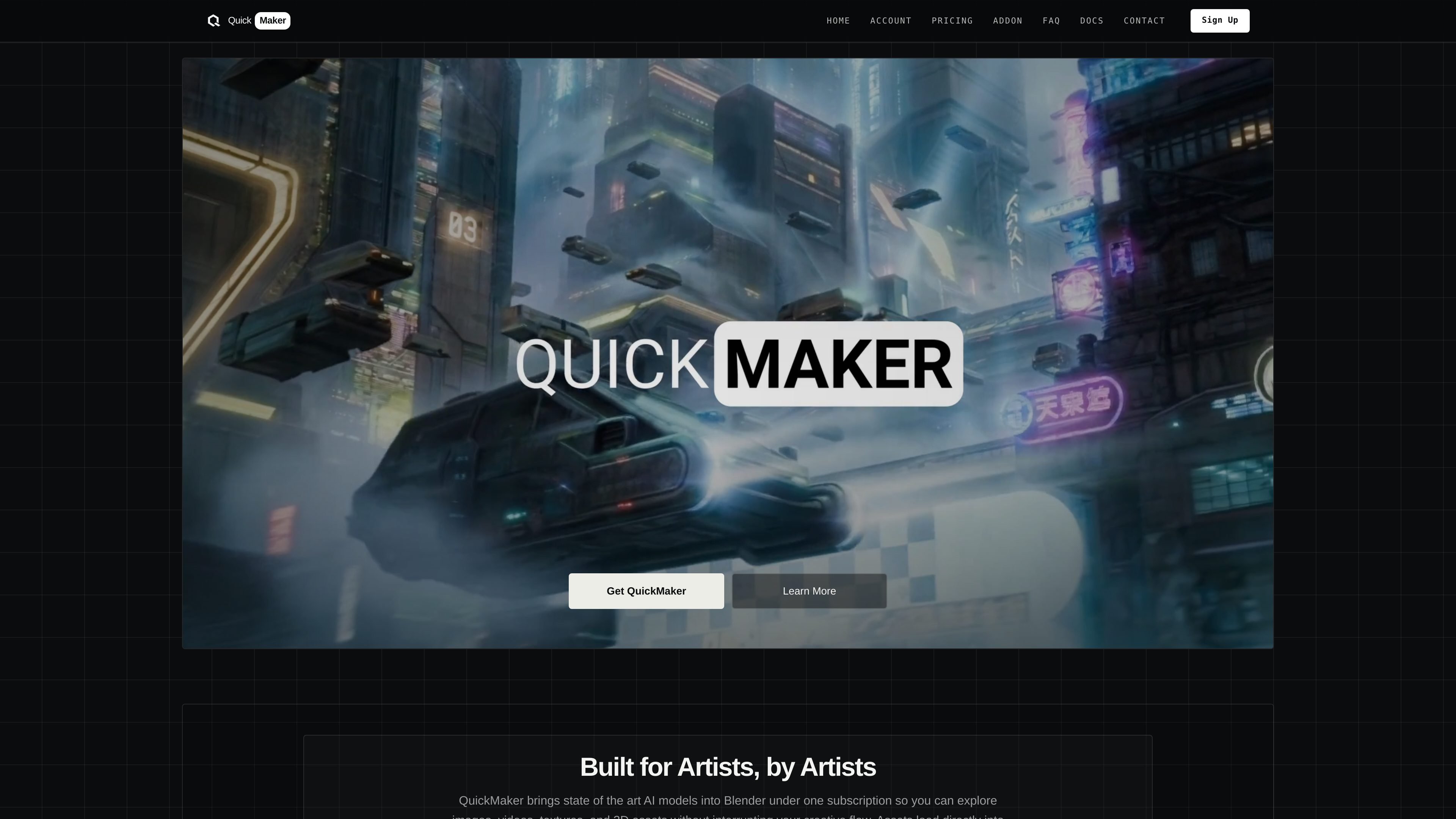
QuickMaker is a Blender addon that brings AI image, 3D, video, and upscaling models into the Blender workflow. It is designed for artists who want to generate and iterate on assets without leaving the application, and the site says no API keys are needed to get started.
The product supports generation from prompts, screenshots, sketches, references, and selected scene objects. The documentation and homepage describe use cases such as blocking out 3D scenes, turning sketches into finished images, generating 3D assets from single images or multi-view references, and creating quick video flythroughs or turntables from existing scene work.
Generate 2D images, 3D models, video, and upscales from within Blender instead of moving between separate web tools and imports.
Work from prompts, selected Blender assets, screenshots, sketches, image references, or moodboards depending on the workflow and model.
Use prompt suggestions and curated templates to draft and refine prompts before generating, with suggestions offered at no extra charge.
Send results back into the scene automatically while Blender stays live, so downloads and imports happen in the background as you keep working.
Generate specialized outputs such as projection textures, alpha cards, depth-based meshes, storyboards, turntables, and first/last-frame video workflows.
Use QuickMaker to generate or edit images directly from a Blender scene, then keep refining the result without switching to a separate AI site.
Start from a prompt, a single image, or multi-view references to create 3D models, with model-specific controls for texture, quality, polygon count, or multi-view inputs.
Turn scene work into quick camera flythroughs, motion tests, turntables, or first/last-frame video sequences for design review and presentation.
Use sketches, viewport captures, images, and references to explore materials, lighting, composition, and design variations while staying inside a Blender workflow.
Convert generated or imported images into alpha cards, depth-based meshes, or projected textures to place AI output back into a working 3D scene.
No. The FAQ says QuickMaker works on all Mac and Windows PCs but requires an active internet connection.
No. The Blender addon is included with a subscription and is described as completely free on the FAQ page.
Yes. The FAQ states that generated assets remain owned by the user, and commercial use is allowed.
QuickMaker says a typical 2D image takes about 10 seconds and a typical 3D model takes about 2 minutes, though timing depends on your internet connection and the model used.
Installation is done from a ZIP file in Blender Preferences. The docs say to download the ZIP, install it in Blender without unzipping, enable the addon, and sign in with the same account used on the QuickMaker site.

Clipia.ai is an AI image and video generation platform with presentations, an agent workflow, and developer integrations. It helps creators, teams, and developers produce media and decks from prompts, briefs, or source files using a shared credit system.

TapNow is a web-based AI visual creation platform for businesses, creators, and teams. It supports image and video generation along with editing, planning, and collaboration tools.

Kling AI is an AI creative studio for generating and editing images and videos, with web, mobile, and API access for creators and developers. It supports a broad set of visual workflows, including video generation, image creation, editing, and native 4K output for the V3 series.

Все-в-одном AI платформа, которая объединяет инструменты для изображения, видео, голоса, письма и чата для повышения креативности и сотрудничества.

VIDEOAI.ME is an AI video generator for making spokesperson-style videos, ads, explainers, and social content from a script. It is aimed at founders, marketers, agencies, and creators who want to produce videos without filming.

Pixelcut is an AI photo editor for creating and editing product images, social content, and video assets. It offers free and paid plans, plus mobile app and browser access for individual users and teams.