
Bot-free meeting capture
The app records meeting notes from your computer without a bot joining the call, so the call stays free of an additional participant.

Supernormal is a bot-free AI meeting notetaker for Mac and Windows that captures meeting notes from your computer and turns them into follow-up work. It helps individuals and teams move from meetings to deliverables without adding a bot to the call.
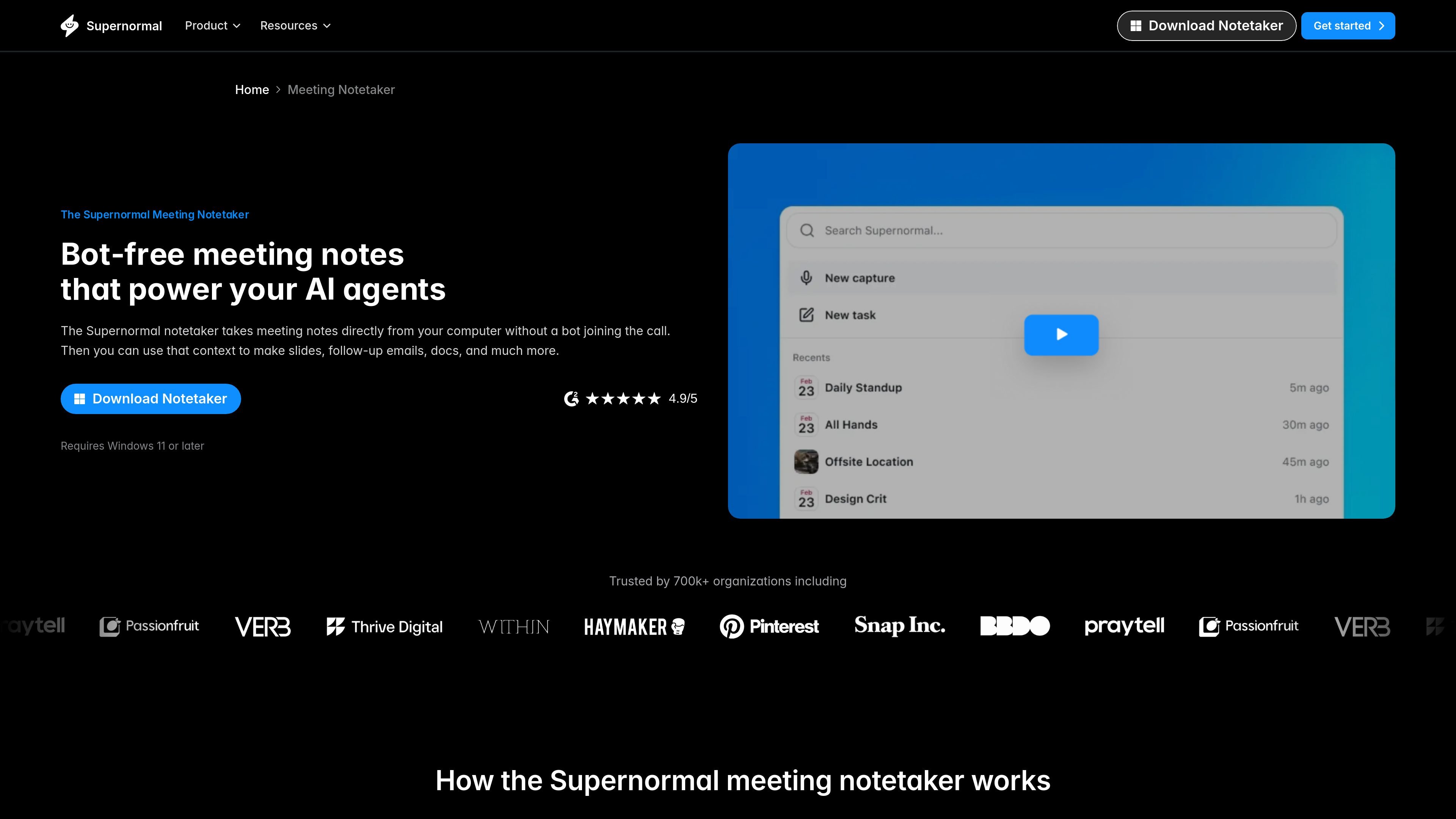
Supernormal is a bot-free AI meeting notetaker that captures meeting notes directly from your computer instead of joining calls as a separate participant. It is positioned as a desktop app for Mac and Windows and is designed to turn meeting context into usable work after the meeting ends.
The product’s workflow starts with a short setup process, then records notes in the background during meetings. Afterward, Supernormal opens so you can prompt it to produce deliverables such as slides, follow-up emails, documents, and calendar invites, and connect those outputs to other tools through MCP and listed integrations.
The app records meeting notes from your computer without a bot joining the call, so the call stays free of an additional participant.
After a meeting, Supernormal can generate slides, follow-up emails, documents, calendar invites, and similar outputs based on what was discussed.
The setup flow connects your calendar, audio permissions, and language preferences so the app can begin capturing scheduled meetings quickly.
Supernormal’s integrations page lists Gmail, Google Calendar, Outlook Calendar, Linear, Google Drive, and Supernormal MCP for connecting meeting output to other tools.
The desktop app is available for Mac and Windows, with the homepage stating support for Apple Silicon macOS 14.4.1 or later and Windows 11 or later.
For people who want meeting notes without adding a recording bot to the call. Supernormal runs from the computer and stays in the background while the meeting is in progress.
For teams that need to turn discussions into immediate next steps. The product can generate follow-up emails, slides, documents, and calendar invites from meeting context.
For workflows that move from meetings into task trackers or knowledge tools. The integrations page shows connections for Gmail, Google Calendar, Outlook Calendar, Linear, Google Drive, and MCP-based AI tools.
For users who live in back-to-back meetings and need a faster handoff from discussion to action. The product is set up to open after meetings so you can prompt it to draft the next piece of work.
For organizations standardizing around calendar-based meeting capture on desktop. The homepage says the app works with Google sign-in or a work email and connects to your calendar during setup.
It signs in with Google or a work email, then walks you through connecting your calendar, granting audio permissions, selecting a language, and answering a few setup questions. The source says setup takes less than two minutes.
The source says the notetaker works on Apple Silicon Macs running macOS 14.4.1 or later and on Windows 11 or later.
Instead of joining the call as a bot, Supernormal takes notes directly from your computer while the meeting is in progress. It then opens after the meeting so you can turn the context into follow-up work.
The site says you can generate slides, follow-up emails, documents, calendar invites, and other deliverables from meeting context, and use MCP to connect those meetings to other work tools.
Supernormal’s site includes pricing in the main navigation, but the pricing page itself was unavailable in the collected source, so plan details and limits are not confirmed here.

Biji - это универсальная платформа, разработанная для повышения продуктивности с помощью инновационных инструментов и функций.

Liam is an AI copilot for managing inboxes, writing replies, prioritizing email, and scheduling meetings. It is offered free for individuals, with custom pricing for teams and enterprise.

Tactiq is an AI note taker for Google Meet, Zoom, and Microsoft Teams that transcribes meetings live and turns them into summaries, action items, and follow-up outputs. It is built around a Chrome extension and supports team workflows through sharing and integrations.

garden-md is an open-source Node.js CLI that turns meeting transcripts into a local company wiki. It links entities across transcripts, keeps the original text intact, and renders the result as a browsable wiki.

Carbon Voice is an asynchronous voice messaging app for teams and individuals, with transcripts, AI catch-up, and cross-device access. It helps people and agents communicate without needing a live call.
MealTime — это ваш личный помощник по рецептам, работающий в первую очередь в автономном режиме, который поможет вам сохранять, упорядочивать, планировать блюда и генерировать умные списки покупок, сохраняя при этом конфиденциальность ваших данных.