
AI-generated stories
Generate reading stories with AI so learners can practice with content that reflects their interests and reading level.

Reading Coach is Microsoft’s literacy practice tool for learners who want to build reading skills with AI-generated stories, leveled passages, and guided practice. It supports web and Windows use for home or school settings.
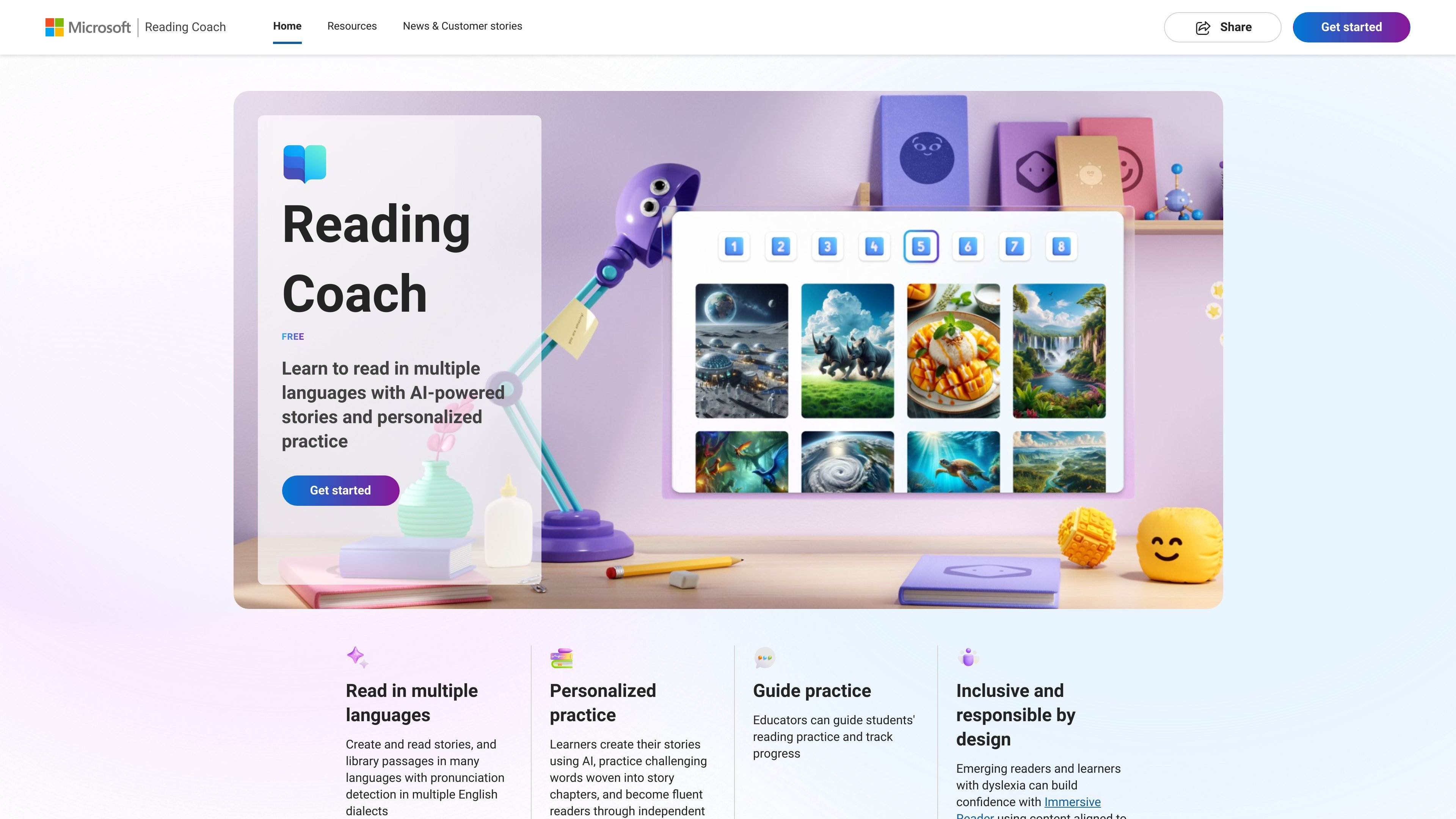
Reading Coach is a web-based literacy practice tool from Microsoft that helps learners build reading skills through AI-generated stories, leveled passages, and guided practice. It is designed for learners who can decode words and want reading content matched to their abilities and interests.
The product combines independent practice with progress tracking, pronunciation detection in multiple English dialects, and engagement features such as achievements and unlockable story elements. Educators can also use it to guide student reading practice, while learners and parents can use it at home on the web or through the Windows app.
Generate reading stories with AI so learners can practice with content that reflects their interests and reading level.
Use a library of leveled passages from ReadWorks to match reading practice to a learner’s ability.
Support reading in multiple languages and include pronunciation detection for multiple English dialects.
Let learners practice difficult words woven into story chapters, then continue building fluency through independent reading.
Give educators a way to guide practice and track learner progress over time.
Include achievements and unlockable story elements to keep learners engaged as they read.
A learner can generate AI-powered stories, read them independently, and practice challenging words that appear in the story chapters.
An educator can assign or guide reading practice and use the product to track how students are progressing over time.
A parent or learner at home can use the web experience or Windows app to keep up with regular reading practice without needing a school account.
A learner working in more than one language can read stories and library passages in supported languages while using pronunciation detection for English dialects.
An emerging reader or a learner with dyslexia can use Immersive Reader and structured content to build confidence during practice.
Reading Coach is described as a practice tool for learners who want to build literacy skills. It supports story generation with AI, leveled passages from ReadWorks, and guided reading practice.
The source says learners can use Reading Coach on the web or by downloading the Windows app. For school use, educators and learners can sign in with a school login.
The page says Reading Coach works for learners who know how to decode words. It also notes that emerging readers and learners with dyslexia can use Immersive Reader as part of the experience.
No pricing details were available on the fetched pricing URL. It appears to lead to a sign-in flow rather than a published pricing page.
The source mentions ReadWorks passages, AI-generated stories, pronunciation detection in multiple English dialects, Immersive Reader, and progress tracking. It does not provide a full integrations list or export details.

MentorSpace is an AI-powered mentoring product for startup and academic planning. It helps students, founders, and small groups create 90-day roadmaps, get context-aware guidance, and track progress over time.

Padel Chess is a web-based learning platform for improving padel tactical skills through puzzle-based practice. It helps players work on positioning, shot selection, and decision-making in realistic court scenarios.

GameGrad turns PDF study material into quiz questions that appear inside arcade games, so users can practice active recall while they play. It offers a free tier with one PDF and a Pro plan with more uploads, more questions, and answer explanations.

LangPanda is a browser extension for learning languages from streaming video and other supported sites. It combines instant subtitle lookup, flashcard creation, vocabulary tracking, and spaced-repetition review for 36 languages.

Teloframe is an AI-powered football coaching platform for building tactics, editing drills, planning sessions, and managing player development in one workspace. It includes a Free tier plus Pro and Club plans for coaches and analysts who need more collaboration and team features.

LeanUp is an AI calorie tracker and meal-planning app for logging meals, tracking macros, and getting personalized nutrition guidance. It supports barcode scanning, photo-based food recognition, manual search, and recipe reuse.