
Native in-app support chat
Users can send text and up to five photos in a message from a native chat interface. The SDK shows delivery states, supports retries after failures, and updates read status while an active conversation is visible.

Reception provides native in-app support chat for iOS apps, giving teams a shared inbox for customer conversations, context, and follow-up actions. It also supports review links and registered paywall offers within a support thread.
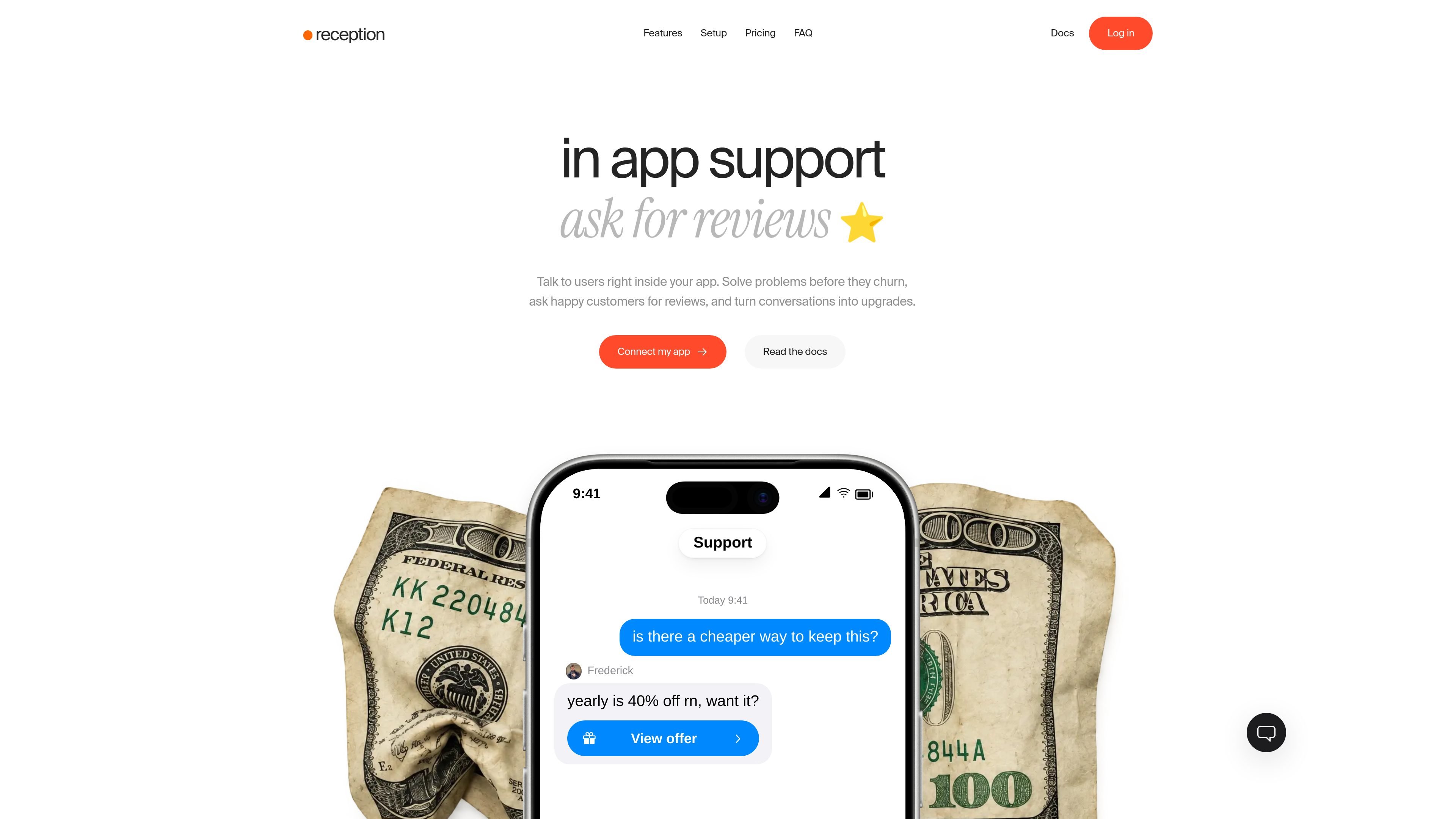
Reception is an in-app support product for iOS applications. It embeds a native chat so users can ask for help without leaving the app, while teams manage conversations in a shared inbox.
Beyond troubleshooting, the chat can support retention and conversion workflows: agents can send App Store review links or registered paywall offers during a conversation. Apps can pass user identity and metadata into Reception so support teams have relevant context when responding.
Users can send text and up to five photos in a message from a native chat interface. The SDK shows delivery states, supports retries after failures, and updates read status while an active conversation is visible.
Teams work from a shared inbox that can cover multiple apps. Conversation context can include user details, plans, and custom metadata; the homepage also names RevenueCat, Superwall, and Adapty among supported connections.
Agents can send review cards after an App Store ID is configured. The card opens the supplied App Store review URL and records a click receipt; it does not verify that a review was submitted.
Agents can send a registered paywall card from the dashboard. The app receives the tap through an onPaywall handler, then presents its own purchase screen and handles the transaction.
Apps can set the accent color, chat title, welcome message, and chat entry point. Remote configuration lets teams change colors and text without publishing an app update.
Reception can route new support messages to a connected Telegram chat, where a team can reply. It also offers an AI workflow that uses supplied documentation, responds when confident, and hands uncertain conversations to the team.
Give users a direct way to report a failed purchase, ask about a feature, or share screenshots from the point where they encounter the issue. Teams can respond later if the user writes outside staffed hours.
When a customer asks about a lower-cost plan, renewal, or available option, an agent can send a registered paywall card that opens the app's existing purchase flow.
After resolving an issue or helping a satisfied user, an agent can send a review card linking to the app's App Store review page.
For apps with account systems, connect sign-in, sign-out, and deletion events to Reception. A backend can add JWT-based verification for workflows where teams need stronger assurance of identity.
Route new conversations to a Telegram group or use documentation-based automated replies for common questions, with escalation when the AI is unsure.
No. Users can open the chat and send a message without creating a separate support account. Apps with sign-in can identify users with their existing name, email, and user ID.
Yes. Each app can be added to an organization with its own App ID, while conversations are managed from one inbox.
Users can leave a message while the team is offline. Teams can reply later, and users who have allowed configured push notifications can be notified of the reply.
The SDK supports iOS 17 and later in native iOS and React Native/Expo development builds. Expo Go is not supported. The chat interface supports 48 languages; custom app text is localized by the host app and messages are not automatically translated.
Yes. An agent can send a paywall card for a paywall registered by the app. Tapping the card calls the app's handler, which presents the purchase screen and manages the purchase.