
Photo restoration
Improve old, blurry, faded, damaged, grainy, or low-resolution photos with AI that sharpens details and restores visual clarity.

Remini is an AI photo and video enhancer that restores old, blurry, or low-quality visuals and also generates realistic AI portraits from uploaded images. The site shows mobile support for iOS and Android, plus web and API references for some workflows.
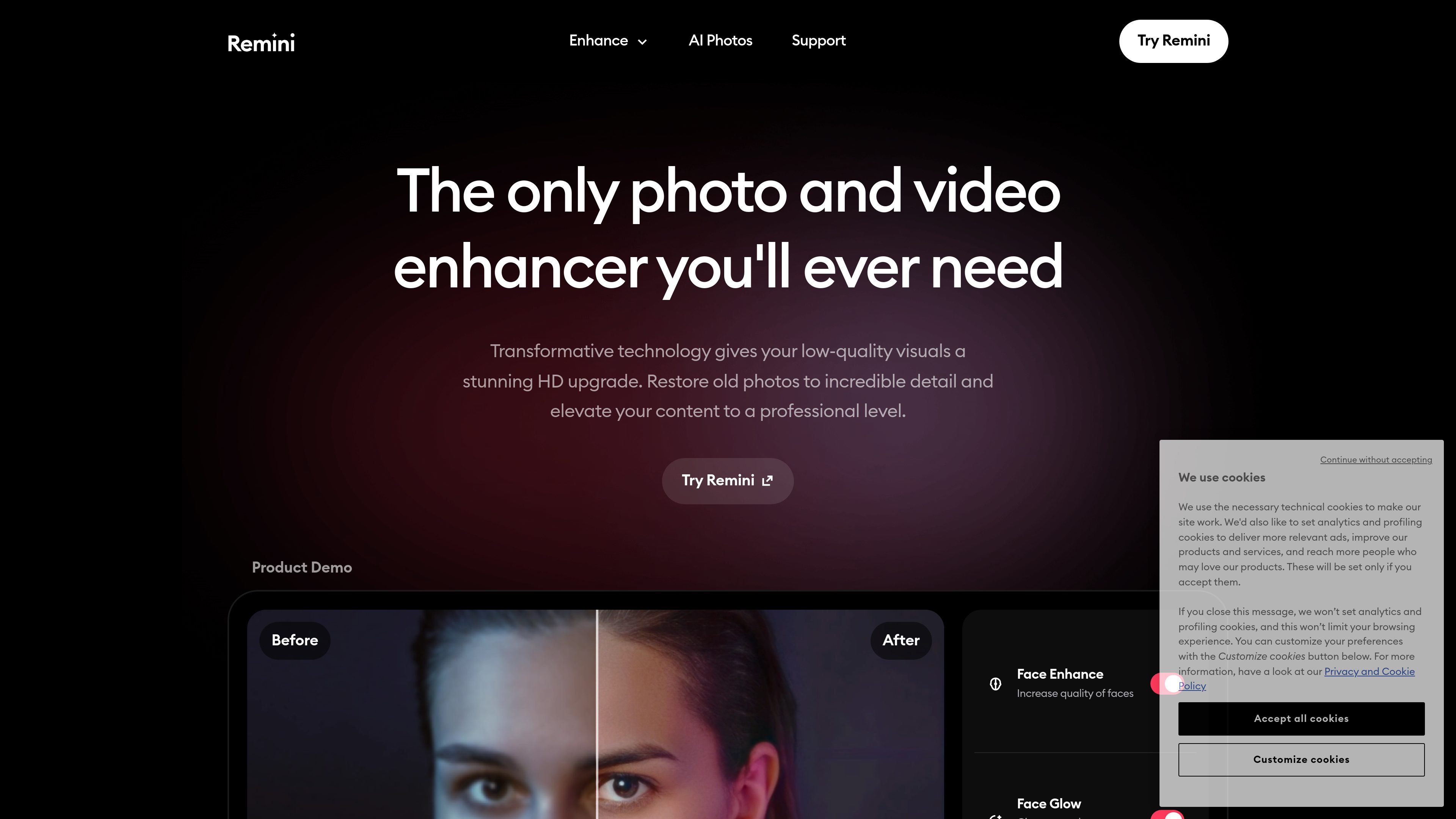
Remini is an AI photo and video enhancer that restores low-quality visuals and turns them into clearer, higher-definition images and clips. The site positions it as a tool for improving old photos, cleaning up blur and grain, correcting color, and upscaling media without requiring manual editing.
In addition to restoration, Remini includes AI Photos for generating realistic portraits from uploaded selfies or other reference images. The product is available through mobile apps for iOS and Android, and the site also describes a web experience and an API integration option for photo restoration use cases.
Improve old, blurry, faded, damaged, grainy, or low-resolution photos with AI that sharpens details and restores visual clarity.
Enhance faces, adjust color, and improve background detail to make portraits and everyday images look cleaner and more natural.
Reduce motion blur, camera shake, focus issues, and visible grain so photos and videos appear sharper and easier to view.
Increase the size of photos and videos by up to 2x while preserving detail, according to the site’s product copy.
Generate realistic photos of yourself after training the model on 8–12 uploaded images and selecting a style or pose reference.
Enhance videos with AI to improve resolution, clarity, and overall visual quality for old or low-quality footage.
Restore faded family photos, sharpen blurry faces, and recover detail from damaged images that you want to preserve or share.
Improve profile images, CV headshots, and other personal photos by generating realistic portraits from reference images.
Clean up low-quality footage, reduce blur, and make older clips easier to watch or reuse in edited content.
Prepare product photos, prints, or publication images with higher clarity and better color before they are published or printed.
Create different looks, poses, or location-based portraits without arranging a new photo shoot.
Remini is designed to enhance photos and videos with AI, including old, blurry, faded, grainy, or low-quality files. It also offers an AI Photos flow for generating realistic images of yourself from uploaded photos.
The source pages show Remini’s mobile app is available on iOS and Android, and one page mentions a web user experience. The site also describes an API integration option for photo restoration use cases.
The site describes AI Photos as a workflow where you upload 8–12 images to train the AI, pick a model image, and then generate new photos in different poses and styles.
Remini says it can restore old photos, sharpen faces and details, reduce blur and grain, fix colors, and upscale photos and videos by up to 2x without sacrificing quality.
The pricing page available from the site returns a 404, so the public site evidence here does not confirm current pricing or plan structure.

Let's Enhance is an online AI image app for enhancing, upscaling, and restoring photos. It helps users clean up images, increase resolution, and process files through free credits, subscriptions, or pay-as-you-go bundles.

Upscale.media is an AI image upscaling and enhancement tool from Pixelbin that enlarges low-resolution or pixelated images and improves clarity in the browser. It offers free individual image use, paid credit plans, and team-oriented workflows such as bulk processing and API integration.

ImgUpscaler is a browser-based AI image upscaler that enlarges images by 2x or 4x and improves detail for photos, anime, product images, portraits, and old pictures. It offers free and paid plans for users who need batch processing, more credits, and commercial-ready output.

Pixelcut is an AI photo editor for creating and editing product images, social content, and video assets. It offers free and paid plans, plus mobile app and browser access for individual users and teams.

PhotoAid’s AI Image Enlarger is a free browser-based tool for upscaling images without a standard blur-heavy resize. It supports JPEG, WEBP, and PNG uploads and is described as working best for photos with faces.

Upscale.media is an AI image upscaling and enhancement tool from PixelBin that enlarges low-resolution images and improves visual quality online. It is built for creators, businesses, and teams that need sharper still images or video content with a simple upload-and-process workflow.