
Persistent AI workspace
Each machine combines chat with a cloud environment for files, software, and retained work context, rather than treating every conversation as isolated.

Rool is a private EU-hosted cloud machine that combines AI chat with files, software, and persistent memory. It is designed for people who want an ongoing AI workspace with controlled access and optional external-tool connections.
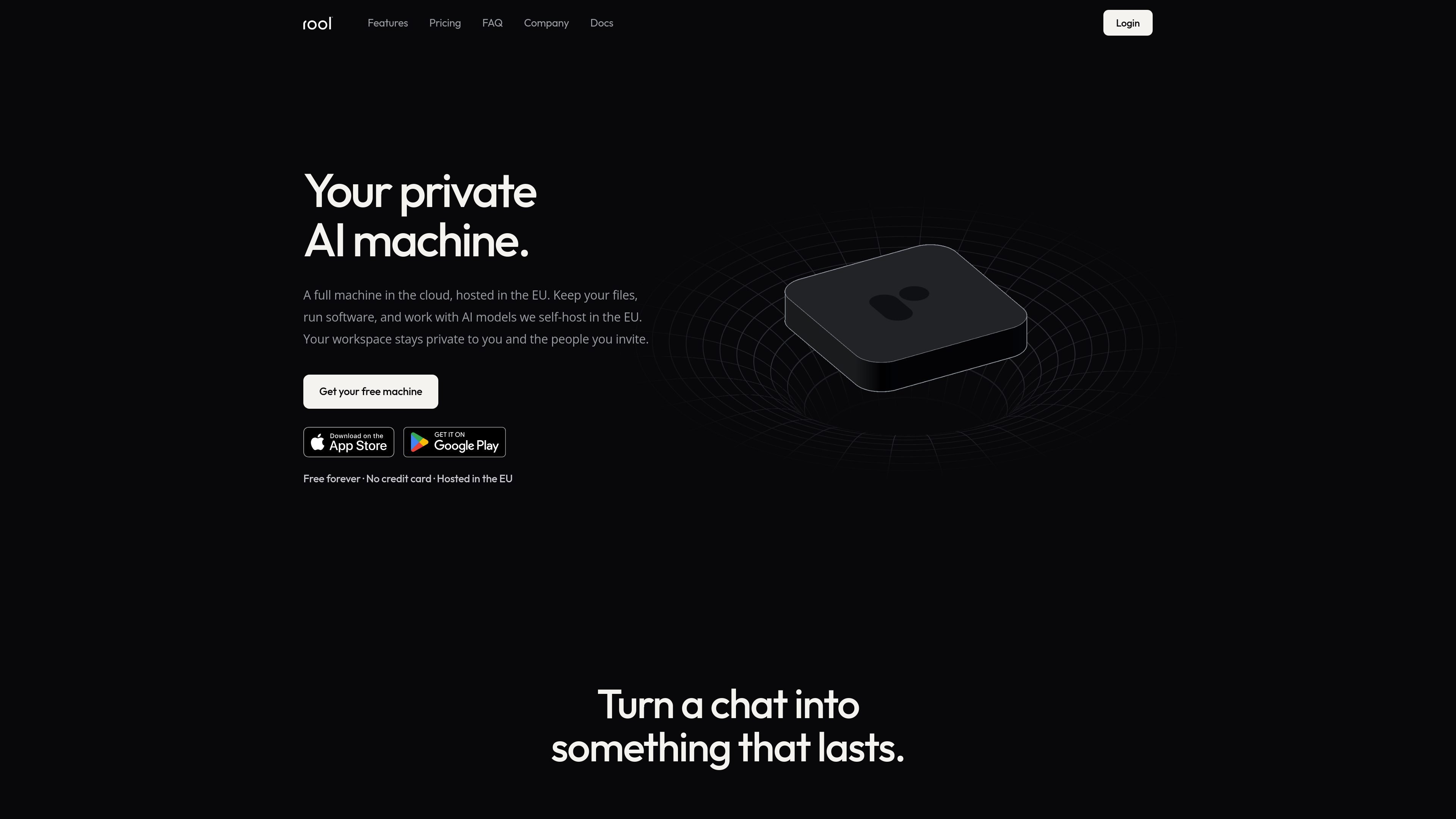
Rool is a private cloud machine for working with AI, files, software, and persistent memory in one workspace. Instead of limiting work to a chat transcript, it provides a machine that can retain files, results, and context between tasks. Rool says the workspace is hosted in the EU and that its AI models are self-hosted there as well.
The product is intended for people who want an ongoing AI work environment rather than a standalone chat tool. Users can start with chat, then write documents, work on files, run software, and connect external services through connectors or custom MCP servers. Access is controlled by the workspace owner and the people they invite, while plans determine available credits, storage, and machine capacity.
Each machine combines chat with a cloud environment for files, software, and retained work context, rather than treating every conversation as isolated.
Use self-hosted AI models on infrastructure Rool manages in the EU to work with documents, files, and tasks in the machine.
Write documents, work with files, and run software while keeping the resulting work available for later tasks.
Keep files, conversations, and memory in a workspace that is private to you and the people you invite. Rool says these materials are not used to train AI models.
Bring external services into the workspace through built-in connectors and custom MCP servers. These capabilities are listed on the Plus and Pro plans.
The free Standard plan provides a way to start without a card or trial clock; paid plans add more credits, storage, machines, and other capabilities.
Start with a conversation, then turn the work into documents or saved files that remain available for later tasks instead of rebuilding context each time.
Use the machine as a workspace for tasks that involve both AI assistance and software execution, with results kept in the same environment.
Bring selected external services into the workspace through connectors or custom MCP servers when the work requires tools beyond the built-in machine.
Keep project conversations, files, and memory in a private workspace and invite specific collaborators when shared access is needed.
Rool is a private cloud machine that combines chat with files, software, and persistent memory. You can start with a free machine without a credit card or trial clock, then upgrade if you need more capacity or usage.
Rool Machines are hosted in the EU, and Rool says it self-hosts its AI models on infrastructure it manages in the EU.
You can work with documents and other files, write documents, run software, and continue work using context and memory retained by the machine.
External services can be connected through built-in connectors and custom MCP servers. The pricing comparison lists connectors and MCP as included with Plus and Pro, but not Standard.
Rool offers individual Standard, Plus, and Pro plans. The site says shared billing and admin controls for teams are in development, so team-management availability should be confirmed with Rool.

Lasso is an ecommerce product data platform for enriching catalog records, processing supplier files, generating product content, and monitoring competitors. It combines a web app with a REST API, SDK, and MCP server for teams and developers.

ArtDeck is a visual reference board app for iPhone, iPad, and Mac that lets artists collect mixed reference material on one canvas and study it with ToolBox lenses. It works offline, supports optional iCloud sync, and is sold as a one-time purchase with no account required.

qbrin is an enterprise AI search and governed agent platform that turns company knowledge into cited answers and can abstain when evidence is missing. It is built for teams that need source-backed responses, policy controls, and traceable AI actions.

Goldfish is an AI memory app for macOS that helps you reply, write, summarize, and continue using the context already on your Mac. It stores memory locally and writes in your tone.

Codex Plugins bundle reusable skills, app integrations, and MCP servers into workflows you can install in the Codex app or use from Codex CLI. They help extend Codex with connected-service tasks, reusable instructions, and shared team workflows.

Struere is an AI-native platform for turning spreadsheet data into structured operational software with dashboards, alerts, and automations. It is aimed at teams that want to replace manual spreadsheet workflows without building custom tools from scratch.