
Feed and source selection
Paste an RSS URL, a Substack URL, or choose a source from the catalog. The service starts pulling articles right away.

RSS to Kindle sends RSS feeds, blogs, and Substack newsletters to a Kindle by email, converting articles into clean ebook-style issues. It is aimed at readers who want full-text delivery and optional daily digests instead of browsing feeds in a browser.
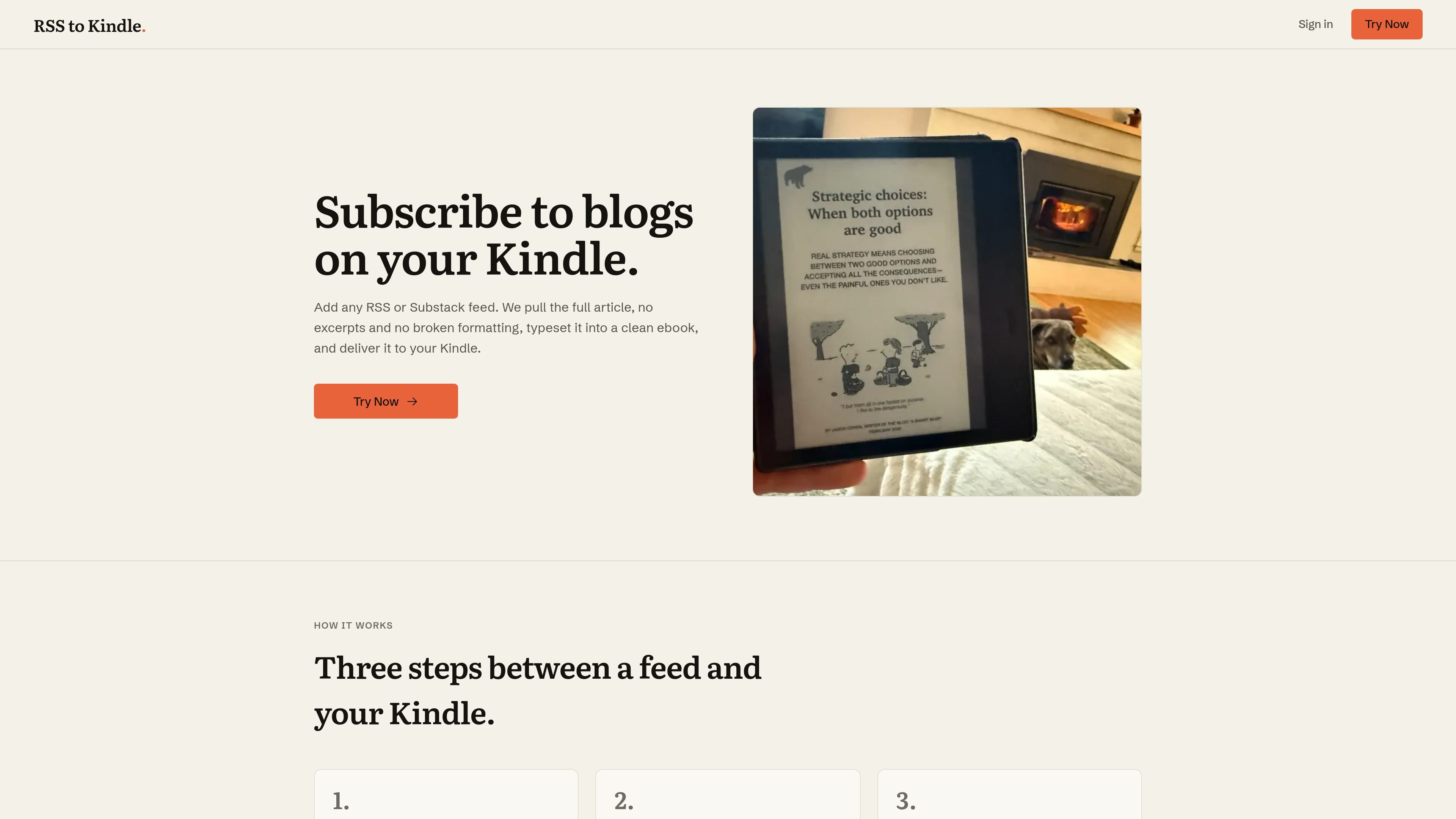
RSS to Kindle is a service for sending RSS feeds, blogs, and Substack newsletters to a Kindle device. It turns incoming web articles into a readable ebook format instead of forwarding raw links or stripped-down excerpts.
The product is built around a simple workflow: add a feed or choose a source, let the service extract the full article and package it into chapters, then send it to your Kindle by email. It also supports a daily digest, which is useful for readers who want to collect updates and read them in one sitting.
Paste an RSS URL, a Substack URL, or choose a source from the catalog. The service starts pulling articles right away.
Articles are fetched in full rather than as excerpts, and the site says it avoids broken formatting when building the reading version.
Each set of articles is packaged into one properly chaptered ebook, which makes long-form reading easier on Kindle.
Users can send items immediately or let them accumulate into a daily digest that arrives automatically.
The pricing page states that paid plans include images, charts, and diagrams, so illustrated posts can carry through to Kindle.
The pricing page says you can get a list of curated blogs and news sources matched to your interests, which can help with discovery.
Follow a set of blogs or newsletters on Kindle without opening each site individually. New posts arrive as formatted reading issues instead of a list of bookmarks.
Bundle many newsletters into a single morning digest so the reading load is easier to manage. The home page example describes a daily issue that arrives automatically.
Send longer articles to Kindle when you want a distraction-free reading environment. The product’s core workflow keeps the article text and presents it in ebook form.
Use the catalog or curated source suggestions to discover feeds that match your interests. This is useful if you want to build a reading list without manually searching for every source.
Keep image-heavy or data-heavy posts legible on Kindle when you are on a paid plan. The pricing page says images, charts, and diagrams are included.
It works by giving the service a feed URL or choosing a source from the catalog. The product then extracts the full article, formats it as a clean ebook issue, and emails it to your Kindle address. The home page says setup takes about a minute and that the service walks you through adding your Kindle email and approving the sender in Amazon.
The source pages support RSS feeds, blogs, and Substack newsletters. The discovery page also shows curated sources you can pick from, which then deliver their latest posts as a readable ebook on Kindle.
Yes. The home page says you can set a daily digest so items arrive automatically instead of sending them one by one.
The pricing page says the free plan allows five articles a day, forever. Paid plans remove the daily article limit and include images, charts, and diagrams.
The source does not describe team or multi-user features. The published pages focus on a single reader account, Kindle email delivery, and personal feed subscriptions.

Malyatko is a baby tracker for logging feeding, sleep, growth, teething, and milestones in one app. It works on iPhone, Apple Watch, and widgets, with no sign-up, offline use, and family sharing through iCloud.

Yattayo: Slider To-Do Board is a productivity app that turns tasks into a physical-style slider board with sticky notes, widgets, reminders, and iCloud sync. It helps people who want a more tactile way to manage to-dos and, in Premium, recurring habits.

ConscioussAI is an AI assistant for macOS, Windows, iOS, and Android that helps execute tasks across apps, files, the browser, and messages. It is aimed at people who want permission-based help on both desktop and mobile.

Goldfish is an AI memory app for macOS that helps you reply, write, summarize, and continue using the context already on your Mac. It stores memory locally and writes in your tone.

ArtDeck is a visual reference board app for iPhone, iPad, and Mac that lets artists collect mixed reference material on one canvas and study it with ToolBox lenses. It works offline, supports optional iCloud sync, and is sold as a one-time purchase with no account required.

Biji - это универсальная платформа, разработанная для повышения продуктивности с помощью инновационных инструментов и функций.