
Multimodal capture
Speak naturally, type a thought, or photograph a bill, letter, or flyer. Voice and scans are converted into text when you choose to capture, and the resulting card can be corrected or edited.

Savor is a productivity and reminders app that captures thoughts, paperwork, and follow-ups by voice, text, or photo, then organizes them into editable cards with reminders. It is designed for people who want to hold unfinished intentions and return to them when the timing is right.
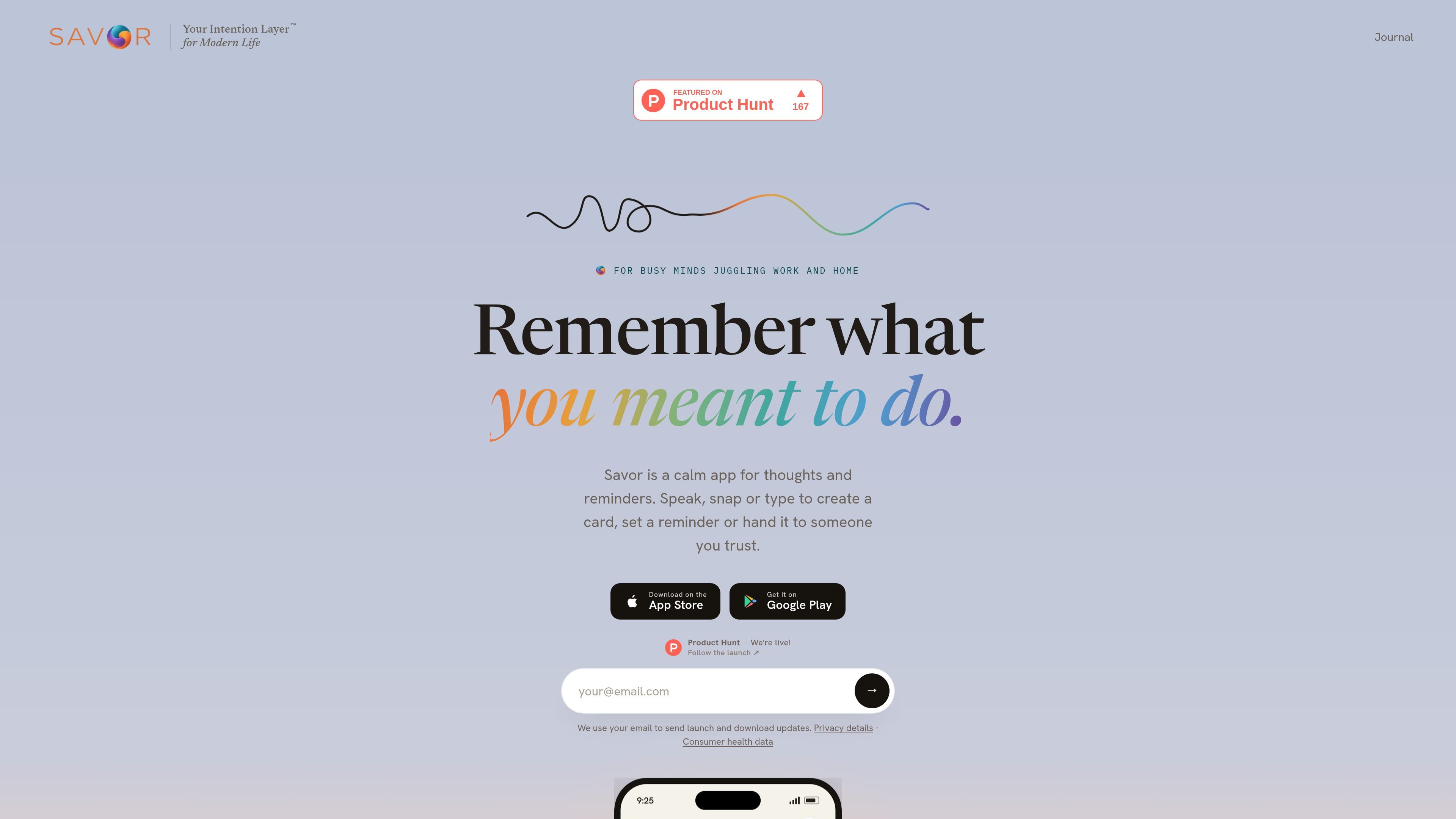
Savor is an Intention Layer™ for capturing thoughts, reminders, and unfinished intentions without forcing everything into a conventional task list. Users can speak, type, or photograph a bill, letter, or flyer; Savor turns the input into an editable Savor Card that keeps the context and clarifies what matters.
Cards live in three time-based lanes—Now, Soon, and Later—and can be resurfaced with user-controlled reminders. Savor also supports calendar addition, iPhone Siri capture, and deliberate handoffs to another Savor user. It is available on iPhone and Android and is free while monetization is paused.
Speak naturally, type a thought, or photograph a bill, letter, or flyer. Voice and scans are converted into text when you choose to capture, and the resulting card can be corrected or edited.
Savor turns a capture into a plain-language card containing what it is, when it matters, and what to do next, while preserving the context of the original thought.
Cards are organized into Now, Soon, or Later. The default lanes reflect timing, but you can move cards between lanes and change the lane definitions in Settings.
Set a notification for a card, including a time on a dated item, and optionally use a daily 9:00 AM check-in reminder. Quiet hours and reminder controls are available in Settings.
Hand a card or subcard to another Savor user. The recipient can take it or decline; after taking it, they receive its reminders while the original owner sees a read-only copy and can take it back.
Take Action is a beta workflow for working through an intention and reviewing suggestions. It is optional, and the user decides what to do next.
Photograph a school form, flyer, bill, or letter, correct any missed details, and set a reminder for the point when you can handle the follow-up.
Capture a question for an appointment or a person to contact while the context is fresh, then return to it when the timing is appropriate rather than converting it immediately into a task.
Say an errand or household reminder while cooking, walking, or carrying something. Voice capture keeps the surrounding context instead of reducing the thought to a short alarm label.
Keep recommendations, ideas, or possibilities that matter but are not urgent in Later, and release them when they no longer need attention.
Hand a card to a partner, family member, or another trusted Savor user when someone else should own the follow-up. The recipient can accept it and receive its reminders.
Savor is free on iPhone and Android while monetization is paused. No paid plan or upgrade is required for captures, reminders, card handoffs, or the Take Action beta, although fair-use and service safeguards apply.
You can capture by speaking, typing, or photographing a bill, letter, or flyer. Savor turns the input into an editable card and places it in Now, Soon, or Later.
Savor sends notifications for timed cards and can send a daily reminder to check the app at 9:00 AM. You can change reminder settings, including the daily reminder and quiet hours.
On iPhone, Siri can add a capture without opening Savor, such as “Add buy milk to Savor.” The card appears the next time you open the app.
Viewing and editing cards work offline. Voice transcription and photo-scan parsing require an internet connection.

Contextbergは、画面・入力・ブラウザ・AIエージェントの利用履歴をローカルで記録し、MCP経由でClaude CodeやCursorなどに作業コンテキストを渡すデスクトップアプリです。中断した作業の再開、過去ログの検索、日次レビューに利用できます。

Yattayo: Slider To-Do Board is a productivity app that turns tasks into a physical-style slider board with sticky notes, widgets, reminders, and iCloud sync. It helps people who want a more tactile way to manage to-dos and, in Premium, recurring habits.

at8pm is an iPhone journaling app that locks each day’s entry after a chosen time so it can’t be edited later. It supports text, voice, photos, locations, and quick video notes, with private iCloud syncing and optional Face ID lock.

Goldfish is an AI memory app for macOS that helps you reply, write, summarize, and continue using the context already on your Mac. It stores memory locally and writes in your tone.

Flunkey is a voice-first productivity layer for Windows that converts speech into text, AI-assisted outputs, and remembered context. It is built for users who want to capture ideas and actions without leaving the app they are working in.

ArtDeck is a visual reference board app for iPhone, iPad, and Mac that lets artists collect mixed reference material on one canvas and study it with ToolBox lenses. It works offline, supports optional iCloud sync, and is sold as a one-time purchase with no account required.