
Natural-language design input
Describe the board’s intended behavior in ordinary language without first specifying components, constraints, or routing details.

siliXon is an AI-assisted PCB design service that turns plain-English descriptions into editable circuit-board designs, including component selection, schematics, placement, routing, and checks. It is aimed at beginners, hobbyists, and experienced designers, with downloadable files for manufacturing.
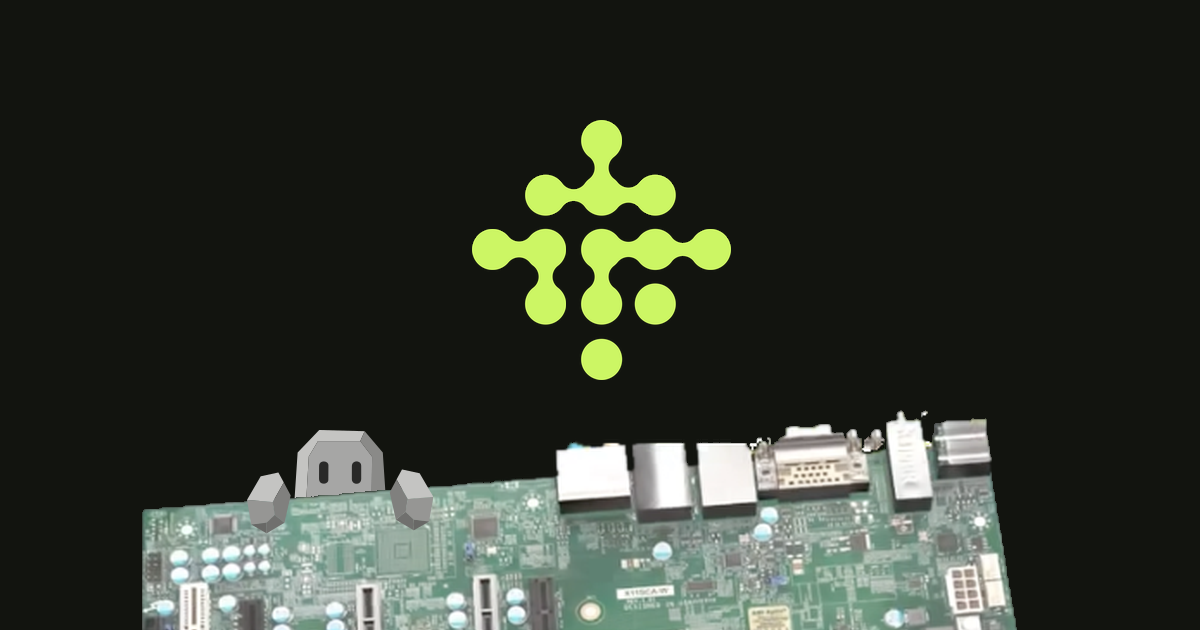
siliXon is an AI-assisted PCB design service that turns a plain-English description of an electronic project into a circuit-board design. Its Rocky assistant helps clarify what the board should do, then the system selects components, creates a schematic, places parts, routes traces, and checks the result.
The service is intended to make board design accessible to beginners while also giving hobbyists and experienced designers a faster way to iterate. Designs can be reviewed and edited in 2D or 3D and then exported as files for manufacturing. siliXon is in early beta: it supports 2- and 4-layer boards, recommends mostly digital designs, and advises users to check boards carefully before ordering them.
Describe the board’s intended behavior in ordinary language without first specifying components, constraints, or routing details.
Rocky asks follow-up questions and helps turn a rough idea into clearer electronics requirements, with different levels of guidance for beginners, hobbyists, and experienced designers.
The system selects real, market-available components, creates the schematic, determines component placement, and routes the board.
Review the generated design in both 2D and 3D, then move parts, modify traces, add vias, or request changes through conversation.
siliXon runs physics and manufacturing checks before a design is sent on for production, while still advising beta users to review the result themselves.
The workflow produces files that can be downloaded and sent to a manufacturer; the site also lists KiCad import and export for the Pro plan.
Start with a small concept, such as a battery-powered indicator, and describe the intended behavior instead of learning the full schematic, footprint, placement, and routing process first.
Turn an electronics idea into a working board while Rocky explains choices and asks clarifying questions, then adjust the result manually or conversationally.
Specify exact components, communication protocols, dimensions, or other requirements to move more quickly from a defined concept to an editable board.
Generate and review a digital 2- or 4-layer board, run the platform’s physics and manufacturing checks, and download files to submit to a board manufacturer.
No. siliXon is designed for people who can describe the intended behavior of a board without already knowing PCB design terminology. Its assistant, Rocky, asks questions and helps clarify the design as you work.
You describe the board in plain English. Rocky then helps clarify the requirements, while siliXon selects components, creates the schematic, places and routes the board, and runs engineering checks. The resulting design can be reviewed and edited in 2D or 3D before manufacturing.
The product page states that users can create 2- and 4-layer boards during the early beta. It recommends primarily digital designs because analogue circuit capabilities are limited.
Yes. Generated boards remain editable in 2D and 3D. Users can move parts, draw or remove traces, add vias, and request revisions through conversation.
You own the design. siliXon says it provides the files needed to manufacture the board, including downloadable files. The company also advises checking designs thoroughly before manufacturing because the product is still in beta and does not accept responsibility for non-working boards.

Make Real is a Next.js app that turns hand-drawn wireframes into working HTML prototypes using the tldraw SDK and AI models. It helps users sketch on a canvas, generate code, and review the result in an embedded preview.

PixelDrive is a bulk image generation API for creating many on-brand images from one template through a browser editor, REST API, CSV batch, or MCP. It suits teams that need repeatable image output with cacheable renders and usage-based pricing.

Cherry Blossom is a browser-based PCB editor that turns plain-English prompts into editable schematics, PCB layouts, and fabrication files. It is built for people who want AI-assisted board drafting with verification checks and open exports.

Napkin AI превращает текст в редактируемые визуалы для презентаций, документов и публикаций. Генерация из текста, совместная работа, экспорт в PPT, PNG, SVG или PDF.

Refero MCP for AI agents connects an MCP-compatible agent to Refero’s curated library of web and iOS product interfaces and user flows. It helps agents research real design patterns before generating UI, with access included in the Refero Pro plan.

okkslides is an AI presentation maker that creates and edits business slide decks from prompts, documents, outlines, or existing PowerPoint files. It supports template-based generation, natural-language edits, and export to PowerPoint.