
On-device processing
Transcription and cleanup run on the Mac, with an automated test intended to fail if either process makes a network request. The app can operate in airplane mode or on a restricted network.

SpeechFast is a local voice dictation app for Apple Silicon Macs that transcribes and cleans up speech on the device, then inserts the text at the cursor. It suits users who need offline dictation and want audio to stay off remote servers.
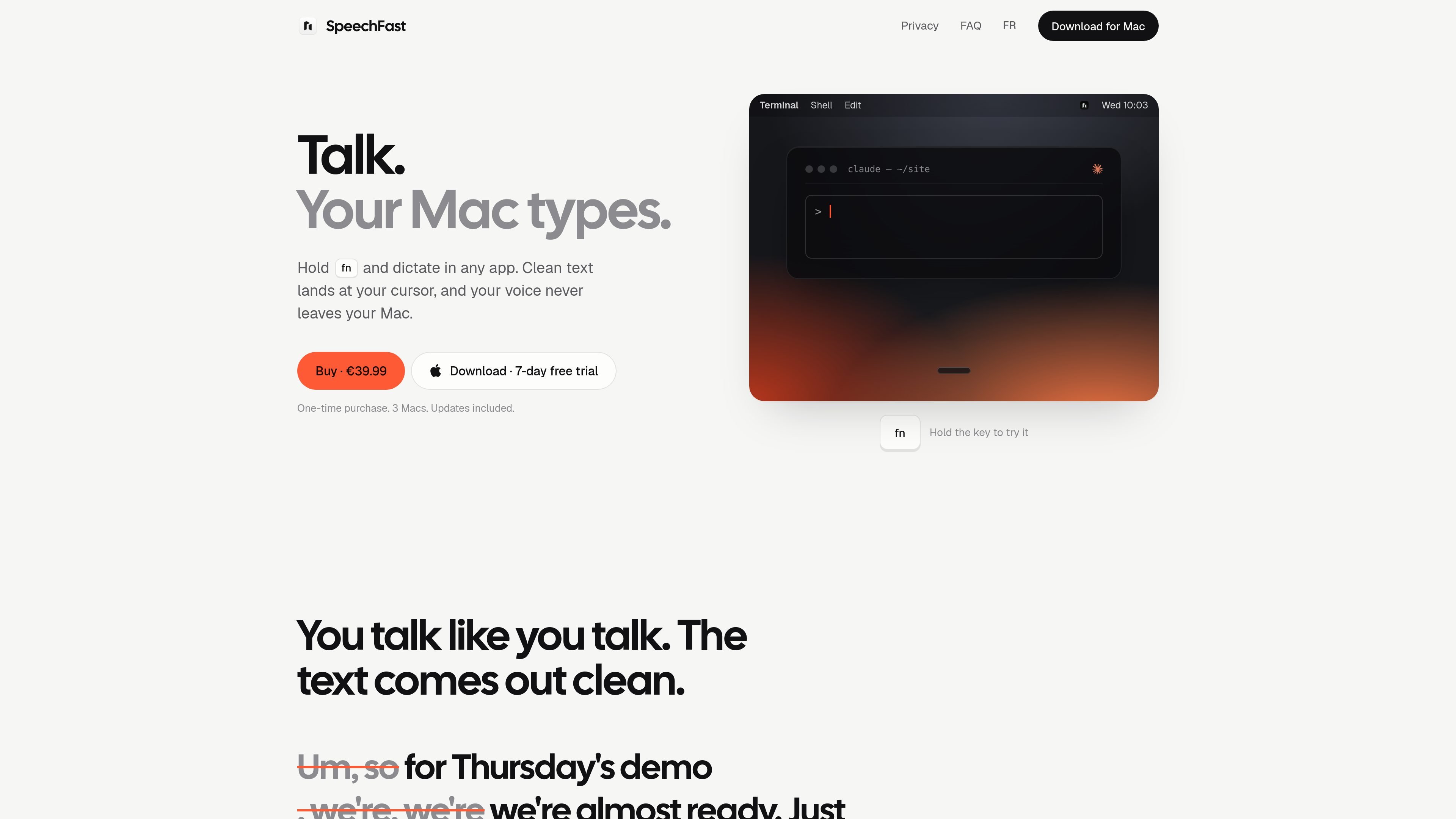
SpeechFast is a voice dictation app for Apple Silicon Macs. It transcribes speech and cleans up fillers, repetitions, false starts, and punctuation locally, then inserts the resulting text at the active cursor in about a second with the default Parakeet engine.
The app is designed for users who need offline dictation or prefer not to send voice data to a server. It requires macOS 26, supports multiple on-device transcription engines, and does not require an account; a one-time license is available after a seven-day trial.
Transcription and cleanup run on the Mac, with an automated test intended to fail if either process makes a network request. The app can operate in airplane mode or on a restricted network.
Choose Parakeet, Cohere Transcribe, or Apple's built-in on-device transcription engine in Settings. Parakeet detects the spoken language automatically, while Apple's engine uses one selected language.
Parakeet supports 25 European languages, including English, French, German, and Spanish. The language can change from one sentence to the next when using automatic detection.
SpeechFast removes fillers, repeats, and false starts and fixes punctuation before placing text at the cursor. Cleanup uses Apple Intelligence when enabled.
Hold fn to dictate, use Shift+fn for hands-free longer messages, tap fn to stop processing, or press Escape to cancel. Right Command can be used instead of fn.
Audio is not stored, and dictated text is kept in a local history for 30 days by default. Users can change the retention period, disable history, or erase it.
Dictate drafts, messages, and notes while travelling or working in places without reliable connectivity, since transcription and cleanup run on the Mac.
Keep client, health, legal, or NDA-related dictation on the device when sending voice recordings to a cloud transcription service is not appropriate.
Use Parakeet's automatic language detection to move between supported European languages during multilingual conversations or drafting.
Enter text in email, documents, chats, and other applications with a text field using the keyboard shortcut instead of switching to a separate transcription window.
SpeechFast requires an Apple Silicon Mac with an M1 or later chip running macOS 26. It also uses Apple Intelligence for cleanup; if Apple Intelligence is disabled, it pastes the transcript without cleanup.
Hold the fn key to dictate, then release it to process and place the text at the cursor. For longer messages, use Shift+fn to keep listening hands-free and tap fn to stop. Escape cancels the dictation.
With Parakeet, SpeechFast supports 25 European languages, including English, French, German, and Spanish, and detects the spoken language automatically. The Apple engine uses one language selected in Settings.
No audio is stored. Audio remains in memory only long enough to transcribe, while text is kept in a local history for 30 days by default. The history can be shortened, disabled, or erased.
SpeechFast includes a 7-day free trial. After the trial, dictation stops until a license is added; history and settings remain available. The license costs €39.99 once, covers three Macs, and includes updates.

SpeakoFlow is a free, open-source desktop voice-to-text app for Windows, macOS, and Linux. It supports dictation into any app, voice-driven writing with Flow, cleanup, translation, and a screen-aware assistant.

QuickQuill is a macOS dictation and transcription app that runs locally on the device. It helps users record meetings, transcribe audio, generate summaries, and export notes without using a cloud service.

Zen Whisper is a local-first dictation and transcription app for Apple Silicon Macs running macOS 14 or later. It lets users dictate into most Mac text fields, transcribe media or supported public links, and work across 110 spoken language options.

Speech to Text Converter is a browser-based transcription tool for live dictation and uploaded audio or video files. It offers a free tier for short tasks and a Pro plan for unlimited transcription, AI summaries, translation, speaker identification, and advanced exports.

CAKIE is a Mac app for recording your screen and voice for an AI agent. It adds a transcript and screenshot highlights, then lets you copy a prompt and paste or attach the context in another AI app.

Sanota is an app that turns spoken memories, reflections, and interviews into clear written stories. It supports personal storytelling, family history, and shared memories, with guided prompts and subscription pricing.