
Text to 3D generation
Generate 3D objects from text prompts and receive multiple variants to compare before choosing a direction.

Spline AI is a 3D generation feature on the Spline platform that creates mesh objects from text prompts and images. It supports generation in the dashboard or editor and connects outputs to Spline’s web, Apple, and Android publishing options.
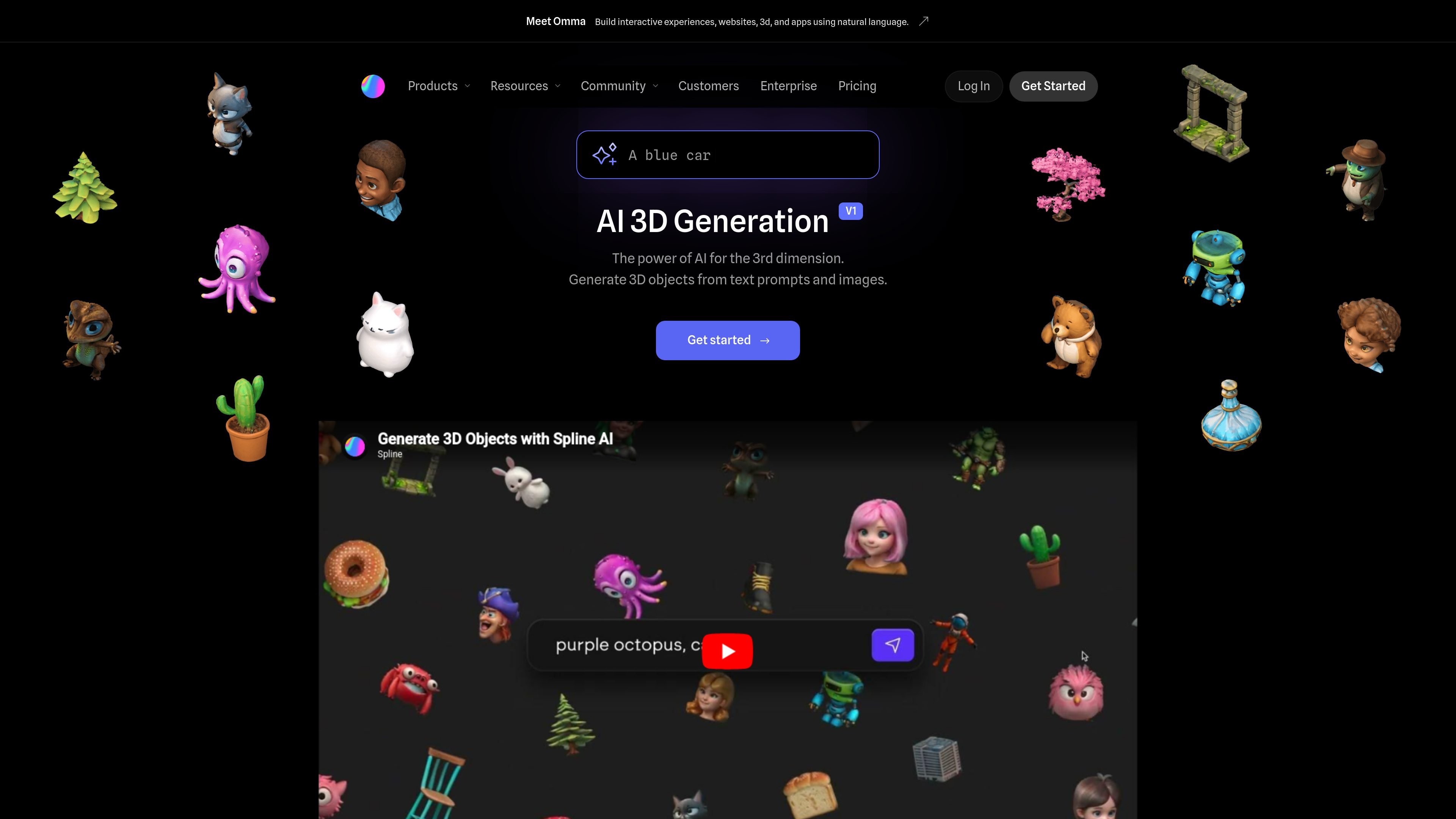
Spline AI is a 3D generation feature on the Spline platform that turns text prompts and images into 3D mesh objects. The product page presents it as AI for the “3rd dimension,” aimed at helping users move from ideas and references to usable 3D outputs.
The workflow is built for both experimentation and production-minded use. Users can generate from the dashboard to build a 3D library, or generate from inside the Spline Editor while working on scenes, then publish results through Spline’s web, Apple, and Android export options.
Generate 3D objects from text prompts and receive multiple variants to compare before choosing a direction.
Use front-facing 2D images to influence the result and convert visual references into 3D models.
Create new outputs from prior generations by remixing and referencing earlier results.
Start from the dashboard to build a 3D library, or stay in the editor and generate while assembling scenes.
Publish AI-generated work across web, Apple, and Android using Spline’s interactive export options.
Use prompts, copies, and generated examples as a fast starting point for building a personal 3D asset library.
Create 3D concepts from a short text prompt when you want quick visual exploration without starting from manual modeling.
Turn front-facing reference images into 3D models when a visual starting point is already available.
Iterate on an existing generation by remixing or referencing earlier outputs to narrow in on a preferred direction.
Generate assets inside an active scene when you want AI-assisted creation without leaving the Spline Editor.
Build a personal or team 3D library from the dashboard so reusable assets are ready for later projects.
Yes. The pricing page shows Spline AI as an add-on with Spline’s plans, and the AI page includes a “Get started” prompt for creating in 3D with AI. The source also shows a free plan and paid workspace plans on the pricing page, but it does not spell out a separate standalone setup flow for the AI feature.
Spline AI is designed to generate 3D objects from text prompts and images. The source says it works from both the dashboard and the editor, so it fits both early-stage experimentation and ongoing scene building.
The source describes text-to-3D, image-to-3D, remixing previous generations, and multi-platform publishing. It does not provide detailed limits on output quality, model types, or file constraints beyond those capabilities.
The AI page says you can generate from the Dashboard or from the Editor. That suggests two workflow surfaces: building a 3D library without distractions, or continuing inside the scene editor as you work.
The pricing page lists Spline AI as an add-on with 2,000 AI credits per month on the Professional plan, and the Enterprise plan offers custom AI credits. The source does not describe credit usage per generation in more detail.

智小象(HiDream.ai)— это полностью китайская платформа для творчества на основе генеративного искусственного интеллекта, предназначенная для того, чтобы помочь пользователям легко овладеть творческими навыками AIGC.

秒绘AI is a web-based AI creation platform for generating images and short videos from text or existing images. It also includes e-commerce visual tools and enterprise options such as private deployment, API integration, and batch processing.

Amara is an AI-powered 3D creation tool focused on mesh generation and plugin-based actions. It offers a free entry point, tiered plans for individuals and teams, and staged early access.

Генератор живописи AI - это онлайн-программное обеспечение, которое автоматически создает произведения искусства на основе текстовых описаний, предоставленных пользователями.

DeepMotion is a web-based AI motion capture and 3D animation platform with Animate 3D for video-to-animation and SayMotion for text-to-animation. It helps creators and teams generate motion in a browser and export results in common production formats.

Napkin AI превращает текст в редактируемые визуалы для презентаций, документов и публикаций. Генерация из текста, совместная работа, экспорт в PPT, PNG, SVG или PDF.