
Record demos
Capture a product demo first, then refine it before publishing so the result looks polished without a full editing workflow.

Stage is a product demo tool for recording, cleaning up, and publishing polished demos without using a full video editor. It is positioned for people who want presentation-ready product walkthroughs with a simpler workflow.
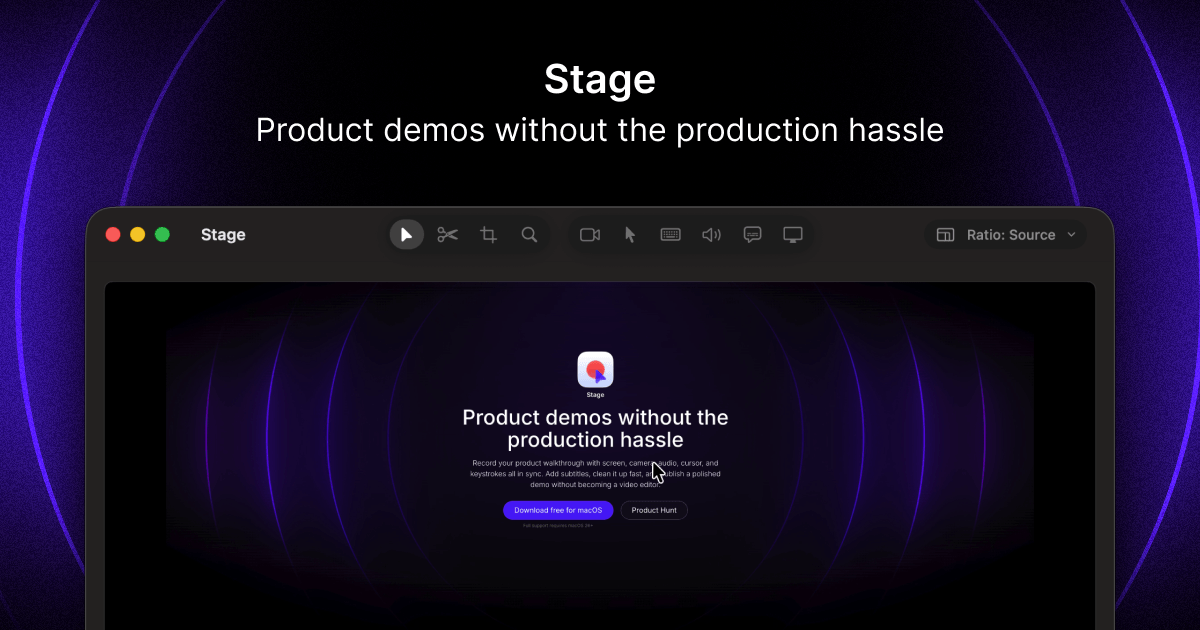
Stage is a product demo tool for recording, cleaning up, and publishing polished demos. Its positioning centers on helping teams present product workflows clearly without needing to become video editors.
The site frames Stage around a practical demo-making workflow: capture the recording, tidy it up, and publish it. That makes it most relevant for people who need concise product walkthroughs, launch demos, or other presentation-ready recordings.
Capture a product demo first, then refine it before publishing so the result looks polished without a full editing workflow.
Clean up recorded demos to remove rough edges and improve the final presentation.
Publish the finished demo from the same product workflow, rather than moving into a separate editor.
Focus on product-demos use rather than general-purpose video production.
Use Stage to capture a walkthrough of your product and turn it into a presentable demo for sharing with prospects or stakeholders.
Use it when you need a cleaner version of a recorded product tour and want to polish the result before publishing.
Use Stage for repeatable demo creation when your goal is to show product behavior clearly without editing the footage in a separate tool.
Use it to prepare polished recordings for website or campaign use when the main job is to present the product cleanly.
Stage is a product-demos tool for recording, cleaning up, and publishing polished demos without using a full video editor.
The site presents Stage as a product for people who need polished product demos and want to avoid traditional video-editing workflows.
The source text does not list a specific export format or publishing destination, only that the product helps publish demos after cleanup.
The pricing page is present, which indicates Stage has pricing information available, but the collected source text does not include exact plan details.

Ailytics is an AI-powered video analytics product for construction, manufacturing, and other heavy industries. It is positioned to improve safety and operational efficiency by turning site footage into actionable insight.

Dina is a macOS app for creating polished screen recordings with automatic zoom, cursor smoothing, captions, transcript editing, and presentation-focused layouts. It is built for recording, refining, and exporting demos and tutorials on Mac.

Tavus is an AI video platform for building real-time, face-to-face agents, digital twins, and AI companions. It combines APIs, custom replicas, and multilingual conversational workflows for developers and teams.

HiringPartner.ai is an autonomous AI recruiting platform for sourcing, screening, and interviewing candidates 24/7. It supports ATS-connected workflows, bulk resume uploads, and reviewable interview outputs for hiring teams.

DeepMotion is a web-based AI motion capture and 3D animation platform with Animate 3D for video-to-animation and SayMotion for text-to-animation. It helps creators and teams generate motion in a browser and export results in common production formats.

Bezel — приложение для macOS для зеркалирования и записи экранов Apple‑устройств на Mac. Поддерживает AirPlay и USB, удобно для демо, презентаций и скринкастов.