
Homework help with step-by-step answers
Paste a question, upload an image or PDF, and get step-by-step help across subjects such as math, science, economics, history, and other areas mentioned on the site.

StudyX is an AI study tool for homework help, notes, flashcards, quizzes, and writing support. It helps students and other learners turn text, images, PDFs, slides, audio, videos, and recordings into structured study materials.
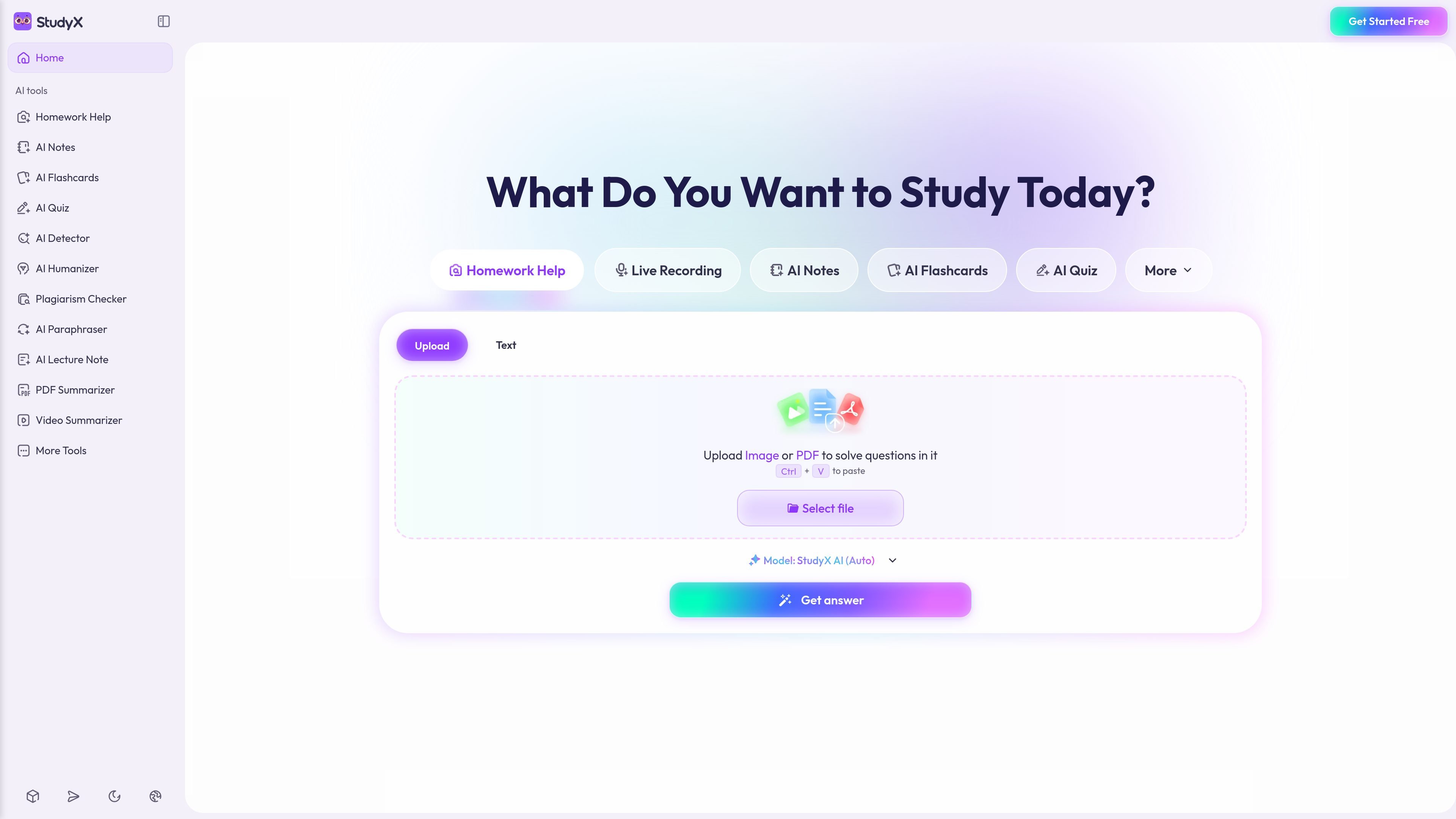
StudyX is an AI study platform that combines homework help, note taking, flashcard generation, quiz creation, and writing tools in one web-based workspace. It is positioned for students and other learners who want to upload study material and get structured outputs instead of starting from a blank page.
Across the site, StudyX says it can work from text, images, PDFs, slides, audio, videos, YouTube links, and live recordings. The workflow centers on uploading material once, then generating step-by-step solutions, notes, flashcards, quizzes, or summaries from the same source.
The homepage describes StudyX as free to start online with no sign-up required, while the note taker page says the Basic plan includes up to 5 free uses per day. The pricing page also lists StudyX AI model options and a free-start flow, but it does not provide a full, stable pricing table in the captured text.
Paste a question, upload an image or PDF, and get step-by-step help across subjects such as math, science, economics, history, and other areas mentioned on the site.
Turn textbooks, PDFs, slides, screenshots, audio, videos, or lecture recordings into organized notes, with real-time transcription and summarization for live lectures.
Generate flashcards from uploaded study material, including PDFs, YouTube content, and voice notes, to support review and spaced repetition.
Create practice quizzes from uploaded material, including PDFs and other study files, for exam preparation and self-testing.
Use writing tools to detect AI-generated text, check plagiarism, paraphrase content, and humanize writing for assignments and submissions.
Prepare for certification-style study with dedicated question solvers and practice materials for exams such as NCLEX, CPI, PMD, and DoD training, as listed on the site.
Upload a homework question as text, a photo, or a PDF and get a step-by-step solution that explains the method, not just the final answer.
Convert slides, textbook chapters, or lecture recordings into structured notes so you can review the main points without manually transcribing everything.
Turn notes, PDFs, videos, or audio into flashcards for fast review, spaced repetition, and last-minute exam prep.
Generate practice quizzes from your course material to test recall, identify weak spots, and prepare for exams.
Use the AI detector, paraphraser, humanizer, and plagiarism checker when you need to review originality or rework draft text for submission.
StudyX accepts text, images, PDFs, slides, audio recordings, videos, and YouTube links, then generates study help from that material.
Yes. The site says StudyX offers a free start online with no sign-up required, and the note taker page says the Basic plan allows up to 5 uses per day at no charge.
Yes. The note taker page says notes are fully editable after generation, so you can highlight, reorganize, rewrite, or add questions.
Yes. The note taker FAQ says you can upload meeting recordings, transcripts, or shared files from Microsoft Teams and turn them into organized notes.
StudyX provides a web experience and also lists app, browser extension, and Discord options in its site navigation, but the pricing page does not provide detailed setup information.

GameGrad turns PDF study material into quiz questions that appear inside arcade games, so users can practice active recall while they play. It offers a free tier with one PDF and a Pro plan with more uploads, more questions, and answer explanations.

LangPanda is a browser extension for learning languages from streaming video and other supported sites. It combines instant subtitle lookup, flashcard creation, vocabulary tracking, and spaced-repetition review for 36 languages.

recall is an AI flashcard app that turns reading and notes into study cards through Claude, ChatGPT, or another MCP client. It uses one-time lifetime access pricing and spaced repetition review.

Talkpal is an AI-powered language learning web and mobile app for practicing speaking, listening, writing, and pronunciation. It offers guided courses, roleplays, and call-style conversation practice across 130+ languages.

BeFreed is a personalized audio learning app that turns books and other knowledge sources into narrated listening experiences. It helps people learn on demand through interactive audio, voice selection, and built-in learning tools.

MentorSpace is an AI-powered mentoring product for startup and academic planning. It helps students, founders, and small groups create 90-day roadmaps, get context-aware guidance, and track progress over time.