
Start from multiple entry points
Import audio, upload stems, or begin with a fresh project so you can work from existing material or generate a new track inside the same environment.

Suno Studio is a browser-based audio workstation for editing, automating, separating stems, and exporting music projects. It is part of Suno’s paid workflow and is aimed at creators who want more control over track-level production.
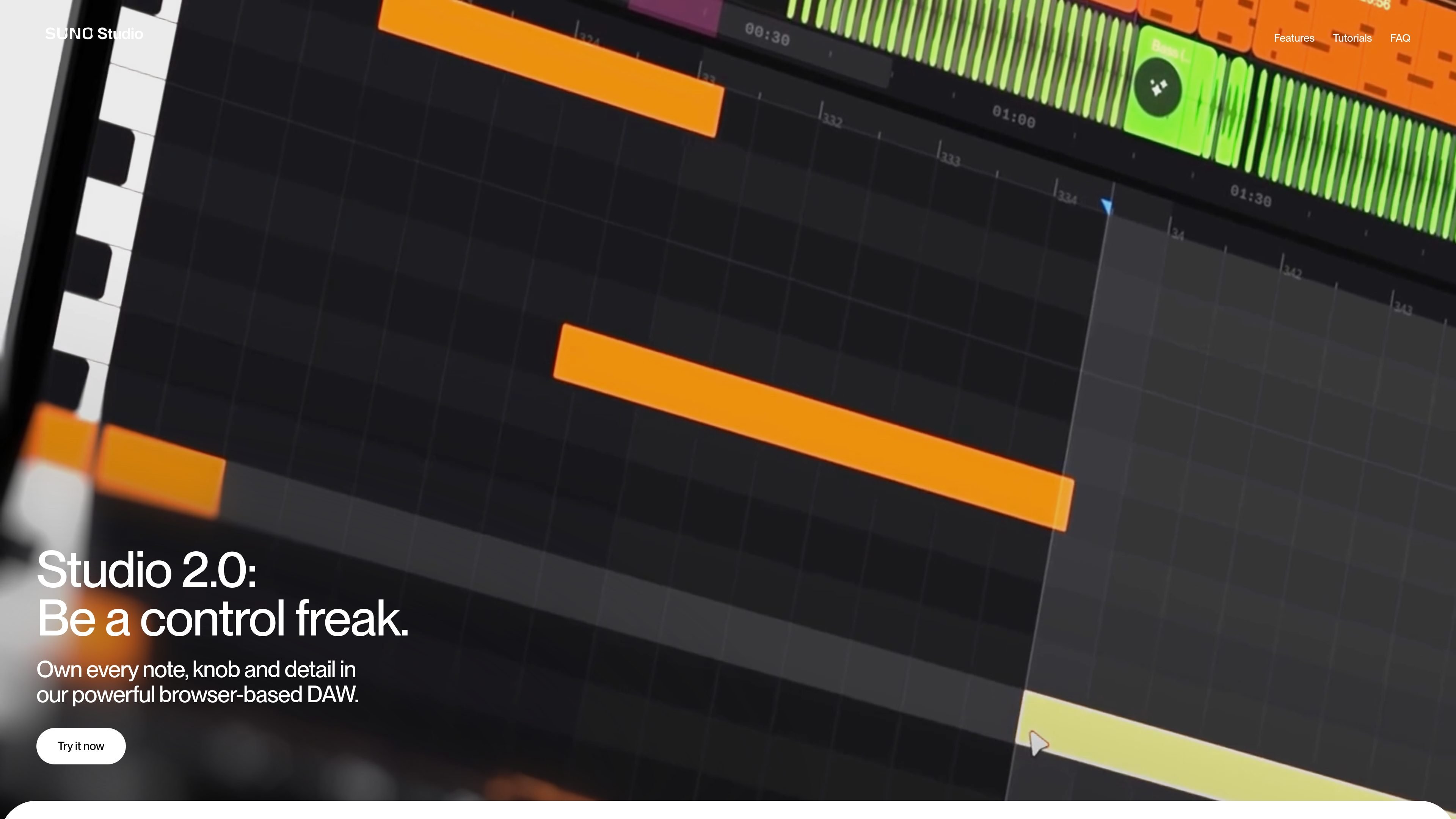
Suno Studio is a browser-based generative audio workstation built for hands-on music editing rather than prompt-only creation. The product page frames it as a place to control “every note, knob and detail,” and the homepage describes workflows for importing audio, uploading stems, or starting a project from scratch.
It combines traditional DAW-style editing with AI-assisted audio creation. Users can arrange and refine tracks, automate parameters, split audio into stems, and export songs or selected ranges for use elsewhere. Suno’s pricing page places Studio on the Premier plan, while the broader Suno site positions it as part of a larger music creation workflow that also includes AI generation and remixing.
Import audio, upload stems, or begin with a fresh project so you can work from existing material or generate a new track inside the same environment.
Arrange, layer, and refine audio with controls for BPM, volume, pitch, and other parameters shown on the studio page.
Draw curves and record movement to automate parameters over time, allowing changes to evolve across a song instead of staying static.
Split audio into component parts such as vocals, drums, and bass, with the homepage emphasizing precise stem separation.
Export full songs, stems, or selected ranges so material can move from the browser studio into other production workflows.
Paid-plan pages and the create page describe Suno’s broader editing toolkit, including remixing, extending, covering, and adjusting speed, plus advanced editing and stem extraction on higher tiers.
Begin with a rough idea, a recorded clip, or uploaded stems and build a track inside one browser-based workspace.
Adjust section structure, layer parts, and tweak BPM, volume, and pitch when you need more control than prompt-based generation alone provides.
Use automation to make filters, levels, or other parameters move over time instead of staying fixed throughout the song.
Split a mixed file into stems so vocals, drums, bass, and other elements can be treated separately during editing or reuse.
Export songs, stems, or selected ranges when you want to continue the project in another production environment or hand off material to a different workflow.
Suno Studio is a browser-based generative audio workstation. It lets you import audio, upload stems, start from scratch, edit individual parts, automate parameters, split audio into stems, and export songs or stems.
The source describes Suno Studio as a web-based product, so it runs in the browser. It is presented as part of Suno’s paid plans, with Studio included on the Premier plan.
The homepage says you can export full songs, stems, or selected ranges. Another Suno page says you can export up to 12 time-aligned WAV stems for use in DAWs such as Ableton and Logic.
Yes, Suno’s pricing page shows a free plan for basic music creation, while the Premier plan includes access to Suno Studio and other advanced features. The Pro plan includes editing tools, stem separation, and audio uploads, but not Studio itself on the pricing page.
The source does not provide direct details about third-party integrations or file-format support beyond WAV stem export and use in DAWs. Compatibility details for other formats are not clearly documented on the pages provided.

LALAL.AI is an AI audio processing platform for stem separation, voice cleanup, and voice transformation. It supports browser-based upload, preview, and download workflows for audio and video files, plus premium and enterprise options.

Kits AI is an AI music production platform for voice cloning, vocal generation, and vocal processing. It offers a Free plan, paid tiers, and a Windows desktop app for producers and creators working with studio-style audio workflows.

ElevenMusic is a web-based music platform for discovering tracks, remixing music, and creating original songs. It also supports prompt-led generation with mood tags and account-based saving for libraries, generations, and playlists.

TME Studio is an online music creation assistant from Tencent Music Entertainment. It supports music separation, MIR computation, assisted lyric writing, and smart score creation for music enthusiasts.

Beatoven.ai is an AI music generator for creating original background music and sound effects for content projects. It also offers an API for adding prompt-based audio generation to other workflows.

CAMB.AI Streams dubs live audio in multiple languages in real time for broadcasts on platforms like YouTube, Twitch, and X. It plugs into existing live workflows using common streaming protocols and avoids a post-production step.