
AI video generation
Create videos from text, documents, links, or prompts using the AI Video Assistant and ready-made templates.

Synthesia is an AI video platform for businesses that creates videos from text, documents, links, and scripts using AI avatars and voiceovers. It also supports translation, collaboration, and publishing workflows for teams.
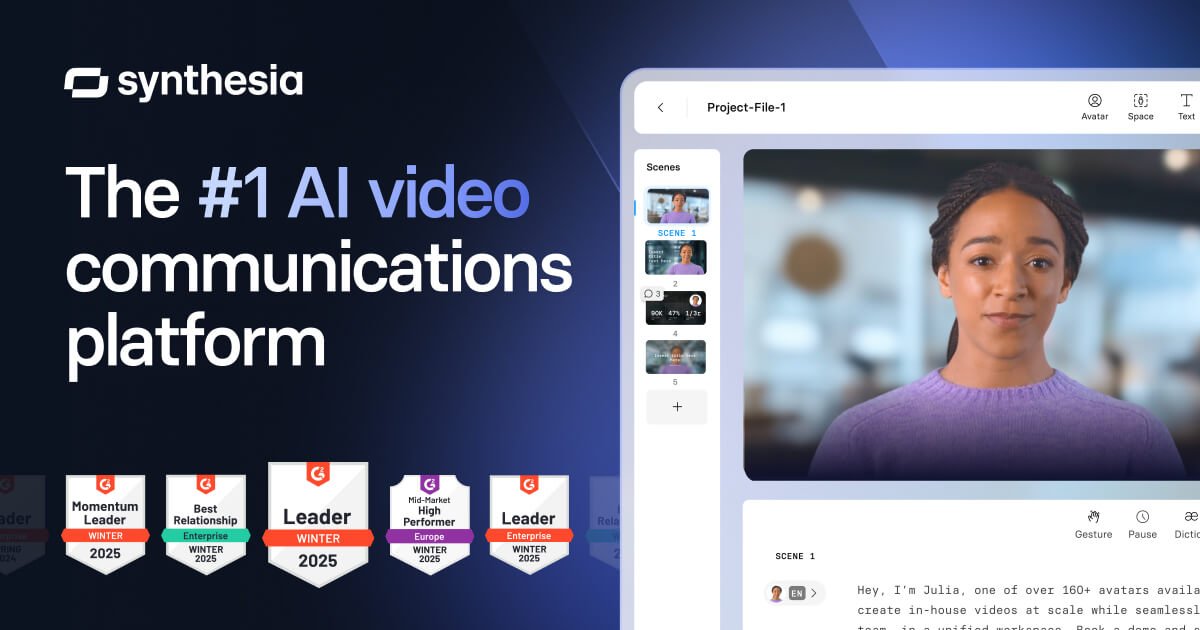
Synthesia is an AI video platform for businesses that turns text, documents, links, and scripts into shareable videos. The product is built around AI avatars, generated voiceovers, translation, collaboration, and publishing tools for teams that need to create video at scale.
Across the site, Synthesia positions itself as a single workspace for creating, localizing, managing, and publishing AI videos. It includes tools for personal avatars, voice cloning, AI dubbing, screen recording, branded templates, SCORM export, and integrations for learning and content workflows.
Create videos from text, documents, links, or prompts using the AI Video Assistant and ready-made templates.
Build videos with AI avatars that speak in 160+ languages, with options for personal avatars, voice cloning, and customizable avatars.
Translate videos with one click or use AI dubbing to preserve voice and lip sync across languages.
Work from a shared workspace with real-time collaboration, commenting, version control, and team roles.
Publish videos in formats and destinations such as SCORM, embeds, branded video pages, and multilingual players.
Create interactive videos with quizzes, calls to action, branching paths, and analytics to track engagement.
Create explainers, announcements, and training videos from scripts or existing content without producing traditional footage.
Localize existing videos for different audiences using one-click translation, dubbing, and multilingual playback.
Build reusable training content for LMS-based programs with SCORM export, embeds, and update-friendly version control.
Produce branded internal or external videos with company colors, logos, templates, and customizable avatars.
Collaborate across teams on drafts, comments, and revisions in a shared workspace before publishing.
Synthesia offers a free plan for creating AI videos, plus paid plans with more avatars, collaboration, translation, and publishing features. The pricing page also includes a custom Enterprise plan with tailored pricing.
Yes. The site says Synthesia can integrate with learning management systems, and it supports SCORM export and embeds so videos can be used in courses and training modules.
Yes. The product pages describe one-click translation, AI dubbing, brand kits, and custom avatars so teams can adapt videos for different audiences while keeping a consistent look and voice.
The source says no video editing skills or equipment are required, and that 90% of users publish their first video without needing a tutorial.

讯飞绘镜 (iFlytek Huijing) — это платформа для создания видео на базе ИИ, которая быстро и эффективно преобразует творческие идеи в сценарии, раскадровки и динамические видеоролики.

Wallie is an open-source AI streamer that watches your screen, hears chat, and generates live commentary in a configurable persona. It runs locally on your machine with your own keys and is aimed at faceless content, autonomous streams, and real-time reactions.

VIDEOAI.ME is an AI video generator for making spokesperson-style videos, ads, explainers, and social content from a script. It is aimed at founders, marketers, agencies, and creators who want to produce videos without filming.

Official HeyGen API documentation for building AI avatar videos, translations, lipsync, and interactive video-agent sessions. It supports direct API use plus MCP and CLI-style workflows for developers and AI agents.

艺映AI is a free AI video creation tool for generating video from text, images, or existing footage. It is positioned for short-form social content, promotional clips, and stylized AI video projects.

Clipia.ai is an AI image and video generation platform with presentations, an agent workflow, and developer integrations. It helps creators, teams, and developers produce media and decks from prompts, briefs, or source files using a shared credit system.