
Word Processor
Create and work with text documents in the suite's word-processing tool.

Tiny Little Office is a browser-based office suite with tools for writing, outlining, presentations, spreadsheets, visual work, calendars, and trip planning. It is aimed at people who want a link-based document workflow without an account, with data kept only when they choose to store it on the device.
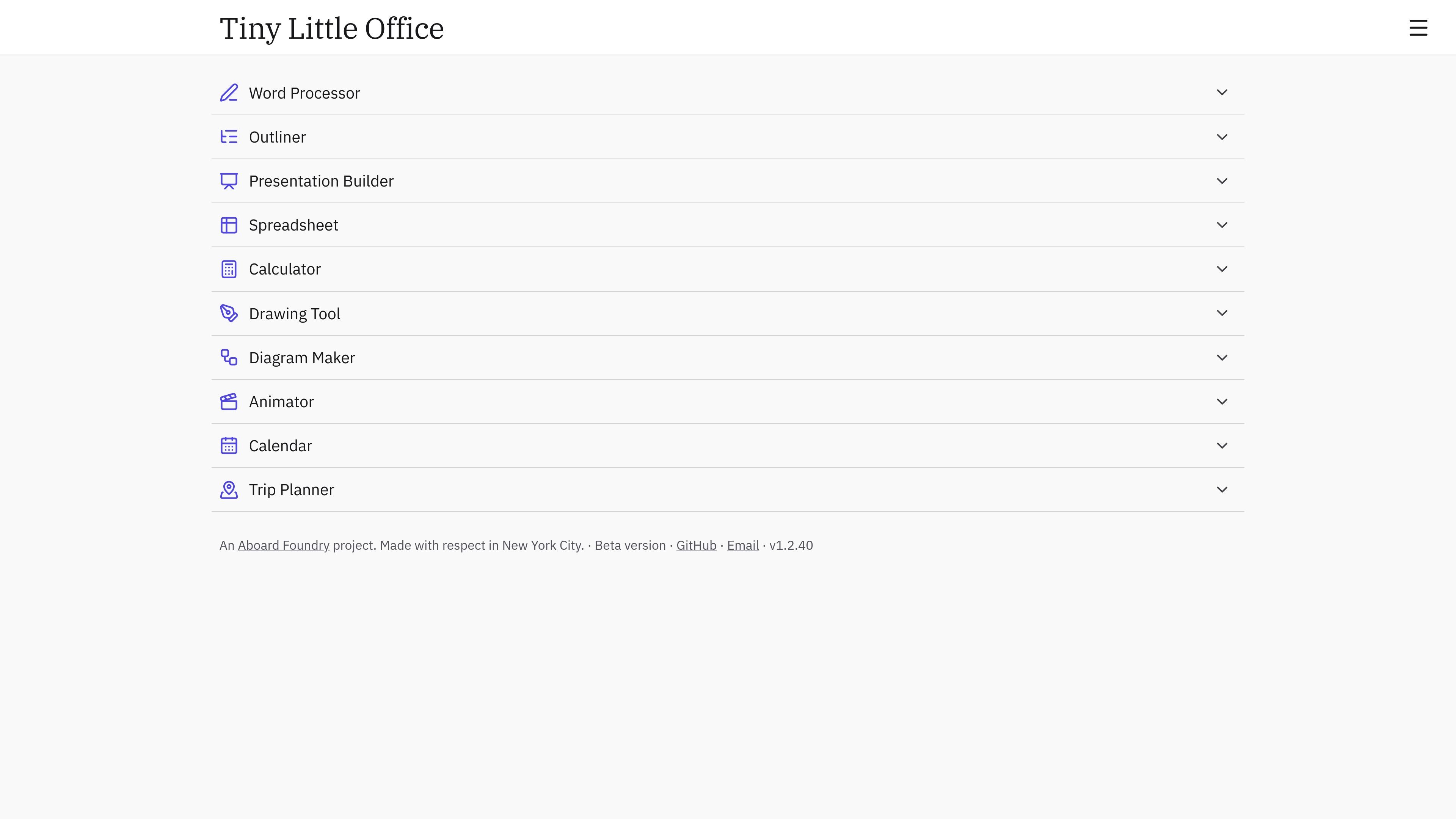
Tiny Little Office is a browser-based office suite built around a link-as-document workflow. Its homepage lists tools for writing, outlining, presentations, spreadsheets, calculations, drawing, diagrams, animation, calendars, and trip planning.
The product states that it requires no accounts and that nothing is saved anywhere unless the user chooses to keep it on the current device. It is presented as a beta version.
Create and work with text documents in the suite's word-processing tool.
Organize material in hierarchical form with the Outliner.
Build slide-based material with the Presentation Builder.
Work with tabular information in the Spreadsheet.
Perform calculations with the Calculator.
Create visual material with the Drawing Tool, Diagram Maker, and Animator.
Draft and revise text with the Word Processor, using its listed templates as a starting point.
Arrange notes or structured material with the Outliner before turning it into a longer document or presentation.
Prepare slide-based material with the Presentation Builder.
Handle a table-oriented task in the Spreadsheet or perform a focused calculation in the Calculator.
Create a drawing, diagram, or animation when a visual explanation is needed.
No. The site states that Tiny Little Office has no accounts.
The product describes its workflow as one where the link is the document.
The site says nothing is saved anywhere unless you choose to keep it on this device.
The homepage labels the product as a beta version.

Goldfish is an AI memory app for macOS that helps you reply, write, summarize, and continue using the context already on your Mac. It stores memory locally and writes in your tone.

ArtDeck is a visual reference board app for iPhone, iPad, and Mac that lets artists collect mixed reference material on one canvas and study it with ToolBox lenses. It works offline, supports optional iCloud sync, and is sold as a one-time purchase with no account required.

Biji - это универсальная платформа, разработанная для повышения продуктивности с помощью инновационных инструментов и функций.

Malyatko is a baby tracker for logging feeding, sleep, growth, teething, and milestones in one app. It works on iPhone, Apple Watch, and widgets, with no sign-up, offline use, and family sharing through iCloud.

Redline is a budgeting tool for Claude Code that paces sessions to stay within time, token, cost, or plan-percentage limits. It uses Claude Code’s native hooks and statusline to help sessions finish with a usable result instead of stopping abruptly.

Claude Overlay is a Windows desktop overlay for Claude Code that reads your screen so you can ask questions, inspect content, and request edits without leaving the current app. It runs on your existing Claude subscription through the Claude CLI, so no separate API key is required.