
Multiple trivia formats
Choose from quiz styles such as Decode the Emojis, Guess Who Said It?, When Did It Happen?, Q&A Challenge, Solve the Riddle, Fill in the Blank, True or False?, Word Association, Identify the Image, and Emoji Word Merge.

Trivia by Typito AI is an AI quiz and trivia video generator for creating interactive quiz content from a topic prompt. It supports multiple quiz formats, multilingual output, and a flow that can export quizzes or convert them into videos.
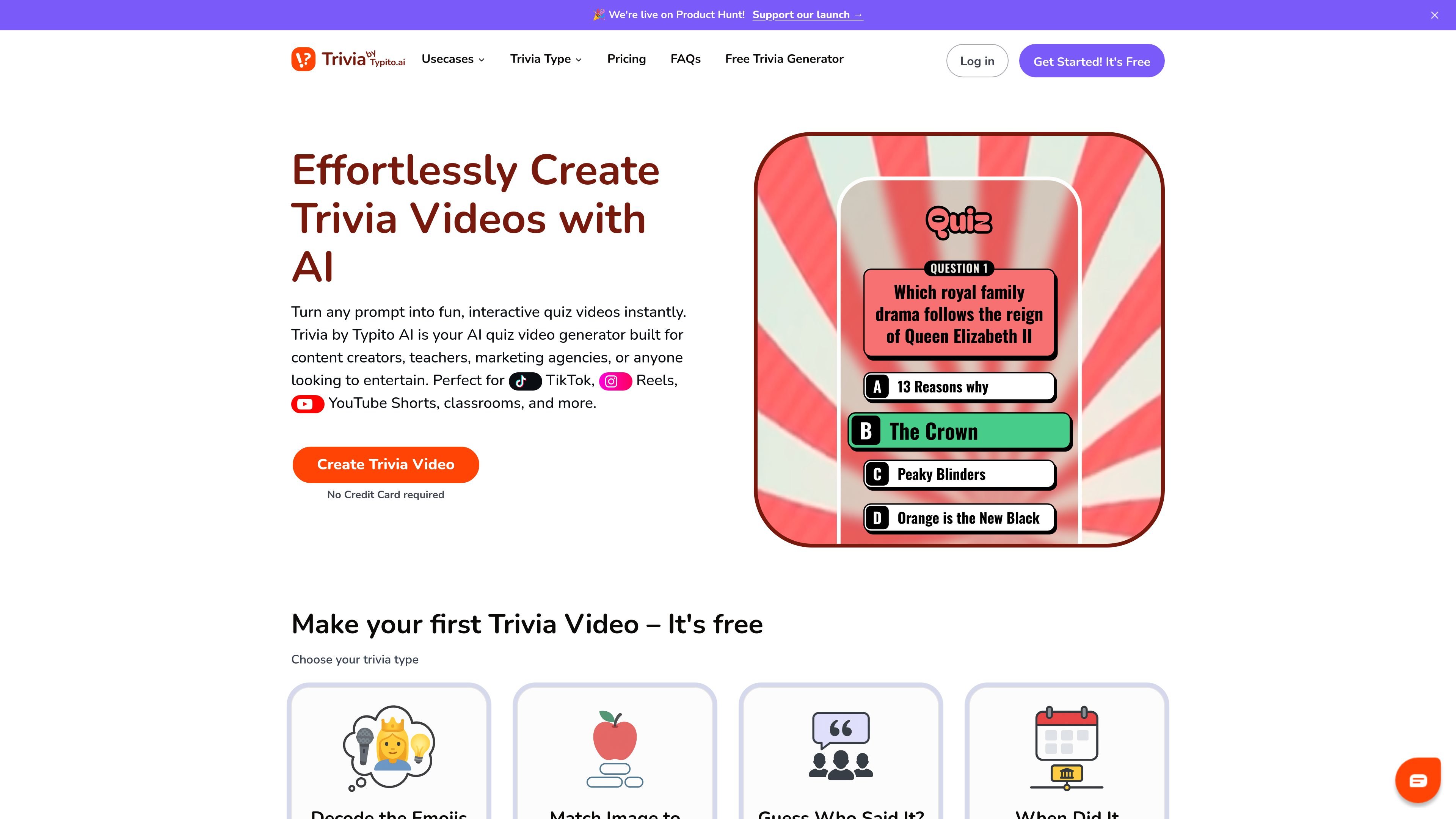
Trivia by Typito AI is an AI-powered trivia and quiz video generator for turning a topic prompt into an interactive quiz. The product supports multiple quiz styles, including emoji-based trivia, quote identification, image-based guessing, true or false, word association, and fill-in-the-blank formats.
The site presents two related workflows: a free quiz generator that can create quizzes instantly, and a video creation flow that converts the generated quiz into a trivia video with intro, questions, and answers. It is positioned for content creators, teachers, marketing agencies, educators, and other users who want shareable quiz content for social media or learning settings.
Choose from quiz styles such as Decode the Emojis, Guess Who Said It?, When Did It Happen?, Q&A Challenge, Solve the Riddle, Fill in the Blank, True or False?, Word Association, Identify the Image, and Emoji Word Merge.
Enter a topic and let the AI trivia builder generate questions, refine the topic, and help tailor the quiz to a chosen difficulty level.
Turn a quiz into a finished trivia video with an intro, questions, answers, and final touches for social sharing.
Create quiz content in languages including English, French, Spanish, Hindi, Ukrainian, and others, with native voiceovers for the selected language.
Download generated quizzes as CSV or Excel files, or use them as video content depending on the workflow you choose.
Generate quiz videos designed for platforms such as TikTok, Instagram Reels, YouTube Shorts, classrooms, and Google Classroom.
Create short-form trivia videos for TikTok, Instagram Reels, and YouTube Shorts using prompts, themes, and quiz formats that fit fast-paced social content.
Turn lesson topics into interactive quizzes for review sessions, classroom engagement, or Google Classroom sharing, with subject-specific prompts and grade-level tailoring.
Build faceless channel content by generating trivia around niche topics such as pop culture, sports, or entertainment without appearing on camera.
Generate quizzes for campaigns or audience engagement in marketing contexts, where a topic prompt can be turned into shareable quiz content quickly.
Draft a quiz in the free generator, export it as CSV or Excel for editing or reuse, then convert it into a video when needed.
Trivia by Typito AI is an AI-powered quiz and trivia video generator. You enter a topic, choose a trivia style, and the tool generates questions, answers, and a video format that can be used for social media or learning content.
The quiz generator page says you can choose a quiz format, describe your topic, and then download the result as a CSV or Excel file or convert it into a trivia video. The homepage describes a similar flow for creating a trivia video with intro, questions, and answers.
The site states that generated quiz content can be created in multiple languages, including English, French, Spanish, Hindi, Ukrainian, and more. The app interface itself is in English.
Yes. The pricing section shows a free plan with up to 5 quizzes, 2 downloads, and a Trivia AI watermark, along with paid Creator Annual and Creator Pro Annual plans that remove the watermark and increase quota.
The site is positioned for content creators, educators, faceless creators, and marketers. The educators page also notes that the tool can guide users step by step, which suggests it is designed for people without prior quiz-making experience.

VIDEOAI.ME is an AI video generator for making spokesperson-style videos, ads, explainers, and social content from a script. It is aimed at founders, marketers, agencies, and creators who want to produce videos without filming.

Topview AI is a web-based AI video creation platform for social ads, ecommerce creatives, avatar videos, and short drama workflows. It combines channel-based templates, prompt-driven generation, reference uploads, and storyboard-based production tools.

GameGrad turns PDF study material into quiz questions that appear inside arcade games, so users can practice active recall while they play. It offers a free tier with one PDF and a Pro plan with more uploads, more questions, and answer explanations.

DANCING CATS App turns cat pictures into dancing kitty clips. The public homepage is sparse, so the core use case is clear while pricing, outputs, and feature depth remain undocumented.

Official HeyGen API documentation for building AI avatar videos, translations, lipsync, and interactive video-agent sessions. It supports direct API use plus MCP and CLI-style workflows for developers and AI agents.

艺映AI is a free AI video creation tool for generating video from text, images, or existing footage. It is positioned for short-form social content, promotional clips, and stylized AI video projects.