
Real-time speech recognition
Type4Me includes built-in local speech recognition, supports multiple cloud ASR providers, and can stream text as you speak so you do not have to wait for the full sentence to finish.

Type4Me is a MacOS voice input method that combines real-time speech recognition with optional large-language-model text processing. It supports cloud and local recognition modes, vocabulary management, and transcript history export.
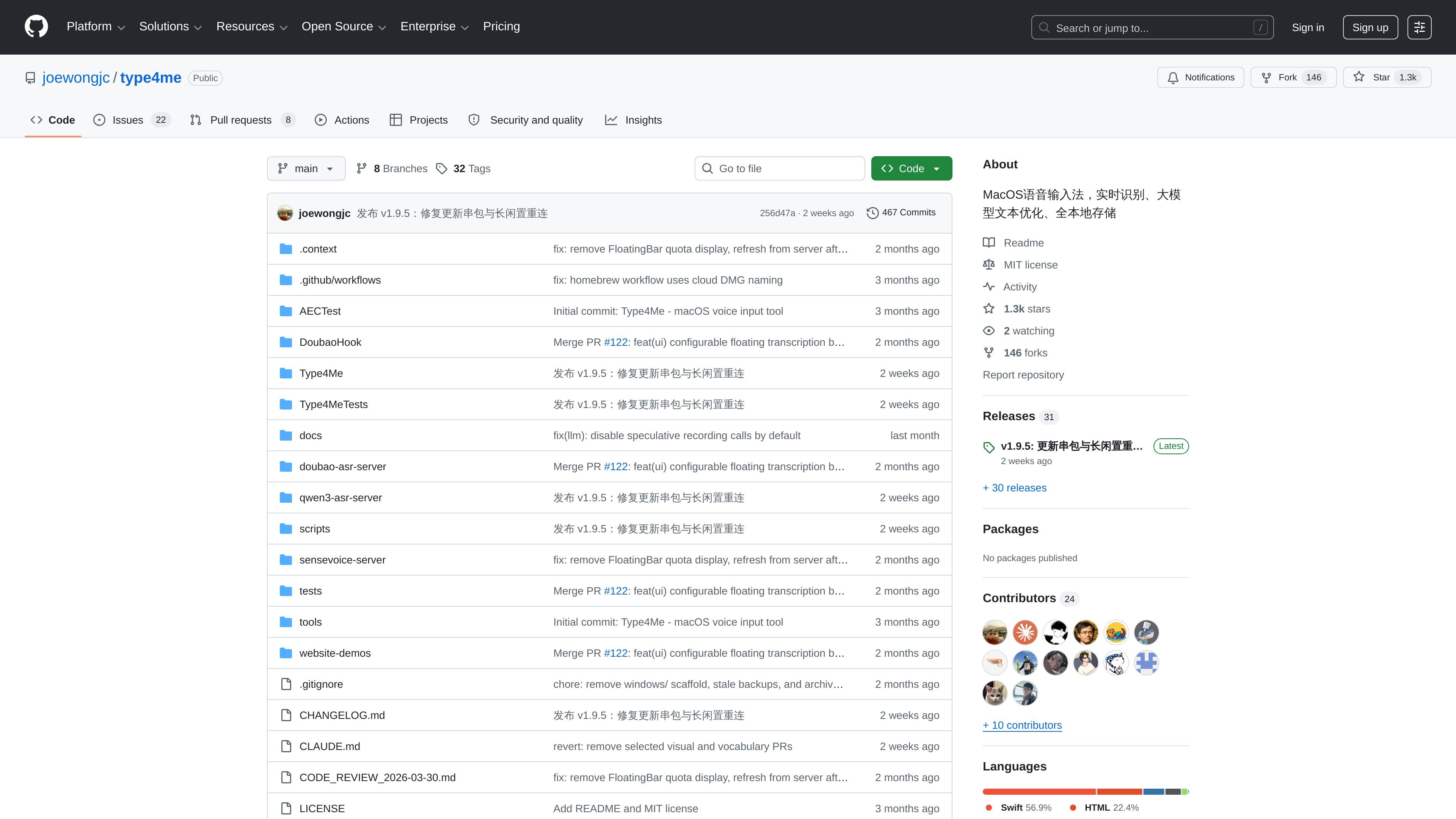
Type4Me is a MacOS voice input method for turning speech into typed text. Its main workflow combines speech recognition with optional language-model post-processing, so users can dictate, polish, translate, or customize the output before it is inserted into the active app.
The project offers a cloud edition and a local edition. The cloud version supports Intel and Apple Silicon and needs ASR and LLM API keys, while the local version bundles SenseVoice and Qwen3-ASR for Apple Silicon users and still relies on API keys or an Ollama local service for text processing. The README also highlights vocabulary management, transcript history with CSV export, and a companion Skill for managing recurring recognition errors.
Type4Me includes built-in local speech recognition, supports multiple cloud ASR providers, and can stream text as you speak so you do not have to wait for the full sentence to finish.
The app can polish text, optimize prompts, translate Chinese into English, or run custom templates for other post-processing tasks. It also supports Ollama for local LLM-based text processing.
Users can define hotwords to improve recognition of proper nouns and mapping words to replace spoken phrases with preferred output, such as turning a spoken email phrase into an actual address.
The app saves recognition history, including both the original transcript and processed output, and can export that history as CSV.
Type4Me supports separate global hotkeys per mode and offers both push-to-talk and toggle-to-record input workflows.
The repository includes a companion Skill intended to help manage hotwords and mapping words through an agent workflow.
Dictate text into any Mac app and have it inserted as you speak, using real-time recognition to reduce delay during fast note-taking or drafting.
Polish spoken drafts with built-in prompt-based text processing when you want cleaner phrasing, translation, or a different tone before inserting text.
Add hotwords or mapping words for names, product terms, email phrases, and other repeated expressions that are easy for ASR to miss.
Keep a searchable record of raw and processed transcripts, then export the data as CSV for later review or external analysis.
Use the cloud edition for Intel or Apple Silicon Macs when you want a smaller download and provider-based recognition, or switch to the local edition on Apple Silicon when local ASR is preferred.
Type4Me is a MacOS voice input method that combines real-time speech recognition with optional large-language-model text processing. It can transcribe speech directly, then apply prompts for polishing, translation, or custom post-processing before inserting text.
The README says Type4Me supports both cloud recognition and bundled local recognition on Apple Silicon. The cloud edition works on Intel and Apple Silicon; the local edition bundles SenseVoice and Qwen3-ASR and requires Apple Silicon with significant memory use.
Yes. Each mode can be bound to its own global hotkey, and the app supports both push-to-talk and press-once-to-start/press-again-to-stop workflows.
The README says recognition history stores both raw text and processed text, and it supports CSV export.
The repository lists a cloud edition and a local edition. The cloud edition is recommended and the local edition is much larger, while the page also notes that pricing for GitHub hosting itself includes a free tier and paid plans, but Type4Me's own app pricing is not stated in the README.

SpeakoFlow is a free, open-source desktop voice-to-text app for Windows, macOS, and Linux. It supports dictation into any app, voice-driven writing with Flow, cleanup, translation, and a screen-aware assistant.

Gerty is a local AI assistant for Apple silicon Macs that handles chat, writing, documents, voice and selected Mac app tasks without sending data to the cloud. It works offline after model downloads and is designed for users who want private everyday AI without an account or subscription.

Grok 4.7 is an xAI model for software development and knowledge work, including extended coding tasks and professional analysis. It is available through Grok Build, Cursor, the Grok API, and other developer platforms, with token pricing starting at $2 per million input tokens and $6 per million output tokens.

Tactiq is an AI note taker for Google Meet, Zoom, and Microsoft Teams that transcribes meetings live and turns them into summaries, action items, and follow-up outputs. It is built around a Chrome extension and supports team workflows through sharing and integrations.

Tavus is an AI video platform for building real-time, face-to-face agents, digital twins, and AI companions. It combines APIs, custom replicas, and multilingual conversational workflows for developers and teams.

CAKIE is a Mac app for recording your screen and voice for an AI agent. It adds a transcript and screenshot highlights, then lets you copy a prompt and paste or attach the context in another AI app.