
AI tab grouping
Uncluttr can automatically group tabs based on context, helping users sort large tab sets without dragging every tab by hand.

Uncluttr is a Chromium browser tab manager that uses AI grouping and a vertical sidebar to organize large tab sets without losing access to them. It includes free and paid plans, with broader automation and support in the paid tier.
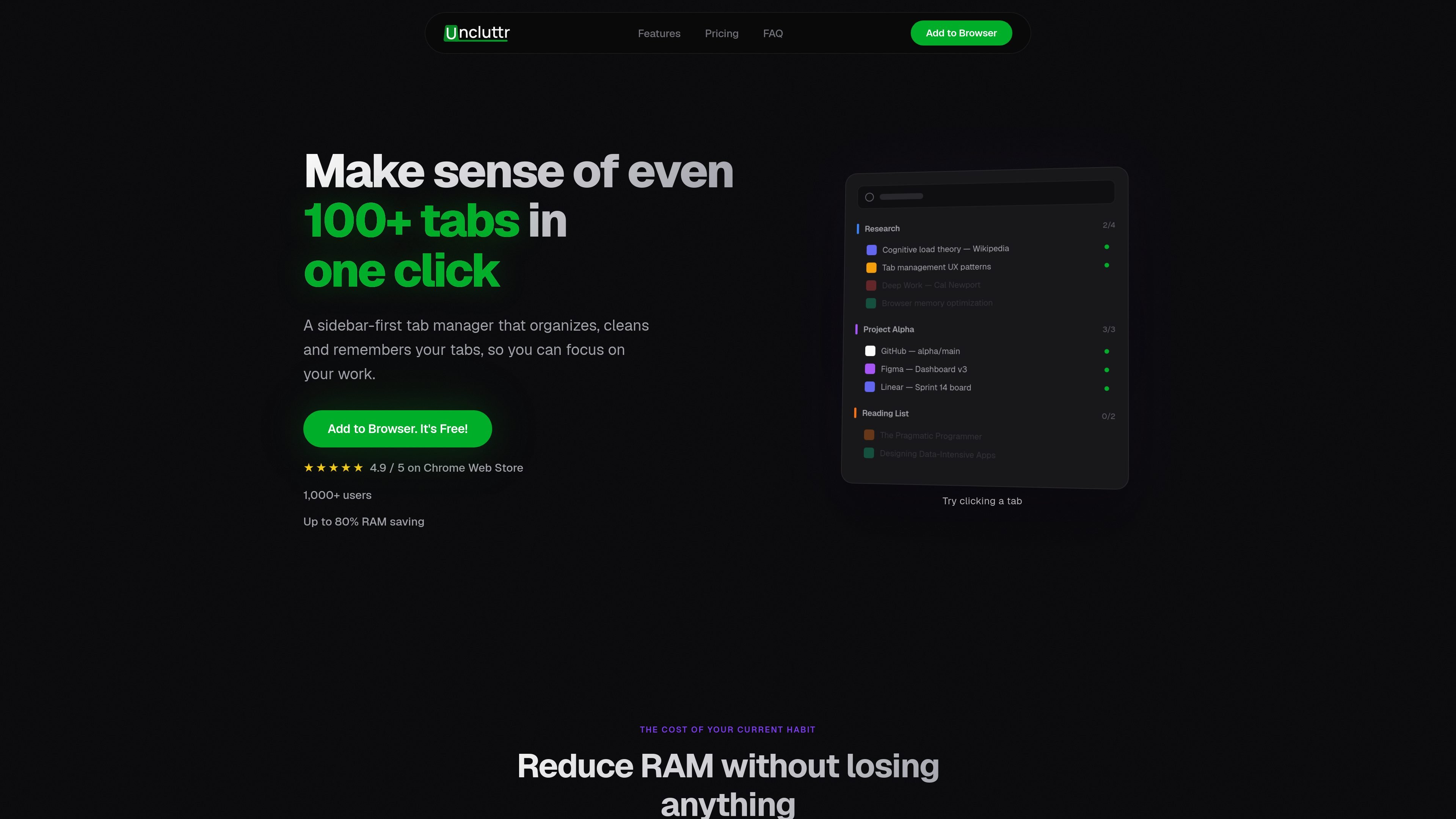
Uncluttr is a browser tab manager for Chromium-based browsers that helps people organize large tab sets into workspaces and groups without losing access to them. The product is presented as a sidebar-first extension that uses AI grouping, search, and automatic cleanup features to make busy browser sessions easier to handle.
Its public copy emphasizes keeping tabs available while reducing visual clutter and browser memory use. The site says detached tabs use zero memory, and that saved workspaces remain independent of Chrome so they are less exposed to crashes, updates, and profile issues.
Uncluttr can automatically group tabs based on context, helping users sort large tab sets without dragging every tab by hand.
The product centers on a vertical sidebar that keeps grouped tabs visible and accessible while reducing the clutter of a standard tab strip.
The site says detached tabs use zero memory while staying one click away, which is intended to reduce browser load without closing work in progress.
The home page shows search across all tabs and groups, making it easier to find an item in a long session.
The free plan lists duplicate detection, auto-close of unused tabs, auto-collapse of groups, automatic grouping, and limited Smart Grouping.
The Unlimited plan adds unlimited AI auto-grouping, rule-based grouping, smart group renaming, cross-device sync, analytics and insights, and priority support, with some items marked coming soon.
For people who keep dozens of tabs open for research, writing, or development, Uncluttr groups related pages into workspaces so they are easier to return to later.
For users who want to clear the browser’s tab strip without fully closing pages, the sidebar and detached-tab workflow keeps less-used tabs accessible while reducing clutter.
For people who worry about losing work after a crash or update, the product’s independent workspace storage is meant to preserve saved tab sets outside Chrome’s own session state.
For users who need to find a page quickly in a long session, search across all tabs and groups helps locate tabs without scrolling through many windows.
For users starting with the free plan, the included automation and cleanup tools provide a basic path to organize tabs before deciding whether paid grouping features are needed.
Uncluttr is a Chrome extension with a free plan and an optional paid Unlimited plan. The pricing page itself was not available, but the home page shows both plans and the upgrade flow in-app.
It keeps tabs in a vertical sidebar and can group tabs automatically by context. The site also says detached tabs use zero memory while staying one click away, which is the main workflow difference it highlights.
The home page says it works with Chrome, Edge, Brave, and other Chromium browsers. The site copy also presents it as a Chrome Web Store extension.
The site says workspaces are saved independently of Chrome, so crashes, updates, and profile issues cannot touch them. That is the main protection it advertises against losing saved tab sets.
The source pages do not describe team collaboration features. Based on the published copy, Uncluttr is positioned as an individual browser tab manager rather than a shared workspace tool.

Goldfish is an AI memory app for macOS that helps you reply, write, summarize, and continue using the context already on your Mac. It stores memory locally and writes in your tone.

ArtDeck is a visual reference board app for iPhone, iPad, and Mac that lets artists collect mixed reference material on one canvas and study it with ToolBox lenses. It works offline, supports optional iCloud sync, and is sold as a one-time purchase with no account required.

Dcyde is a decision log for product teams that captures what was decided, the reasoning behind it, and the source in one shared place. It supports pinning decisions from Slack, Figma, or inside Dcyde and keeps the record searchable over time.

Lasso is an ecommerce product data platform for enriching catalog records, processing supplier files, generating product content, and monitoring competitors. It combines a web app with a REST API, SDK, and MCP server for teams and developers.

Biji - это универсальная платформа, разработанная для повышения продуктивности с помощью инновационных инструментов и функций.

Struere is an AI-native platform for turning spreadsheet data into structured operational software with dashboards, alerts, and automations. It is aimed at teams that want to replace manual spreadsheet workflows without building custom tools from scratch.