
Event-triggered interviews
Start from real product behavior rather than a scheduled research session. UserCall can invite users into a short interview when a defined event happens, such as signup, abandonment, cancellation, or feature error.

UserCall’s Research Triggers lets teams invite users into short AI-moderated interviews at key product moments such as signup, onboarding drop-off, cancellation, or checkout abandonment. It helps product, research, and insights teams capture contextual feedback while the experience is still fresh.
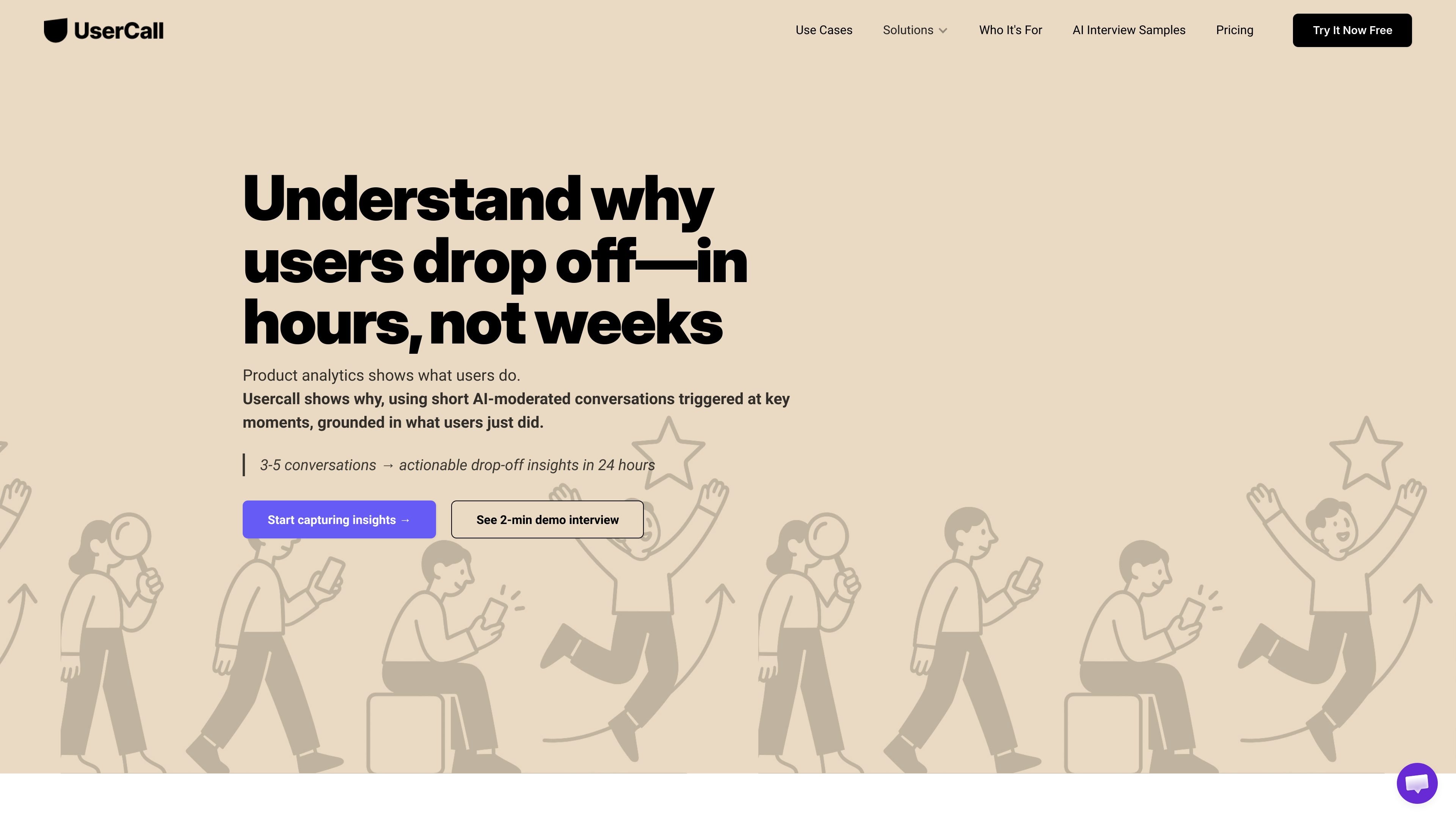
UserCall’s Research Triggers product helps teams collect qualitative feedback at the exact moment a product event occurs. Instead of waiting to schedule a later interview, it can invite a user into a short AI-moderated voice or text conversation after actions such as signup, cancellation, onboarding drop-off, checkout abandonment, support contact, or feature errors.
The core purpose is to capture context while it is still fresh and connect that feedback to the product path around the event. UserCall says this creates a continuous stream of contextual insights from real user behavior, with interviews transcribed, analyzed, and summarized into themes that teams can use for product improvement.
Start from real product behavior rather than a scheduled research session. UserCall can invite users into a short interview when a defined event happens, such as signup, abandonment, cancellation, or feature error.
Run short voice or text conversations while the experience is still fresh. The pages describe AI-moderated interviews that capture context, intent, and emotion immediately after the trigger event.
Connect product events from existing analytics tools, including PostHog, Mixpanel, Amplitude, and GA. UserCall also says it works with your existing product stack and can carry over relevant journey and user context when available.
Use interviews to collect transcripts, summaries, and theme-based output. The pricing page says conversations are transcribed, analyzed, and organized into theme hierarchies with supporting quotes.
Support multiple lengths, languages, and study styles through different plans. The pricing page mentions interview length limits, AI chat qualitative Q&A, screen-recorded prototype testing on Lite, outbound phone calling on Pro, and custom voices, languages, accents, and branding on Custom.
Trigger interviews when new users sign up, but do not reach the first meaningful action. This helps teams learn what blocked activation and what users expected to happen next.
Invite users after onboarding or setup stalls. The goal is to identify confusing steps, missing instructions, or product gaps that prevent completion.
Reach out when users contact support, encounter an error, or fail to complete a task. These interviews help teams distinguish surface-level incidents from the underlying product problem.
Ask shoppers or buyers who abandon checkout why they hesitated or stopped. UserCall positions this as a way to surface friction such as pricing concerns, checkout complexity, or missing trust signals.
Capture feedback around cancellation, churn, or feature drop-off to understand why users leave, what they expected, and what the product failed to deliver.
UserCall uses product events to trigger short AI-moderated voice or text interviews. The source content says teams can connect events from tools like PostHog, Mixpanel, Amplitude, or GA, but it does not describe a separate no-code setup flow beyond adding a JavaScript snippet and wiring events to a trigger.
The pages describe triggers for signup, onboarding drop-off, cancellation, checkout abandonment, feature adoption, support moments, and product issues. They do not provide a full list of supported event sources or a hard limit on the types of moments you can trigger from.
The source says interviews are transcribed, analyzed, and summarized into themes and evidence-linked insights. It also says teams get full transcripts and summaries on paid plans, plus AI qualitative analysis and theme hierarchies.
Pricing is available publicly on the pricing page. The source shows Lite, Core, Pro, and Custom plans, starting at $89 per month or $899 yearly for Lite, with higher-tier plans priced at $199, $399, and custom contact-sales options.
The pages position UserCall for product, research, insights, design, brand, and marketing teams. They do not spell out every team workflow in detail, so fit should be evaluated based on whether you need event-triggered interviews and qualitative analysis rather than scheduled interviews alone.

MeetStream is a meeting bot API for Zoom, Google Meet, Microsoft Teams, and Webex. It helps developers record, stream, and analyze meetings programmatically, with usage-based pricing and a $5 free credit to start.

Liam is an AI copilot for managing inboxes, writing replies, prioritizing email, and scheduling meetings. It is offered free for individuals, with custom pricing for teams and enterprise.

Tactiq is an AI note taker for Google Meet, Zoom, and Microsoft Teams that transcribes meetings live and turns them into summaries, action items, and follow-up outputs. It is built around a Chrome extension and supports team workflows through sharing and integrations.

garden-md is an open-source Node.js CLI that turns meeting transcripts into a local company wiki. It links entities across transcripts, keeps the original text intact, and renders the result as a browsable wiki.

HiringPartner.ai is an autonomous AI recruiting platform for sourcing, screening, and interviewing candidates 24/7. It supports ATS-connected workflows, bulk resume uploads, and reviewable interview outputs for hiring teams.

ClawEase is an AI business operator that captures requests across calls, email, SMS, WhatsApp, LINE, and web forms, then completes booking and service workflows in existing web systems. It is aimed at appointment-based businesses that need intake, follow-up, and execution without API changes.