
Image generation and image-to-image
Generate visuals from text prompts and support image-to-image workflows for editing or reworking existing imagery.

Wan is an AI creative platform for generating and editing images and video, with workflows for text-to-image, text-to-video, image-to-image, image-to-video, and multi-image editing. Its pricing page lists Free, Pro, and Premium plans for create.wan.video, plus separate access for API use and some other products.
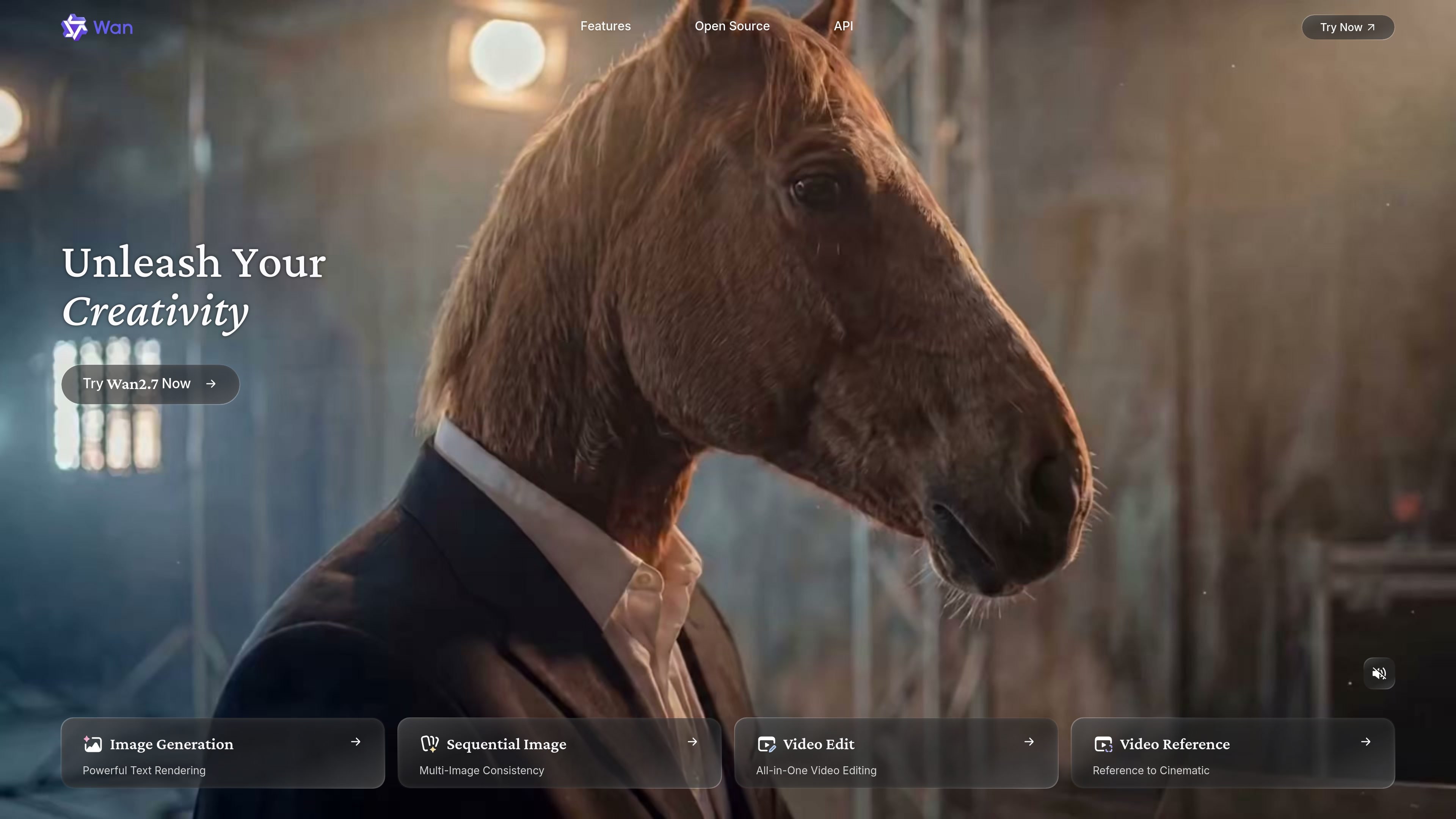
Wan is an AI creative platform focused on image and video generation, editing, and text-assisted visual creation. The homepage positions it as a leading AI video generation model and highlights a mix of creation modes, including text-to-image, image-to-image, text-to-video, image-to-video, and image editing.
The product combines generation and editing workflows in one place, with features such as sequential image consistency, multi-image editing, cinematic reference workflows, and instruction-based video editing. Pricing information on the site shows Free, Pro, and Premium membership plans for create.wan.video, plus separate access requirements for API and some other products.
Generate visuals from text prompts and support image-to-image workflows for editing or reworking existing imagery.
Create video from text or images, with the homepage also highlighting video editing and reference-based video creation.
Maintain consistency across multiple images and sequence them into up to 12 linked frames for storyboard-style work.
Edit multiple images together, with instruction following and support for combining up to 9 images into one result.
Control specific visual attributes such as portraits, color distribution, and pixel-level selections for more targeted edits.
Render longer text across 12 languages and generate charts, formulas, and infographics inside the image workflow.
Use Wan to generate still concepts from text, then refine them through image-to-image or multi-image editing when you need a tighter art direction.
Create short videos from prompts or reference images, then apply video editing tools for scene adjustments and instruction-based changes.
Build a visual sequence with consistent characters or style across up to 12 images for storyboards, pitch decks, or narrative planning.
Prepare presentation or explainer assets that include long-form text, charts, formulas, or infographics rendered inside the generated image.
Adjust portraits, color balance, or pixel-level regions when you need controlled edits rather than fully new generations.
Wan provides official user guidance and pricing plans for creating on create.wan.video, with separate purchases required for API use and some other products. The source also points to an open-source project and API platform, but it does not provide detailed setup steps on the pages provided.
The pricing page describes Free, Pro, and Premium membership plans. It also notes that subscriptions auto-renew, can be canceled anytime, and that the first month or year is non-refundable after activation.
The homepage highlights image generation, video editing, text rendering, sequential image generation, multi-image consistency, image-to-image, text-to-video, and image-to-video capabilities. The provided sources do not include full technical limits or file-format documentation.
The pricing page states that Pro and Premium plans include watermark-free downloads, 1080p high-resolution videos, longer videos of 10s and 15s, and image upscaling. The sources do not describe every output format or export option in detail.
The provided sources do not include a dedicated help or FAQ page with setup, collaboration, or workflow documentation. The homepage and pricing page are enough to confirm the product’s core features and plans, but not deeper operational details.

Генератор живописи AI - это онлайн-программное обеспечение, которое автоматически создает произведения искусства на основе текстовых описаний, предоставленных пользователями.

VIDEOAI.ME is an AI video generator for making spokesperson-style videos, ads, explainers, and social content from a script. It is aimed at founders, marketers, agencies, and creators who want to produce videos without filming.

Petalica Paint is a web service for automatically coloring line art and tracing line drawings from photographed images. The home page says it can be used under the stated terms for commercial and noncommercial work, but it is scheduled to end on 2025-07-31 at 16:00 JST.

Official HeyGen API documentation for building AI avatar videos, translations, lipsync, and interactive video-agent sessions. It supports direct API use plus MCP and CLI-style workflows for developers and AI agents.

艺映AI is a free AI video creation tool for generating video from text, images, or existing footage. It is positioned for short-form social content, promotional clips, and stylized AI video projects.

Clipia.ai is an AI image and video generation platform with presentations, an agent workflow, and developer integrations. It helps creators, teams, and developers produce media and decks from prompts, briefs, or source files using a shared credit system.