Speech enhancement
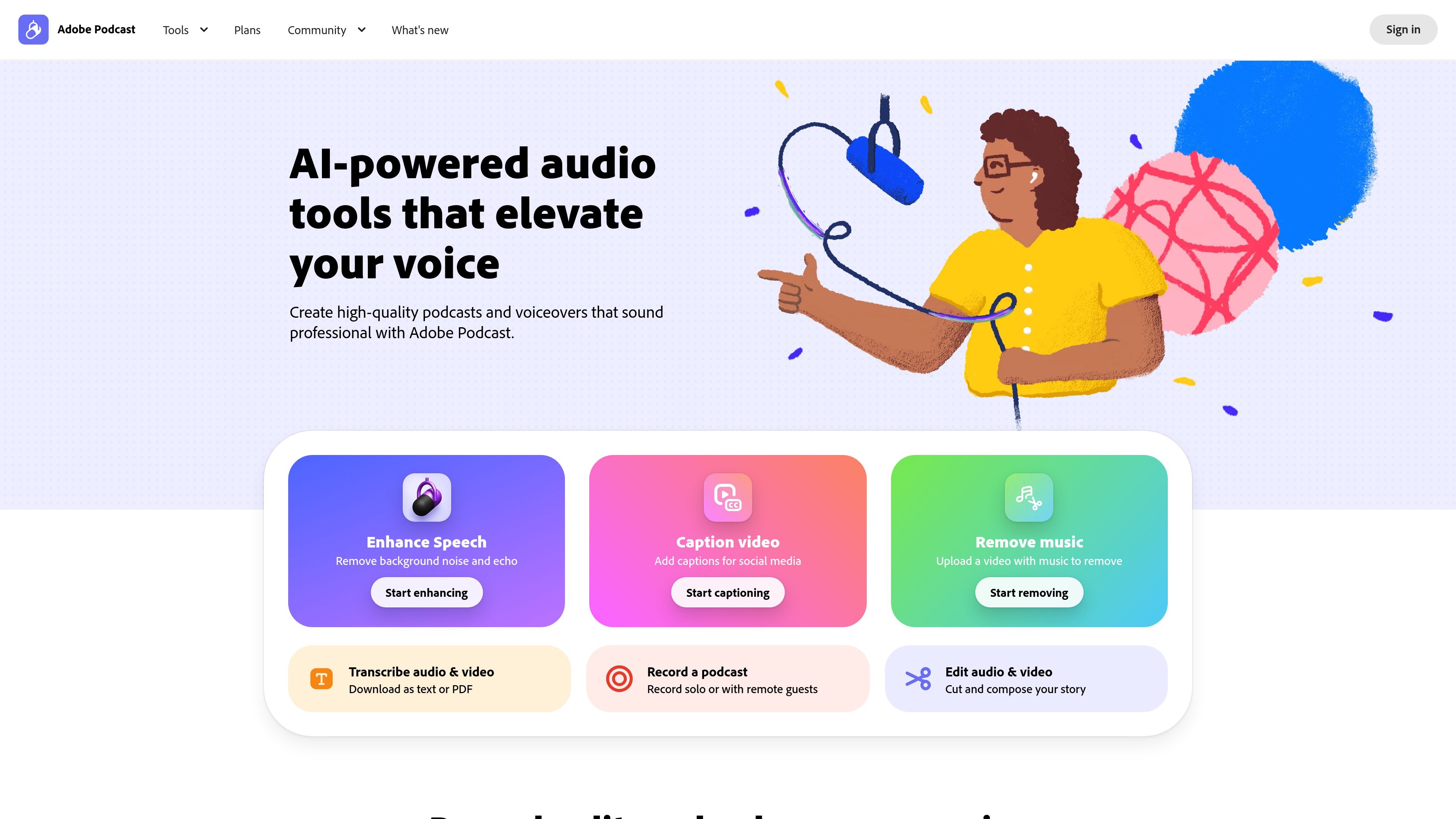
Enhance Speech removes background noise and echo from voice recordings and is presented as a way to improve audio after recording, even without a perfect microphone.
Adobe Podcast is a web-based AI audio recording and editing product from Adobe for making podcasts, voiceovers, and other spoken-audio content. It combines speech enhancement, browser recording, transcription-based editing, captioning, and related audio and video tools in one site.
The product centers on two main workflows: Enhance Speech for cleaning up recorded audio, and Studio for recording, editing, and sharing projects in the browser. The site presents Studio as a beta experience and positions the Premium plan as the way to unlock higher limits and additional workflow features.
Enhance Speech removes background noise and echo from voice recordings and is presented as a way to improve audio after recording, even without a perfect microphone.
Studio lets you record, edit, and enhance audio in the browser, including solo recordings and remote guests, without needing desktop software.
Studio transcribes every word so you can cut, copy, and paste audio like text, using transcription-based editing for spoken-word work.
The product supports audio and video workflows, including captioning video, transcribing audio and video, converting audio to video, and removing music from audio or video.
Studio records each speaker as an individual track in 16-bit 48k WAV, and the site says users can download original recordings and speaker-separated audio on supported plans.
Premium plan pages mention features such as custom audiograms, caption themes, custom backgrounds for audiograms, bulk upload, and enhancement controls for speech, music, and ambience.
Use Enhance Speech to clean up voice recordings after the fact when the recording environment was noisy or the microphone quality was uneven.
Record a podcast episode in Studio with solo narration or remote guests, then edit it directly in the browser without switching to desktop software.
Transcribe audio or video files and use transcription-based editing to cut, copy, and rearrange spoken content more quickly than timeline-only editing.
Add captions to video, remove music from audio or video, or convert audio to video when you need social-ready or publishable assets from a spoken-audio project.
Import multitrack Zoom or Restream recordings, or join a remote recording session as a guest, when the source material already exists outside Adobe Podcast.
Adobe Podcast is a web-based audio recording and editing product that includes Enhance Speech, Studio, transcription, captioning, and audio/video workflow tools. The site positions it for people creating podcasts, voiceovers, lessons, and other spoken-audio projects.
Yes. The site says Adobe Podcast Studio runs in the browser and can be used without downloading software. Studio is marked beta on the site.
The site shows a free plan and a Premium plan. Premium adds higher limits and features such as video support in Enhance Speech, bulk upload, stronger control over enhancement, longer project and file limits, and no download limits on Studio projects.
Adobe Podcast can export transcripts as text or PDF, and Studio can download original recordings and speaker-separated tracks on supported plans. The site also mentions custom audiograms, captions, and Adobe Express premium design features on the Premium plan.
The source includes workflow guides for joining a remote recording as a guest, setting up a remote recording, and importing multitrack Zoom or Restream recordings. The site also links to an Adobe Podcast FAQ and system requirements page for more detail.
Tactiq is an AI note taker for Google Meet, Zoom, and Microsoft Teams that transcribes meetings live and turns them into summaries, action items, and follow-up outputs. It is built around a Chrome extension and supports team workflows through sharing and integrations.
CAMB.AI Streams dubs live audio in multiple languages in real time for broadcasts on platforms like YouTube, Twitch, and X. It plugs into existing live workflows using common streaming protocols and avoids a post-production step.
BeFreed is a personalized audio learning app that turns books and other knowledge sources into narrated listening experiences. It helps people learn on demand through interactive audio, voice selection, and built-in learning tools.
Scripta is a privacy-first AI notetaker that records, transcribes, and summarizes meetings directly on your device. The public site currently shows a Mac beta download and a Windows waitlist.
LALAL.AI is an AI audio processing platform for stem separation, voice cleanup, and voice transformation. It supports browser-based upload, preview, and download workflows for audio and video files, plus premium and enterprise options.
Capso is a native macOS screenshot and screen recording app for capturing, annotating, recording, and extracting text from screen content. It is free forever, open source, and positioned as an alternative to CleanShot X.