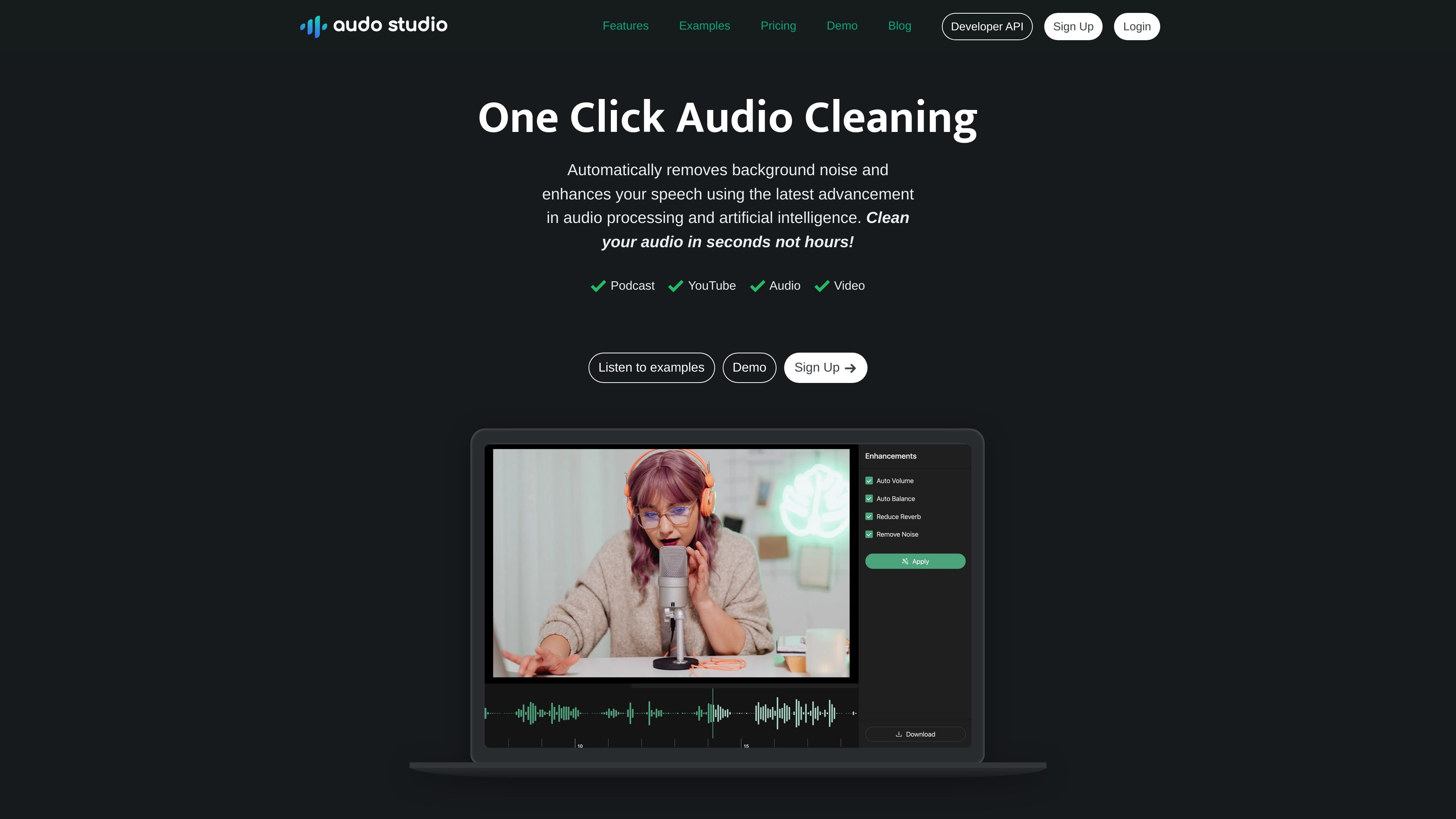
Automatic noise removal
Remove background noise from spoken audio so recordings are easier to understand without manual editing.
Audo Studio is a browser-based audio cleaning tool from Audo AI. It is positioned for creators who want to improve spoken audio without spending time in a full manual editor.
The main workflow is one click: the product automatically removes background noise and adjusts speech audio, and the site also lists echo reduction as a coming-soon feature. Audo AI separately offers a speech enhancement API for developers who want to integrate noise removal into other products.
Remove background noise from spoken audio so recordings are easier to understand without manual editing.
Reduce room echo or reverb is listed on the homepage as a coming-soon capability for recordings that need cleaner acoustics.
Automatically balance output levels so speech is more consistent across a recording.
Clean audio in the browser with a one-click workflow instead of working through a traditional multi-step editor.
The Audo AI API page offers batch noise removal for post-processing and a streaming SDK for real-time speech applications.
An admin dashboard is mentioned on the API page for usage and account visibility.
A creator can upload or process spoken recordings and use the one-click workflow to remove background noise before publishing.
Podcasters can reduce distracting ambient sound so dialogue is easier to follow in episodes recorded at home or in less controlled spaces.
YouTube creators can clean narration or voiceover tracks where time is better spent producing content than manually editing audio.
Developers can add batch noise removal to a product when post-processing recorded speech is the right fit.
Teams building real-time communication products can use the streaming SDK for live speech cleanup, according to the API page.
Audo Studio is a browser-based audio cleaning tool. From the homepage, it removes background noise, reduces room echo, and automatically adjusts volume in a single workflow.
The homepage says it works in the browser, so it is intended to run on any operating system, including Mac, Windows, and Linux.
The public site shows a Starter plan with limited free usage, a Creator subscription, and a pay-as-you-go option for extra minutes. The pricing page itself is currently not available.
The product pages present Audo Studio for creators and a separate Audo AI API for developers. That suggests a creator app and a developer-facing API are both part of the product family.
Audo Studio 是一款基于浏览器的音频清理工具,可自动去除背景噪音并优化语音录音,适合创作者和开发者使用,还提供用于第三方产品批量和流式降噪的 API。
CAMB.AI Streams dubs live audio in multiple languages in real time for broadcasts on platforms like YouTube, Twitch, and X. It plugs into existing live workflows using common streaming protocols and avoids a post-production step.
BeFreed is a personalized audio learning app that turns books and other knowledge sources into narrated listening experiences. It helps people learn on demand through interactive audio, voice selection, and built-in learning tools.
LALAL.AI is an AI audio processing platform for stem separation, voice cleanup, and voice transformation. It supports browser-based upload, preview, and download workflows for audio and video files, plus premium and enterprise options.
Optimo is a free, open-source CLI for optimizing and converting images and videos with format-specific commands built on ImageMagick and FFmpeg. It helps developers prepare web assets, batch process media, and automate compression from the shell or a Node.js script.
Kits AI is an AI music production platform for voice cloning, vocal generation, and vocal processing. It offers a Free plan, paid tiers, and a Windows desktop app for producers and creators working with studio-style audio workflows.