

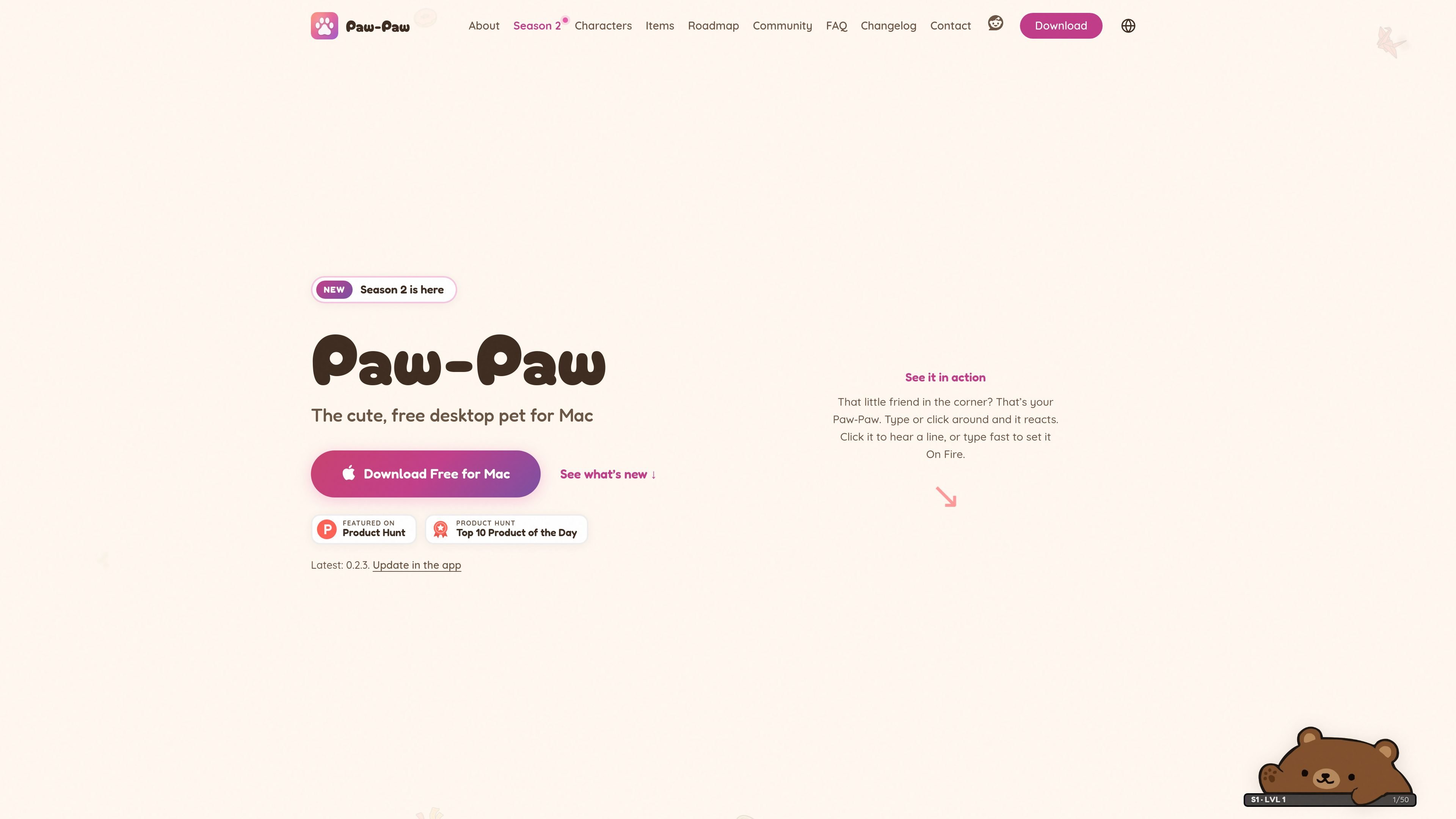
Reactive desktop companion
The character reacts to system-wide typing and clicks, and clicking it can play a short line. Paw-Paw counts activity without recording the text entered.
Paw-Paw is a native desktop pet for macOS. It stays on the screen while you work and reacts to typing and clicks, providing a small animated companion for activities such as coding, writing and studying. The app is designed to remain unobtrusive and does not require an account to use its free core experience.
The app combines its companion behavior with a collection system. Paw-Paws, items, seasonal level tracks, gifts, achievements and secret item pairings give users optional goals to pursue during normal computer use. Paw-Paw is free with no ads or subscription; the separate Illustrain Collection is an optional one-time USD 2.99 purchase.
Paw-Paw supports macOS 13 Ventura or later on Apple silicon and Intel Macs. Installation is through a signed and notarized DMG rather than the Mac App Store, and macOS Accessibility access is required so the app can notice typing and clicks. It counts activity but does not record the text entered.
The character reacts to system-wide typing and clicks, and clicking it can play a short line. Paw-Paw counts activity without recording the text entered.
Season 1 and Season 2 include free Paw-Paws and collectible items that unlock as you type, click and work. Items range from common to legendary and can be used with every Paw-Paw.
The Library brings Paw-Paws, items, achievements, seasons and collections into one window. Items can be searched, filtered by category, starred as favorites and checked by source season or collection.
Choose Small, Medium or Large, use Mirror Mode, adjust opacity, switch Paw-Paws or items from the context menu, and enable Click-Through or hide the companion when needed.
Choose which season or collection earns XP, earn 2× XP while On Fire, open multiple waiting gifts together, and discover achievements and secret Paw-Paw-and-item pairings.
The optional Illustrain Collection adds five Paw-Paws and 57 items on a separate level track for a one-time USD 2.99 purchase. The core seasons remain free, without ads or a subscription.
Keep a small animated companion in a corner of the screen while drafting documents, coding or handling routine computer work. Size, opacity and Click-Through controls help it fit around other windows.
Use typing and clicking as low-effort progress inputs while collecting Paw-Paws and items. Seasonal tracks, gifts and achievements add optional milestones without changing the main work session.
Browse the Library to search and filter items, mark favorites, inspect seasonal collections and change the companion or its equipment. This suits users who prefer collecting and organizing cosmetic content.
Install the app on another compatible Mac and sign in when progress needs to follow the user. Paw-Paw combines local and account progress and restores the higher progress for seasons and collections.
Paw-Paw runs on macOS 13 Ventura or later, including Sonoma, Sequoia, Tahoe and macOS 27. It supports both Apple silicon and Intel Macs, and the universal app can run on MacBook, iMac, Mac mini or Mac Studio models that meet the macOS requirement.
Download the signed and notarized DMG directly, drag Paw-Paw into Applications, approve the first launch, and complete the Get started window. The app requests macOS Accessibility access so it can notice key presses and clicks. An account is optional.
No. Paw-Paw counts key presses and clicks but does not see, store, log or transmit the text you type. Usage analytics and crash diagnostics are separate optional choices, and progress sync occurs only when you sign in.
No account is required for the free desktop pet. Signing in is optional and is used for syncing progress across Macs or buying the Illustrain Collection.
The free app includes both seasons, their Paw-Paws and items, with no ads or subscription. The optional Illustrain Collection costs USD 2.99 as a one-time in-app purchase and adds five Paw-Paws and 57 items on its own level track.

DANCING CATS App 可将猫咪照片变成会跳舞的猫咪短片,主打简单有趣的单一功能。页面信息简洁,适合快速了解用法,但价格、输出和功能细节未公开。

Cats Lock 是一款 macOS 应用,可用一个快捷键锁定键盘,让猫趴在按键上也不会输入到当前应用;支持静音 Stealth Lock、菜单栏操作和可选功能键锁定。

Kima 是一款面向家庭的共享宠物照护应用,可协同记录喂食、遛狗、用药、提醒和健康笔记。提供实时时间线、追踪工具及 iPhone 版 Premium 报告功能。

Kitiz 是一款适用于 iOS 和 Android 的免费猫咪收集游戏。收集独特猫咪、照顾它们,并见证彼此关系与对话随时间逐渐发展。

Clawd 是一款开源浏览器宠物伴侣,能在浏览器内对页面内容、用户操作和页面错误做出反应。支持本地使用,可选本地 AI 模式,并提供性能、日程和分心管理控制。

WaterMe 是一款基于浏览器的植物养护应用,可记录浇水等日常任务,并通过可分享的照料会话协助旅行托管。免费版适合小型植物收藏,付费版支持无限植物和更多养护洞察。