AI background removal
Upload a JPEG or PNG product image and let the AI isolate the subject, removing the background in seconds.
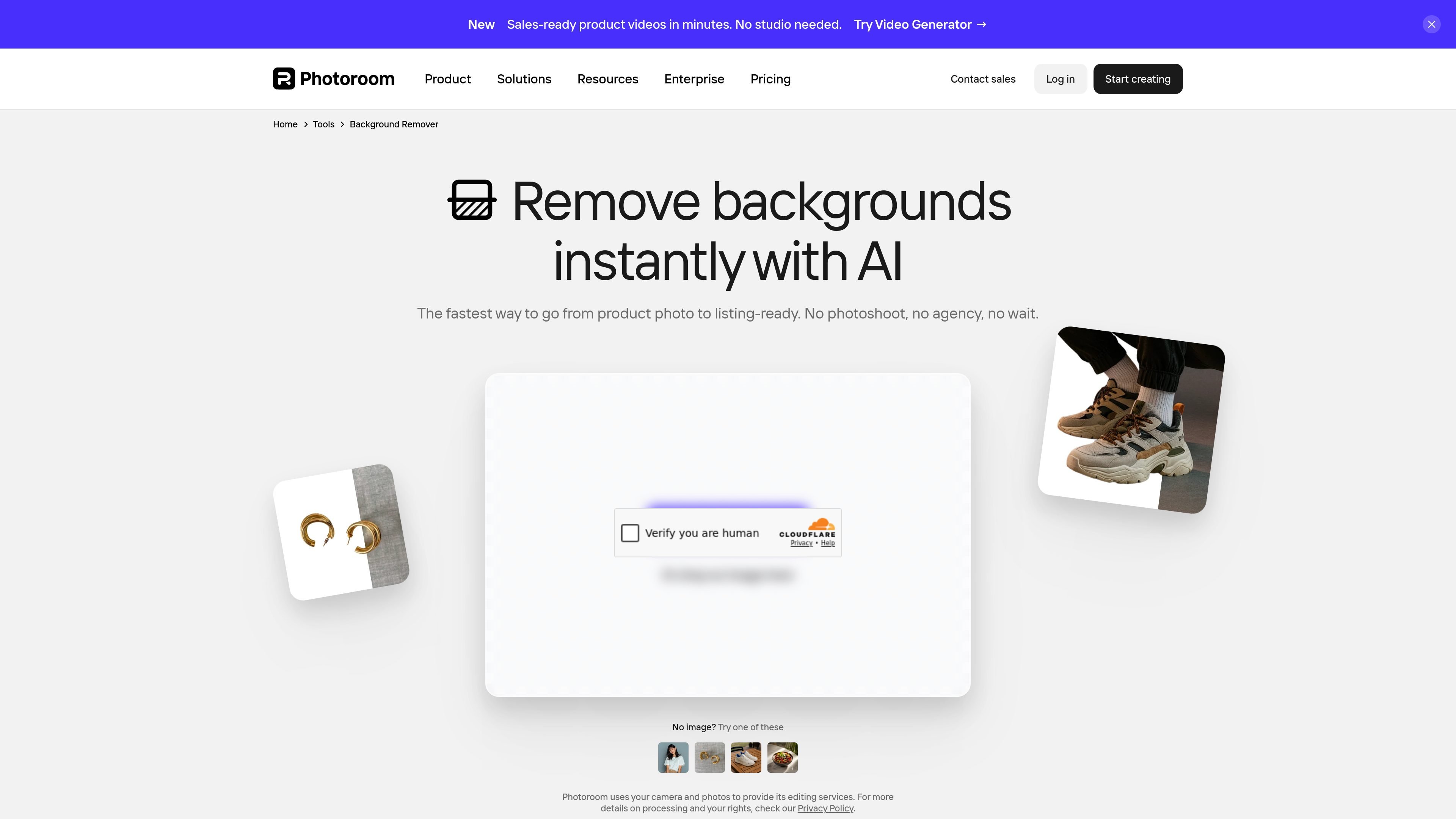
Photoroom’s Instant Background Remover is an AI tool for removing image backgrounds from product photos and other subject images. It is positioned for e-commerce, marketplace listings, and brand visuals that need a clean cutout quickly.
The page emphasizes a simple workflow: upload a JPEG or PNG, let the AI remove the background, then download the result in PNG, JPEG, or WEBP. Users can keep the background transparent, switch to white, or choose a different color, and larger workflows can be handled with Batch or the API.
Upload a JPEG or PNG product image and let the AI isolate the subject, removing the background in seconds.
Keep the cutout transparent, switch to white, or choose another color depending on where the image will be used.
Export finished images in PNG, JPEG, or WEBP, or save them to your Photoroom account for later editing.
Use Batch or the API to remove backgrounds across larger sets of images and keep catalog visuals consistent.
Access the tool on mobile devices, the web app, and desktop workflows supported by Photoroom.
Continue into related product-photo tools such as Product Staging, Virtual Model, AI Backgrounds, Resize, Retouch, and Product Beautifier.
Prepare clean product images for Shopify stores, marketplaces, and direct-to-consumer listings by removing distracting backgrounds and exporting ready-to-use files.
Process many images through Batch or the API when updating a catalog, launching new products, or maintaining consistent visuals across a large inventory.
Create transparent or white-background assets for channels that expect a simple, compliant presentation of products.
Move from a cutout image into related tools such as Product Staging or AI Backgrounds when you need lifestyle scenes or branded backdrops.
Work on background removal from mobile devices or the web app when a desktop editor is not available.
Photoroom’s background remover is available on mobile and desktop. You can start for free in the app or Web App, then upgrade if you need more AI tools or higher export limits.
Yes. The background remover exports images in PNG, JPEG, or WEBP, and the page says you can keep the background transparent or switch it to white or another color.
The source says you can upload JPEG or PNG product images, remove backgrounds, and then use Batch or the API for larger catalog workflows.
Photoroom’s pricing page shows a Free plan and paid plans including Pro, Max, Ultra, and Enterprise, with higher AI and batch limits as you move up the tiers.
The page describes Photoroom as built for e-commerce and brand visuals, especially product photos that need clean backgrounds for online stores and marketplaces.
Pixelcut is an AI photo editor for creating and editing product images, social content, and video assets. It offers free and paid plans, plus mobile app and browser access for individual users and teams.
Airbrush is an AI-powered photo and portrait editor for web, desktop, and mobile. It helps creators, everyday users, and professionals retouch portraits, remove backgrounds, and enhance images with credit-based AI tools.
BgSub is a browser-based AI tool for removing or replacing image backgrounds. It supports automatic cutouts, background replacement, and color adjustment for people editing product images, photos, or web visuals.
Slazzer is an AI photo editor focused on automatic background removal, with access through the web app, API, desktop software, and plugins. It also includes related tools for upscaling, enhancement, relighting, shadows, sky replacement, and photo restoration.
Aaavatar is a macOS portrait editor for teams that need consistent staff photos. It removes backgrounds, applies backgrounds or brand colors, and exports finished portraits to common professional channels.
Upscale.media is an AI image upscaling and enhancement tool from Pixelbin that enlarges low-resolution or pixelated images and improves clarity in the browser. It offers free individual image use, paid credit plans, and team-oriented workflows such as bulk processing and API integration.